209
Update
SERIAL COMMANDS
D
Purpose To disable t he scanner.
Rem arks
“D”
E
Purpose To enable the scanner.
Rem arks
“E”
#@ nnnnnn <CR>
Purpose To configure the scanner.
Rem arks nnnnnn – the six digit s of com m and param eters.
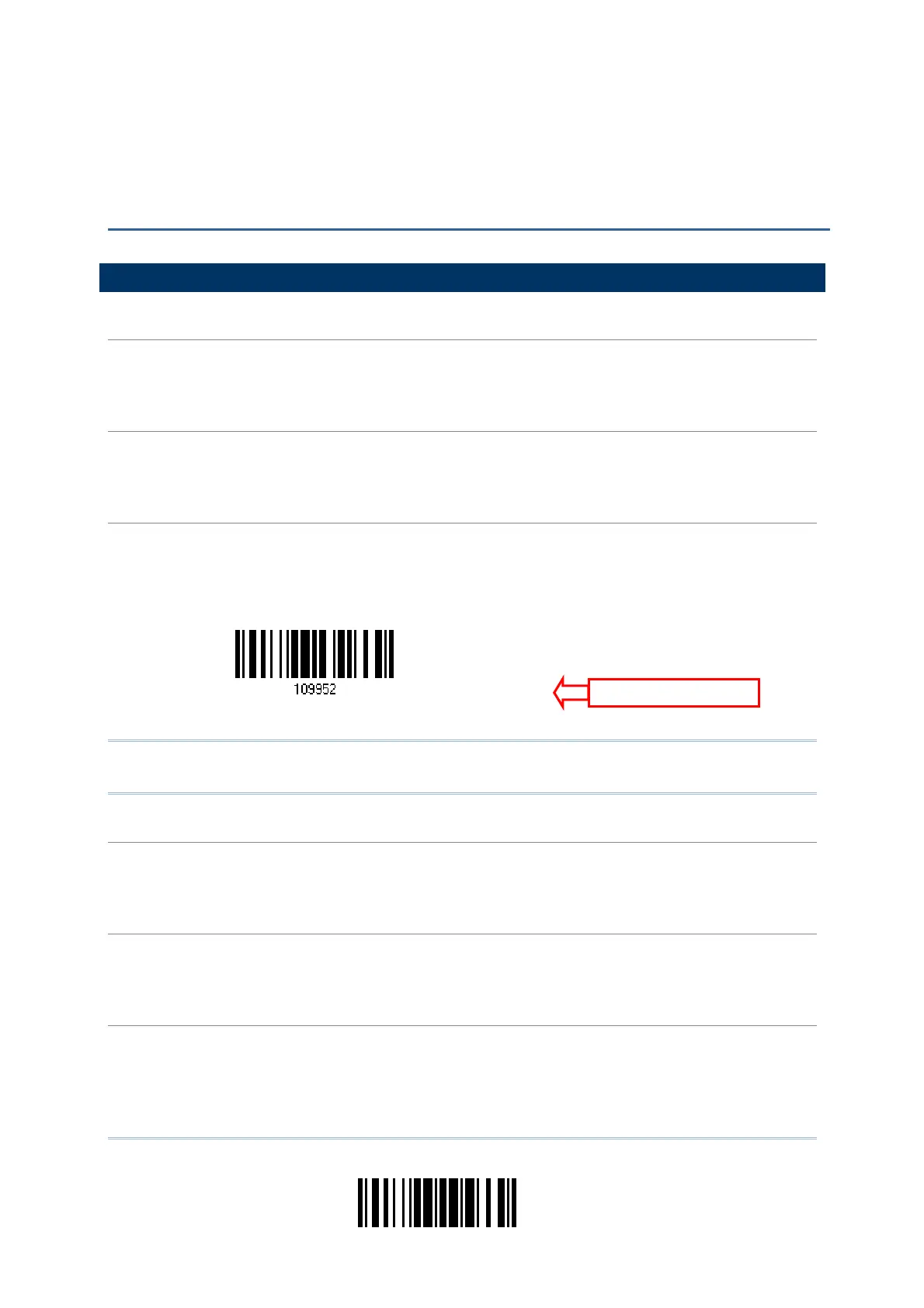
For exam ple, “109952” is to list the current Code I D set t ings.
“0x23” + “0x40” + “0x31” + “0x30” + “0x39” + “0x39” + “0x35” + “0x32” + “0x0d”
Not e: After configuring the scanner, you m ay send the serial com m and “ # @109999” to
save the set t ings.
#@ - - - -<CR>
Purpose To halt the scanner.
Rem arks
“0x23” + “0x40” + “0x2d” + “0x2d” + “0x2d” + “0x2d” + “0x0d”
#@ . . . . <CR>
Purpose To resume operation.
Rem arks
“0x23” + “0x40” + “0x2e” + “0x2e” + “0x2e” + “0x2e” + “0x0d”
#@////<CR>
Purpose To respond wit h a beep.
Rem arks
“0x23” + “0x40” + “0x2f” + “0x2f” + “0x2f” + “0x2f” + “0x0d”
Appendix II
HOST SERIAL COMMANDS
erial Comman
ist Page 3



 To Next Page