29
Update
Chapter 1
Understandin
he Barcode Scanner
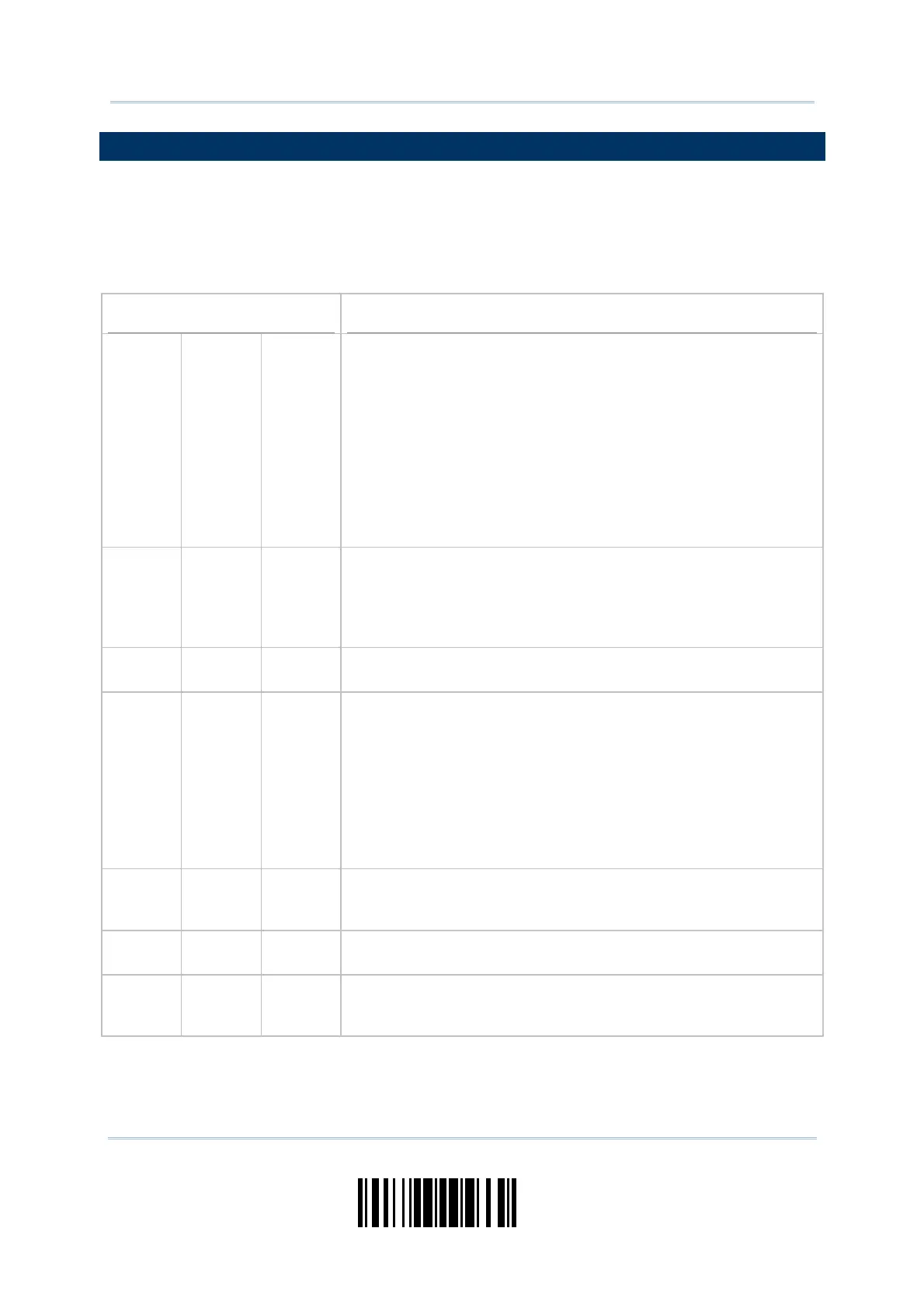
1.3 LED INDICATOR
The triple- color LED on top of t he scanner is used to provide user feedback. For exam ple,
the LED becomes solid red and goes off upon powering on or running out of t ransm it
buffer. You m ay t ell the difference by the beeps – you will hear a long beep of high tone
when powering on the scanner, and a long beep of low tone when the t ransm it buffer
becomes full.
Scanner LED
Meaning
Red,
on-off
--- ---
Power on, with one long beep ( high t one, LED on for 1
second)
Data saved t o buffer when t ransm it buffer is enabled and t he
scanner is out of range, wit h two short beeps ( high- low t one)
Transm it buffer full, with one long beep (low tone)
Transm it buffer disabled, wit h one long beep ( low tone)
Delete the last collect ed data in mem ory m ode, wit h t wo
short beeps ( high tone, LED on for 1 second)
Mem ory full in m em ory mode, wit h two short beeps (high- low
tone)
Red,
flashing
--- ---
Flashing red (On/ Off ratio 0.3 s: 2.5 s) indicates the scanner
is inact ive and its CPU running at low speed to save power
(because no WPAN connection is established after wait ing for
two m inutes)
Configurat ion Mode (On/ Off ratio 0.5 s: 0.5 s)
--- --- Green,
on-off
Good Read, wit h one short beep (high t one) and beeper pitch and
durat ion program m able
--- Blue,
flashing
--- First, flashing blue ( On/ Off ratio 0.5 s: 0.5 s) for two m inut es
indicates t he scanner is waiting for connection, and goes off if no
connection is established, then flashing red ( On/ Off rat io 0.3 s:
2.5 s) indicates the scanner is inactive.
I t is ready for connection only while the LED is flashing blue —
SPP Slave: waiting host t o connect
HI D or SPP Master: trying to connect to host
Using 3610: trying to connect to 3610
--- Blue,
flashing
--- Flashing blue (On/ Off rat io 0.1 s: 0.1 s) indicates the scanner
receives a PI N code request from host (flashing m ore quickly
than waiting connection) .
--- Blue,
flashing
--- Flashing blue ( On/ Off rat io 0.02 s: 3 s) indicat es the scanner has
est ablished a WPAN connection successfully.
--- Blue,
flashing
Green,
flashing
Flashing blue and green (On/ Off rat io 0.1 s: 0.1 s) indicat es an
error occurs while entering the PI N code. Press the [ Trigger] key
to get ready for re- connecting.



 To Next Page