4
Enter Setup
1663 Barcode Scanner
User Guide
CHARGE THE BATTERY VIA CHARGER
The battery charger is provided for charging t he battery outside of t he scanner. You m ay
purchase the charger separately. I t takes approximat ely 3 hours t o charge the battery t o
full.
Not e: Bat t ery charging st ops when the tem perature drops below 0° C or exceeds 40° C. I t
is recom m ended to charge the battery at room tem perature ( 18° C to 25° C) for
optim al perform ance.
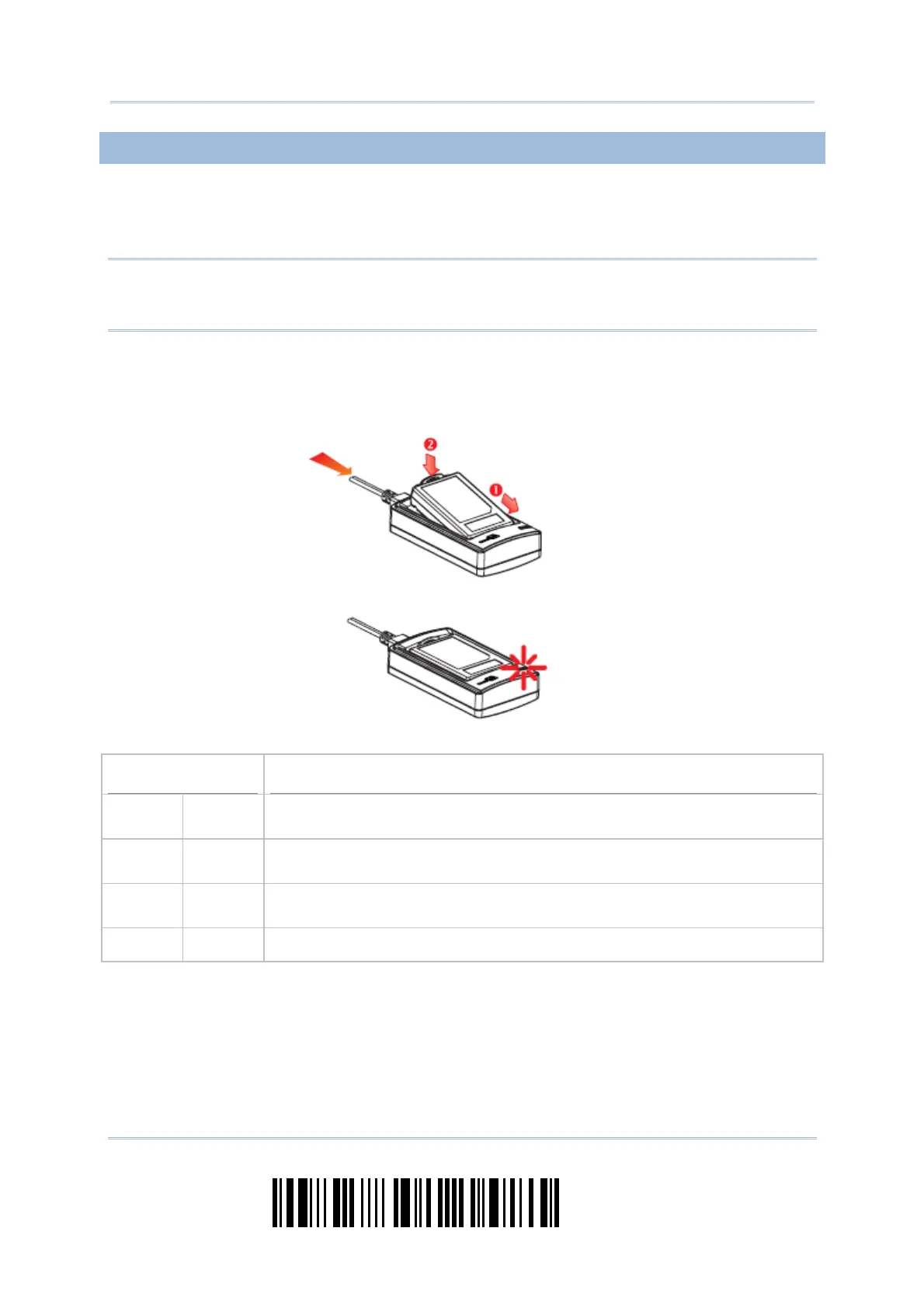
1) I nsert the batt ery.
2) Connect the power supply cord to the charger.
3) Connect t he ot her end of t he power cord t o a suit able power outlet .
Status LED
Meaning
Red,
solid
--- Charger power ON ( LED on for 0.5 second)
Red,
solid
--- Charging bat t ery
--- Green,
solid
Charging done
--- --- Power or bat t ery not ready



 To Next Page