158
Enter Setup
1663 Barcode Scanner User Guide
5.3 PREFIX/SUFFIX CODE
By default, there is no prefix code, and [ ENTER] or [ CR] ( Carriage Return) is configured
to be suffix code. Up to 8 characters can be configured, for exam ple, “Barcode_” , and
you will have t he string appear in front of t he barcode read, like this –
“ Barcode_1234567890” .
I f “Bluet ooth
®
HI D” or “ USB HI D” is configured for interface, Key Type and Key Status
will t hen become applicable. You m ay decide whether or not t o apply Key St atus
when “ Norm al Key” is select ed for Key Type.
Key Type Key Status
Scan Code Up to 4 scan code values are allowed. N/ A
Norm al Key Up t o 8 character strings are allowed.
Add Shift
Add Left Ctrl
Add Left Alt
Add Right Ctrl
Add Right Alt
Refer to
Keyboard Wedge Table.
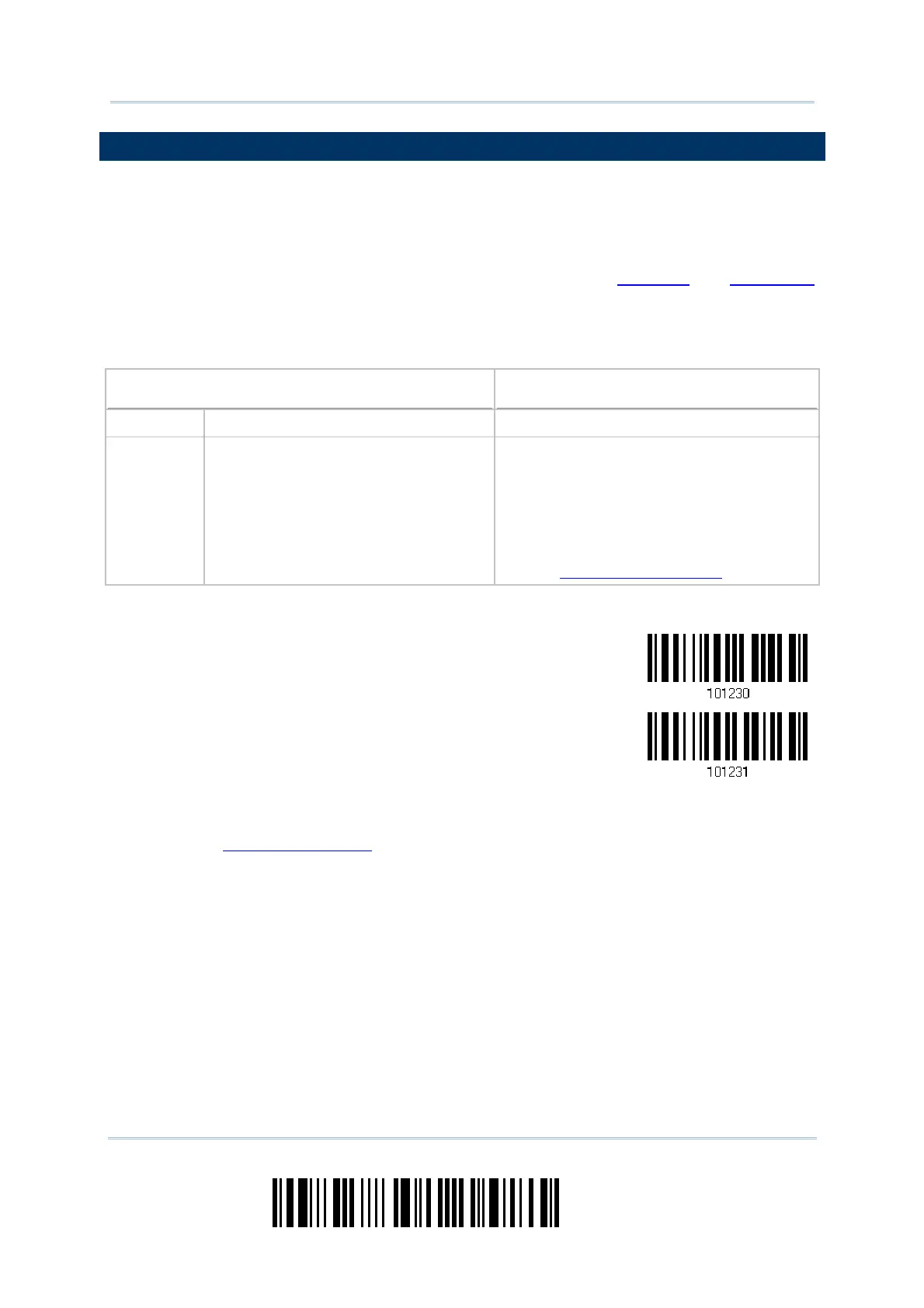
Configure Prefix
Configure Suffix
1) Read t he barcode above to apply prefix code or suffix code separately, and follow
st eps 2~ 3. (Max. 8 characters each)
2) Read t he “
Hexadecim al Value” barcode on page 220 for the desired character string.
For exam ple, read “2” and “B” for the scanner t o prefix or suffix the character [ + ] .
3) Read t he “ Validat e” barcode t o com plet e t his set t ing.



 To Next Page