86
Enter Setup
1663 Barcode Scanner User Guide
2.6.1 ACTIVATE USB HID & SELECT KEYBOARD TYPE
When USB HI D interface is activated, please select a keyboard type to com plet e t his
sett ing.
Activate
Direct USB HID &
Select Keyboard
Type…
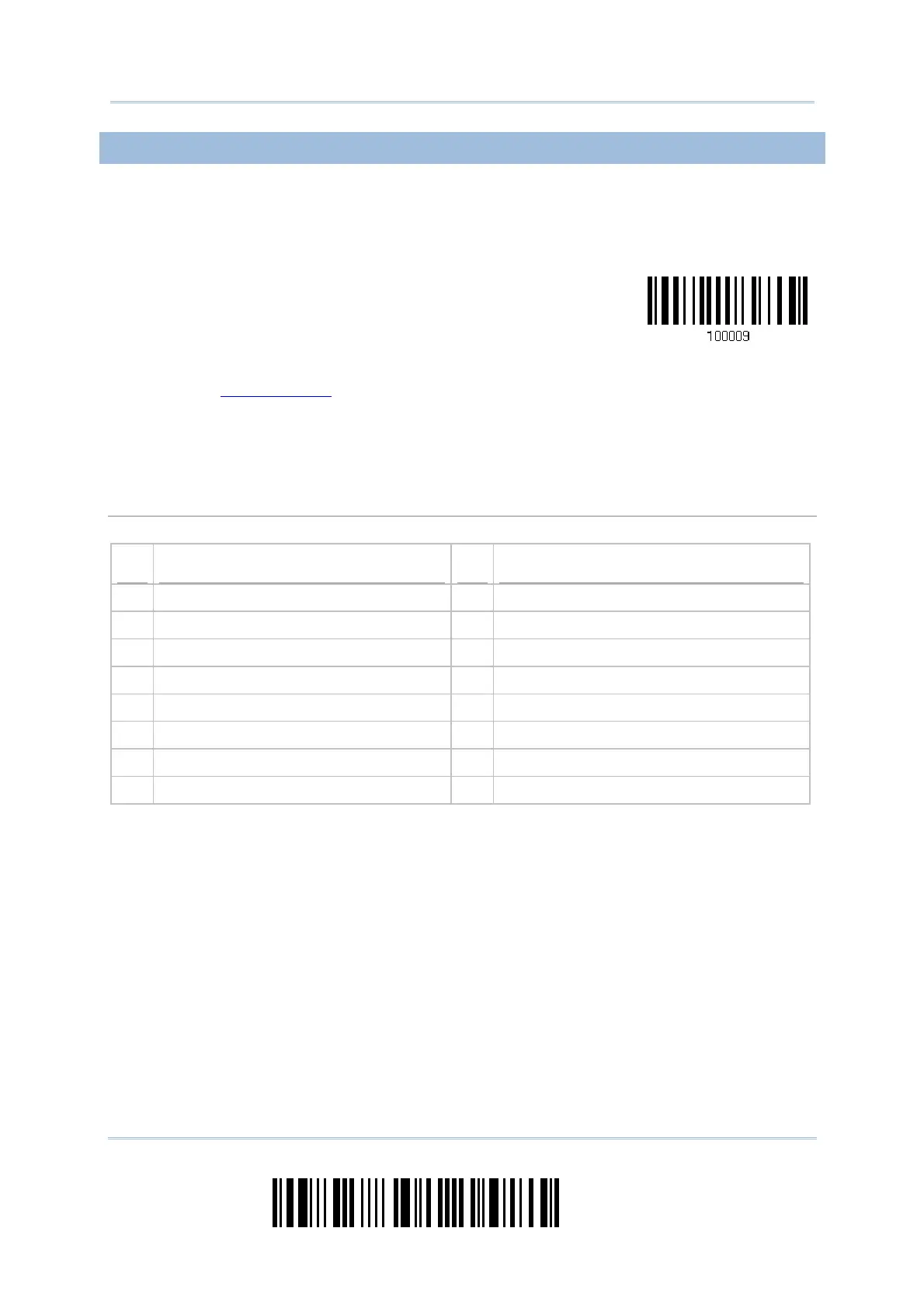
1) Read t he barcode above t o act ivat e USB HI D and select a keyboard type.
2) Read t he “
Decim al Value” barcode page 219 . Refer to the table below for the num ber
of desired keyboard t ype.
3) Read t he “ Validat e” barcode on t he sam e page t o com plet e t his set t ing.
USB HID
By default , the keyboard type is set to PCAT (US) . The following keyboard t ypes are supported —
No. Keyboard Type No.
Keyboard Type
64 PCAT (US) 72 PCAT (Spanish)
65 PCAT (French) 73 PCAT (Port uguese)
66 PCAT (Germ an) 74 PS55 A01-2 (Japanese)
67 PCAT (I t aly) 75 User- defined table
68 PCAT (Swedish) 76 PCAT (Turkish)
69 PCAT (Norwegian) 77 PCAT (Hungarian)
70 PCAT (UK) 78 PCAT (Swiss Germ an)
71 PCAT (Belgium ) 79 PCAT (Danish)



 To Next Page