5
Update
Introduction
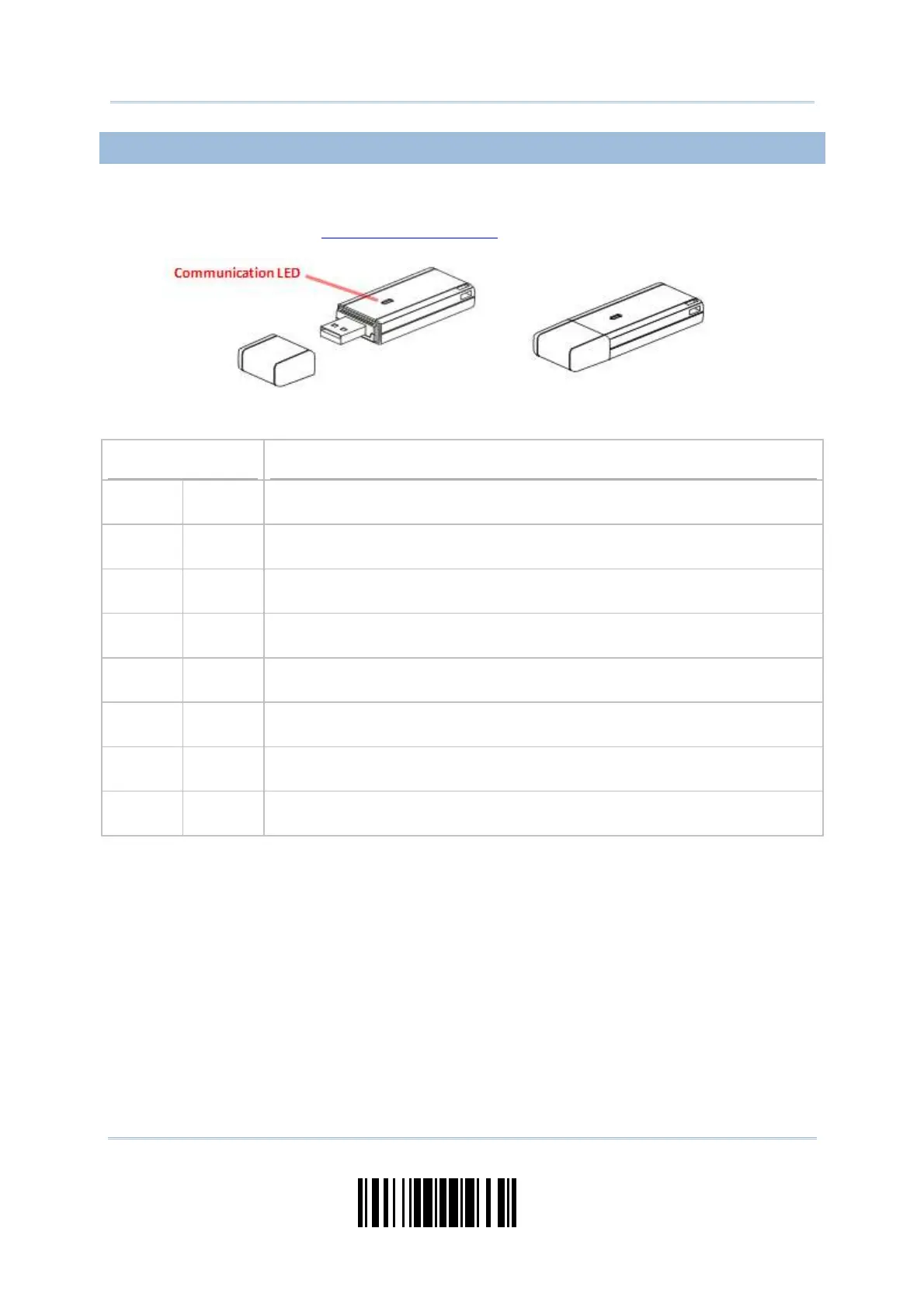
USE 3610
The CipherLab Dongle ( 3610) is specifically designed for the scanner t o com m unicat e
with a host com puter cordless. The connection bet ween the scanners and 3610 is m ade
easy and reliable. Refer to
3.1.1 Connect to 3610.
There is one LED indicat or provided for com m unicat ions stat us.
Communication LED
Meaning
--- Blue,
solid
I nitialize
Red,
solid
--- Failed t o est ablish a USB connect ion
Red,
solid
Blue,
flashing
Serial comm and m ode wit h USB Virtual COM: wait 3 seconds for starting a
serial com m and
Red,
flashing
Blue,
flashing
Serial comm and m ode with USB HI D: wait 3 seconds for pressing [ Num
Lock] or [ Caps Lock] 5 t im es via keyboard
--- Blue,
flashing
Wait for connect ion request from the scanner (Slow flash at 0.5 Hz)
--- Blue,
flashing
Connect ed wit h t he scanner (Fast flash at 1 Hz)
Red,
solid
Blue,
flashing
Failed t o send dat a to host via USB Virt ual COM (Fast flash at 1 Hz)
Red,
flashing
--- Enter Download Mode



 To Next Page