185
Update
Chapter 6
Applyin
Formats for Data Editin
6.3.3 MATCHING STRING & LOCATION
By default, no m atching string is specified, and therefore, it is disabled. You m ay enable
this feature by specifying a m at ching st ring up t o four characters.
When t he Mat ching St ring Locat ion is zero, t he scanner will only check for the
existence of the m atching string in the barcode data.
Specify a value from 1 t o 254 t o indicat e where t he m at ching st ring starts in t he
barcode data.
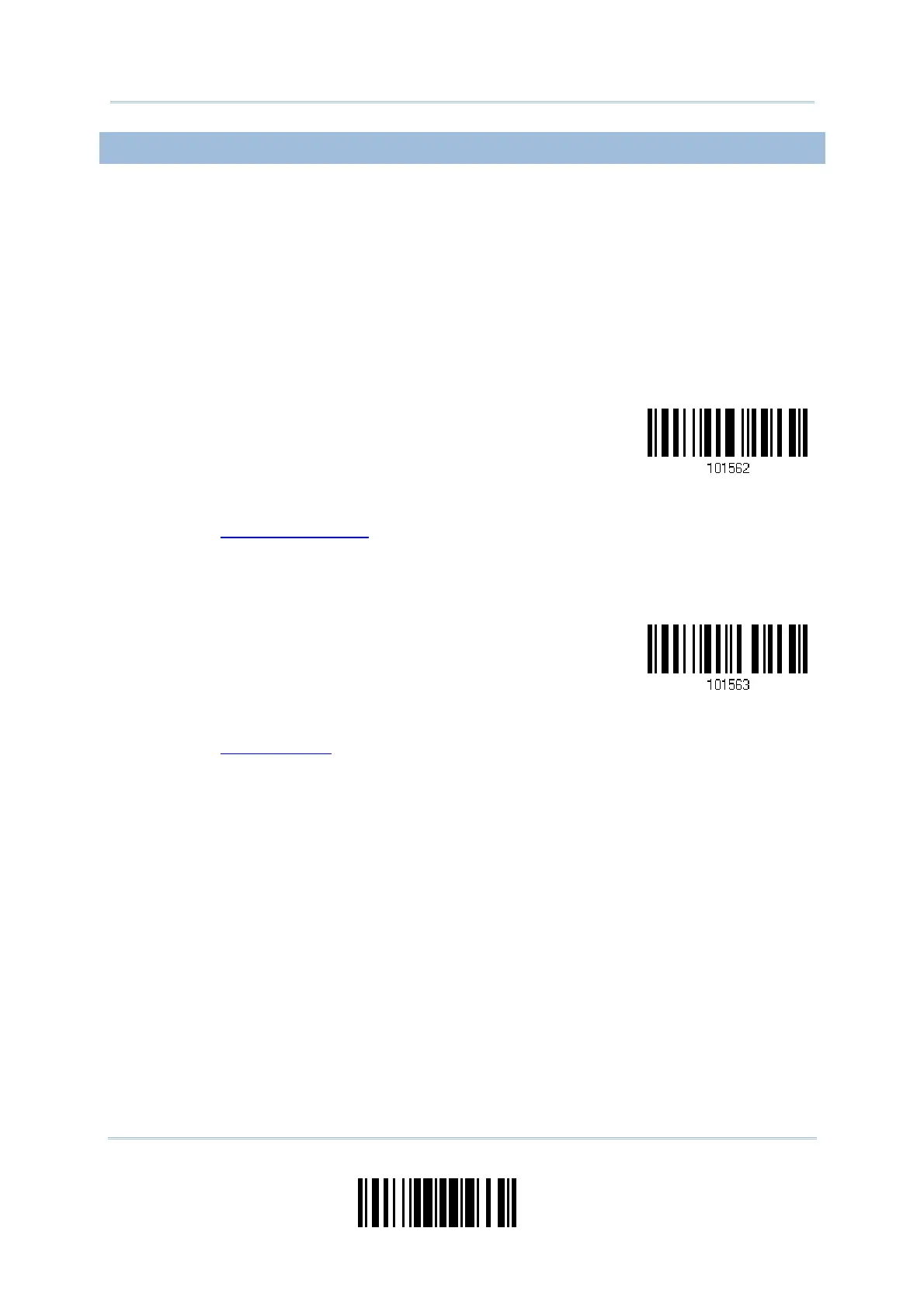
1) Read t he barcode to specify a m atching string.
Matching String…
2) Read t he “
Hexadecim al Value” barcode on page 220 for the desired character string.
3) Read t he “ Validat e” barcode t o com plet e t his set t ing.
4) Read t he barcode to specify the location of the m atching string.
Location of Matching
String…
5) Read t he “
Decim al Value” barcode on page 219 for the desired locat ion.
6) Read t he “ Validat e” barcode on t he sam e page t o com plet e t his set t ing.



 To Next Page