98
Enter Setup
1663 Barcode Scanner User Guide
3.1 CONNECTING VIA 3610
By default, the interface of 3610 is set t o “ USB HI D”. You can have up to seven scanners
connect ed to one com puter at t he sam e t ime.
Not e: I f you are using USB Virt ual COM for t he first tim e, you m ust install it s driver from
the CD-ROM. Driver version 5.4 or lat er is required. Please remove older versions!
3.1.1 CONNECT TO 3610
Connect any scanner to 3610 by reading the two labels at the back of 3610. The scanner
will respond wit h one beep upon reading each of the labels.
“ Set Connection” label
“ Serial Num ber” label
Aft er reading t hese labels, t he scanner will st ay act ive for a specified period of t im e ( 2
m inutes by default) trying to connect to the 3610 while it s LED is flashing blue ( On/ Off
rat io 0.5 s: 0.5 s) . Once connect ed, t he scanner will respond wit h t hree beeps (t one
ascending from low to high) , and the LED flashes blue ( On/ Off ratio 0.02 s: 3 s). When
out of range, the scanner will respond wit h t hree short beeps (tone descending from high
to low) .
Read t he “ Set Connect ion” barcode first, and then t he “ Serial Num ber” barcode. I f the
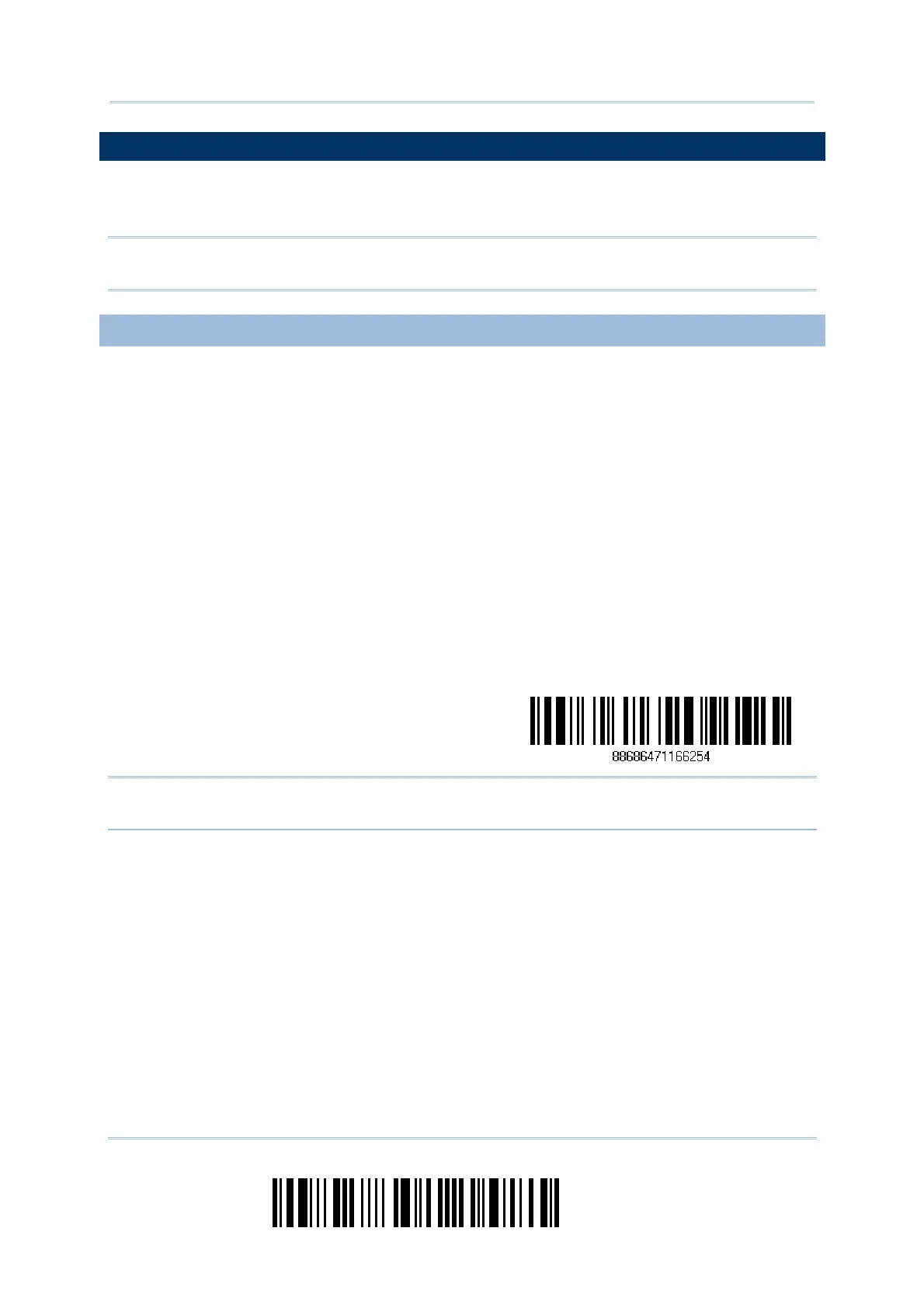
“ Set Connection” barcode on 3610 is illegible, try this one —
Set Connection
Not e: The 3610 set t ings will overwrite t he int erface- related settings on the scanners that
are currently connected to 3610.



 To Next Page