104
Enter Setup
1663 Barcode Scanner User Guide
3.2.3 CONNECT TO DONGLE
The procedure goes through associat ing devices for establishing a WPAN connect ion,
which is pret t y m uch the sam e except for t he software you are using. I f your com puter is
running Microsoft
®
Windows
®
XP ( SP1 to SP3), Windows Vist a
®
Service Pack 1 (SP1) and
Windows 7, you can use t he software support t hat Windows
®
includes, or you can use
the driver that the device m anufacturer provides. Now, let ’s try using the software
support t hat Windows
®
XP Service Pack 2 includes.
Bluetooth
®
HID Procedure
By default , Bluetooth
®
HI D is activat ed on the scanner, and the keyboard t ype is set to PCAT (US) .
When Bluetooth
®
HI D is re- activat ed, you will have to select a keyboard t ype to com plete this
set t ing.
The procedure is the sam e as for Bluetoot h
®
SPP. Refer to steps 1~ 11 below.
Bluetooth
®
SPP Procedure
1) Turn on the Bluetoot h
®
funct ion on your com put er, running Windows XP SP2.
2)
Double-click the Bluet oot h
®
icon from the lower right of t he t askbar.
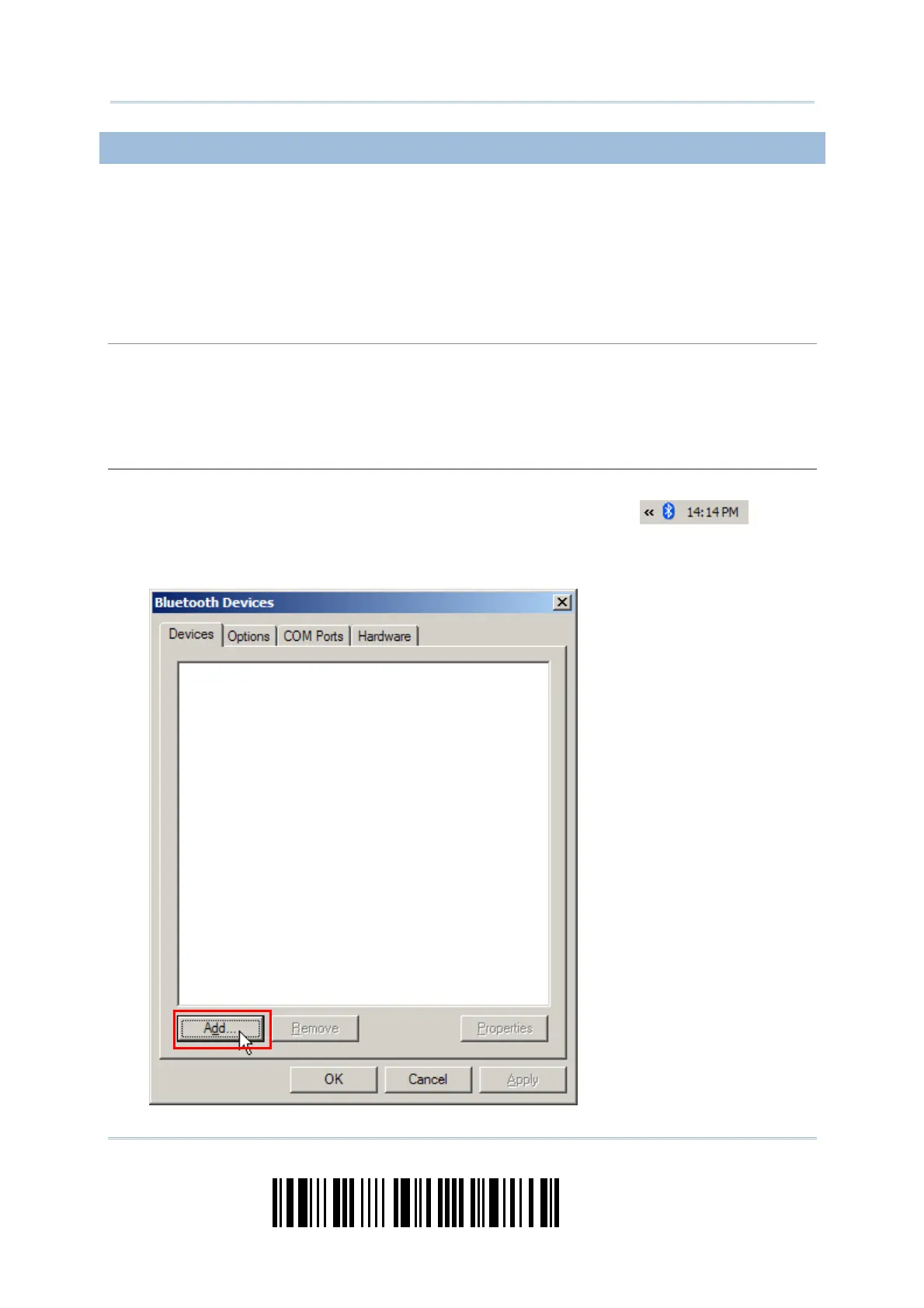
Alternatively, you m ay go t o Cont rol Panel > Blu e t oot h De vices.
3) Click [ Add] t o search devices nearby.



 To Next Page