22
Enter Setup
1663 Barcode Scanner User Guide
1.1.1 POWER LEVEL
Scan the barcode below to get the bat t ery capacit y inform ation wit h each increm ent of
20 in percentage t erm s.
Spare Power Level
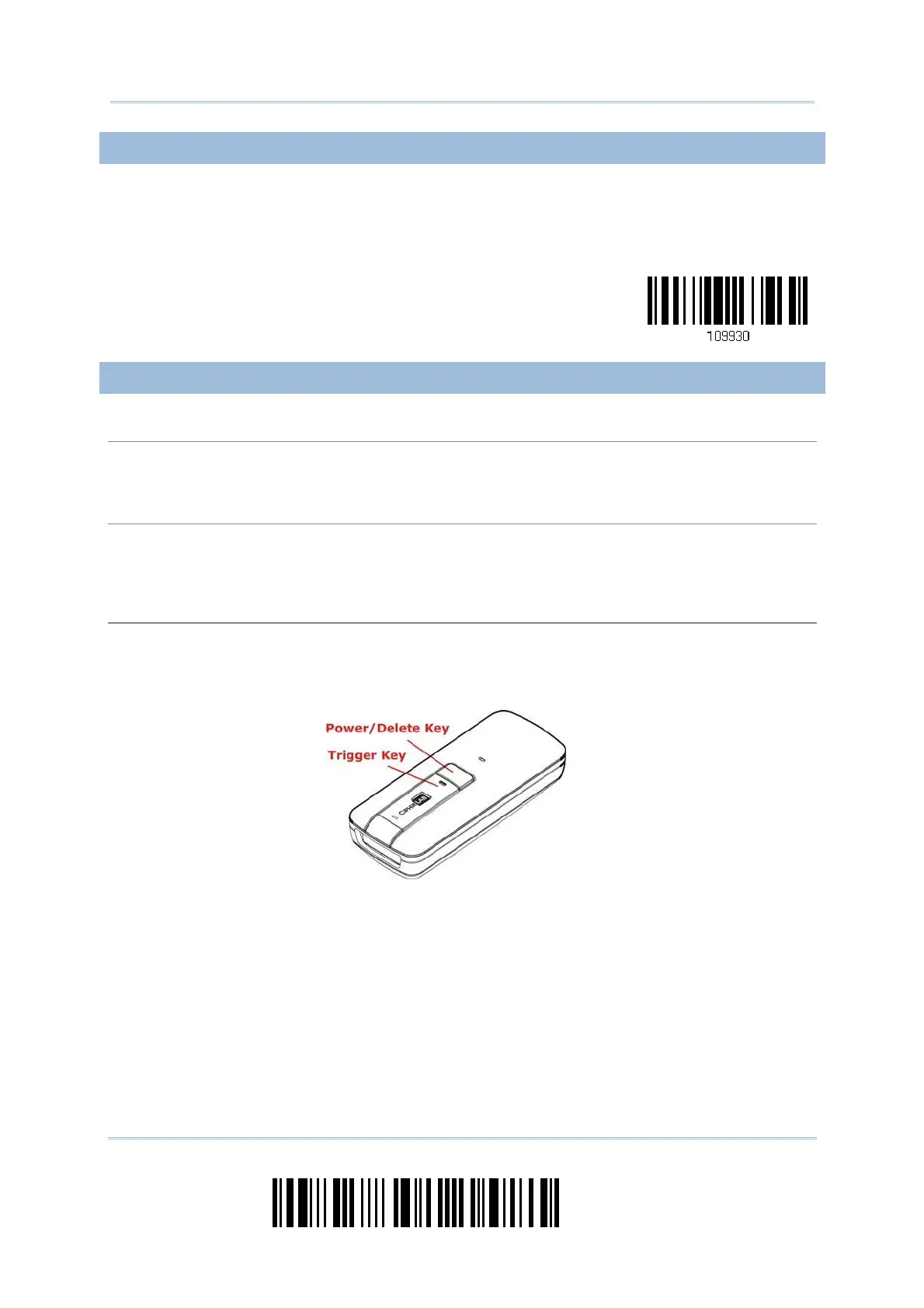
1.1.2 HOW TO OPERATE THE SCANNER
Turn on the scanner…
Press the [ Pow er/ Delete] key for 2 seconds. The scanner will respond wit h a long beep ( high t one) ,
and it s LED indicator will becom e solid red and go off.
Turn off the scanner…
Press the [ Power/ Delete] key for 2 seconds. The scanner will respond wit h two short beeps ( high
tone) and the LED will becom e solid red. Release t he key then. Ot herwise, let the scanner turn off
automatically in specific circum st ances.
Delete the last collected data when in memory mode …
Press the [ Power/ Delete] key. The scanner will respond wit h two short beeps (high t one) and t he
LED will becom e solid red. Before the LED goes off (wit hin 1 second), press the [ Power/ Delete] key
again to confirm the delet ion.



 To Next Page