9
Update
The configuration of the scanner can be done by reading the set up barcodes contained in
this m anual or via t he ScanMaster software.
This section describes the procedure of configuring the scanner by reading the setup
barcodes and provides som e exam ples for dem onstration.
Configuration Mode
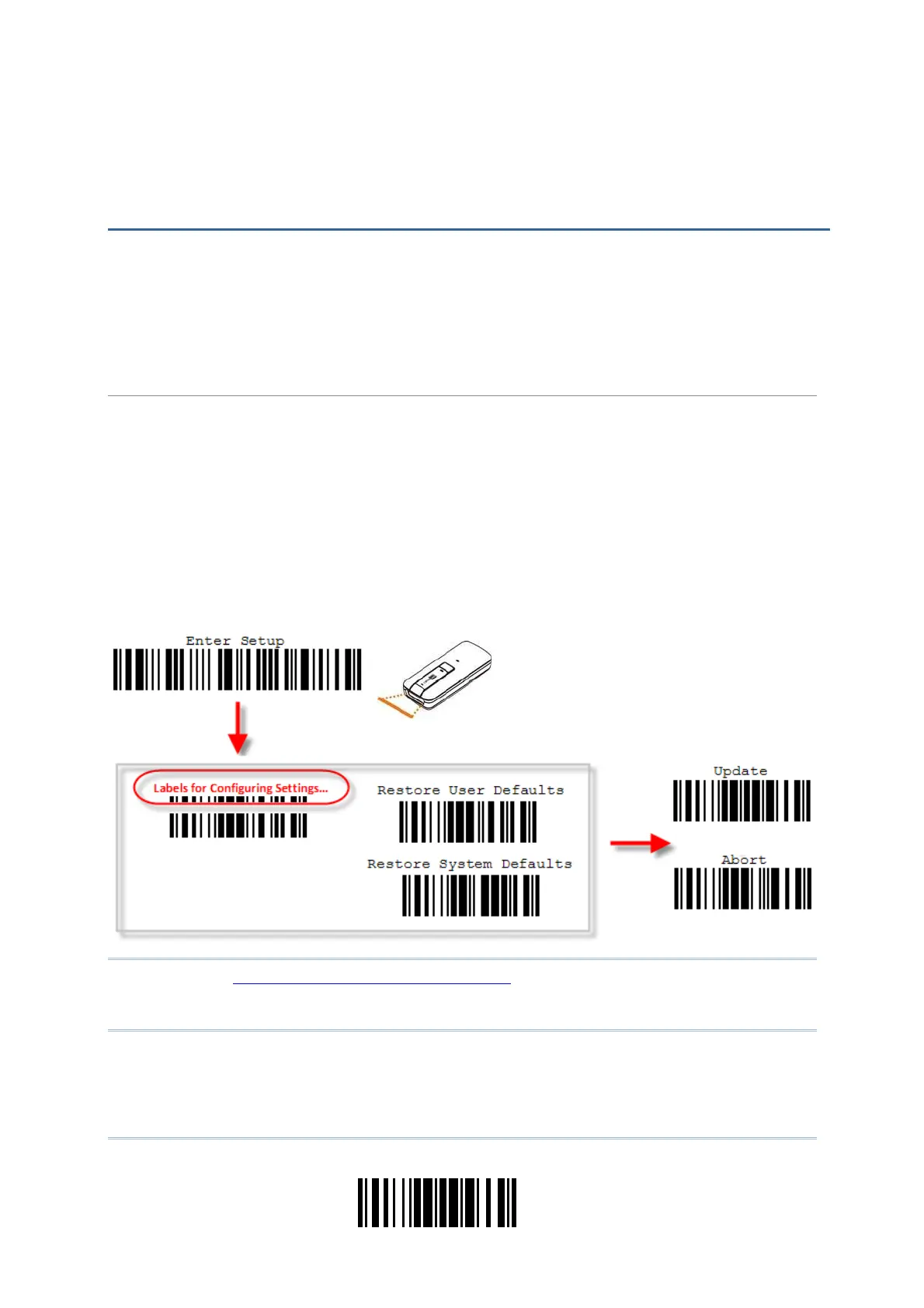
1) Hold down t he [ Power/ Delet e] key for 2 seconds to t urn on t he scanner. I t will respond wit h a
long beep and its LED will com e on-off.
2) Read the “Enter Set up” barcode. I t will respond with six beeps and it s LED indicator will
becom e flashing red aft er reading the barcode.
3) Read more setup barcodes… Most of the set up barcodes are norm al, and the scanner will
respond with two beeps (low- high tone) . For special set up barcodes, it requires reading m ore
than one setup barcode to com plet e the set ting.
4) Read the “Update” or “ Abort ” barcode. I t will respond wit h six beeps and its LED indicator will
becom e flashing red aft er reading the barcode.
5) The scanner will rest art aut om atically upon reading t he “Updat e” or “Abort” barcode. It will
respond with a long beep and it s LED will com e on-off.
Not e: Refer t o Appendix I I Host Serial Com m ands for how to configure t he 3610 dongle
by having the scanner read 3610- related setup barcodes or using serial
com m ands.
QUICK START



 To Next Page