101
Update
Chapter 3
Set
up a WPAN Connection
3.2.2 CONFIGURE RELATED SETTINGS
Sniff Mode (Power-saving)
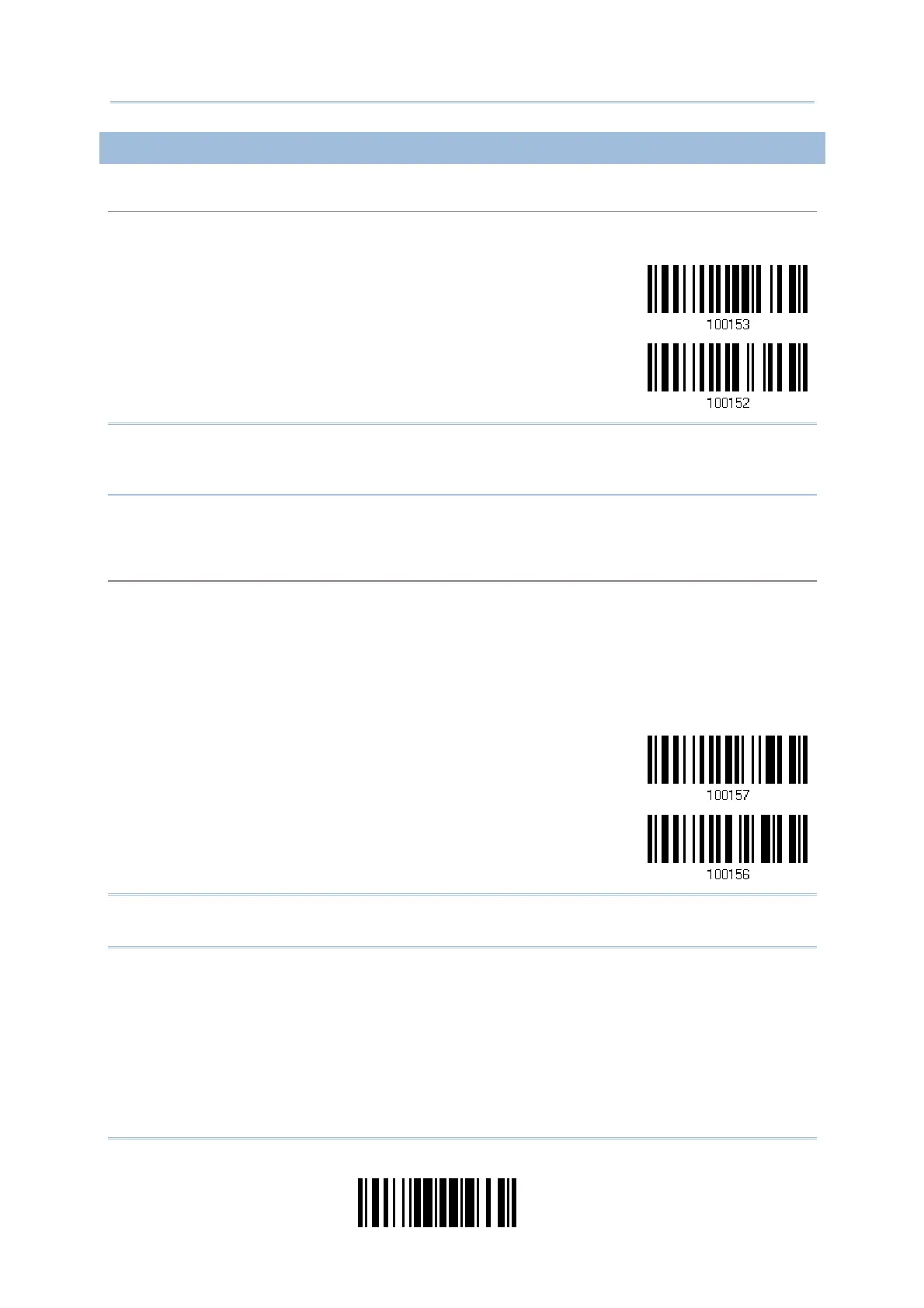
By default , this feature is enabled, m eaning the scanner will listen to t he wireless net work at a
reduced rate.
*Enable
Disable
Not e: When connect ing m ore than two scanners to a notebook computer or PDA wit h
Bluetooth
®
wireless t echnology, we suggest that you disable t he power- saving
sett ing for a m ore reliable connection.
Device Name Broadcasting
The scanner can be configured to hide itself from ot her devices equipped with Bluet oot h
®
wireless
technology. Simply disable the device name broadcast ing setting so that it won’t be discovered by
any other com put er or PDA. However, broadcast ing m ust be enabled for establishing an initial
connection wit h t he scanner. For exam ple, disable device nam e broadcast ing after successfully
connecting the scanner t o WorkStation1. Such connect ion will be m aint ained autom atically unless
the scanner is rem oved from the paired device list (called unpairing) by WorkSt ation1 or any
changes m ade t o authent icat ion and PI N code. I f you want WorkStat ion2 to connect to t he
scanner, you have to enable device nam e broadcasting first.
*Enable
Disable
Not e: By default, device nam e broadcasting is enabled ( which is required for initial
connect ion).



 To Next Page