103
Update
Chapter 3
Set
up a WPAN Connection
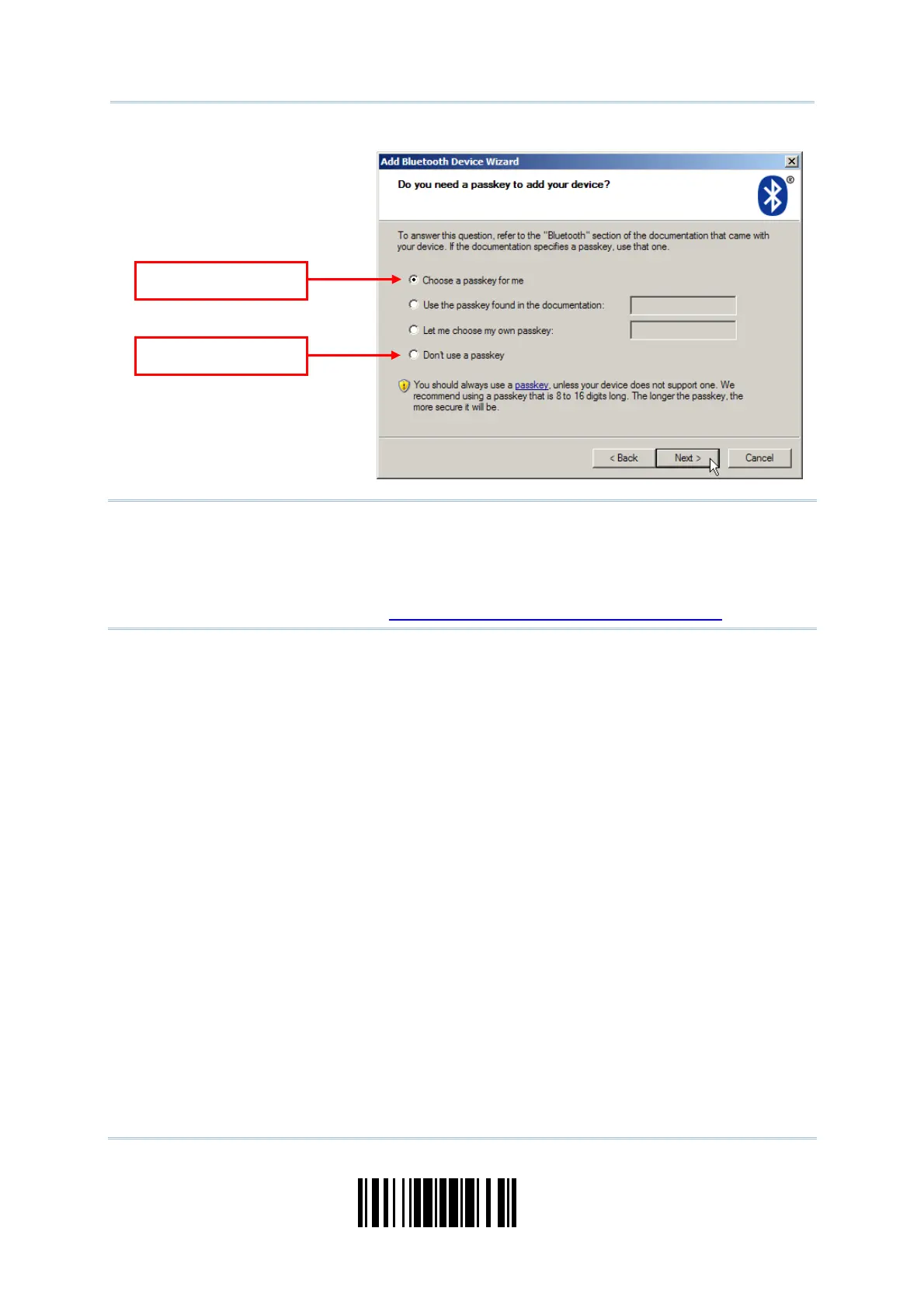
Not e: When using Bluetooth
®
HI D, some device driver m ay not support pre- defined PI N
code for authent icat ion. I n this case, m ake sure you have t he scanner set t o “ No
PI N or use random PI N” before pairing. While pairing, the host PI N code will be
displayed on t he com puter screen. Have the scanner read the set up barcode
“ Enter PI N Code in Decim al” or “Ent er PI N Code in Hexadecim al” t o input t he
m atching PI N code. Refer t o
Disable Authent icat ion or Use Random PI N.
Use random PIN
o PIN require



 To Next Page