189
Update
Chapter 6
Applyin
Formats for Data Editin
Field 2 Setting
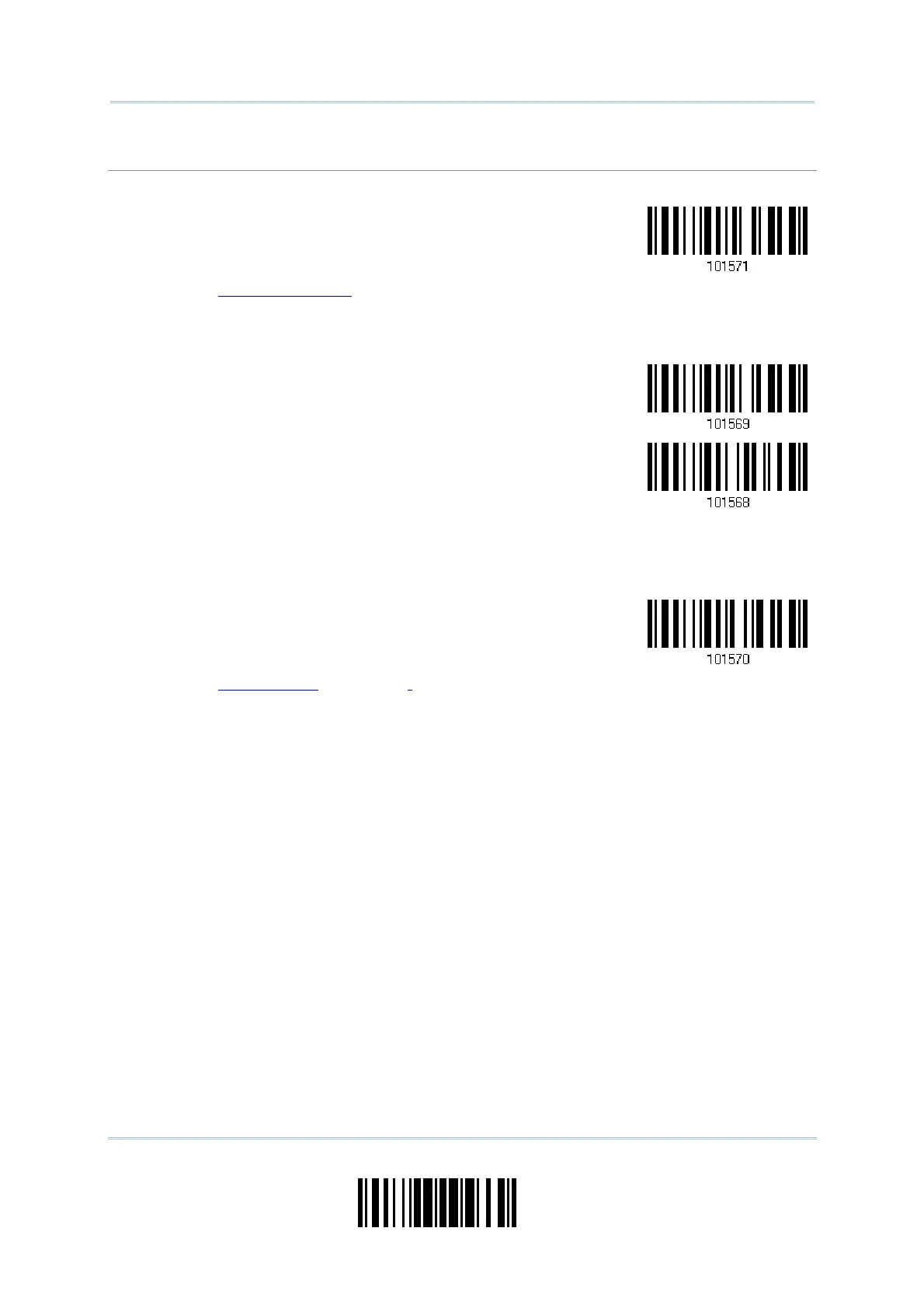
1) Read t he bar code below to divide field 2 by a specified term inat ing string.
elect
ield Separator
to Divide Field 2…
2) Read t he “Hexadecim al Value” barcode on page 220 for the desired character string.
3) Read t he “Validat e” barcode to com plet e this setting.
4) Read t he “Discard Separat or” barcode if the field separat or is not desired in the field.
*Include Separator
Discard Separator
I f not dividing t he field by a specific separat or, you m ay divide it by a specified lengt h.
1) Read t he bar code below to divide field 2 by length.
ivide Field 2
by Length
2) Read t he “Decim al Value” barcode on page 219 for t he desired field length.
3) Read t he “Validat e” barcode on t he sam e page to com plet e this setting.



 To Next Page