193
Update
Chapter 6
Applyin
Formats for Data Editin
Additional Fields
Up t o five additional fields can be creat ed for each edit ing format; each of them is num bered from
AF1 to AF5 accordingly.
I f “Bluet ooth
®
HI D” or “USB HI D” is configured for int erface, Key Type and Key St at us will t hen
becom e applicable. You may decide whether or not to apply Key St atus when “Norm al Key” is
select ed for Key Type.
Key Type Key Status
Scan Code Up t o 2 scan code values are allowed.
N/ A
Norm al Key Up to 4 character st rings are allowed.
Add Shift
Add Left Ctrl
Add Left Alt
Add Right Ctrl
Add Right Alt
Refer to
Keyboard Wedge Table.
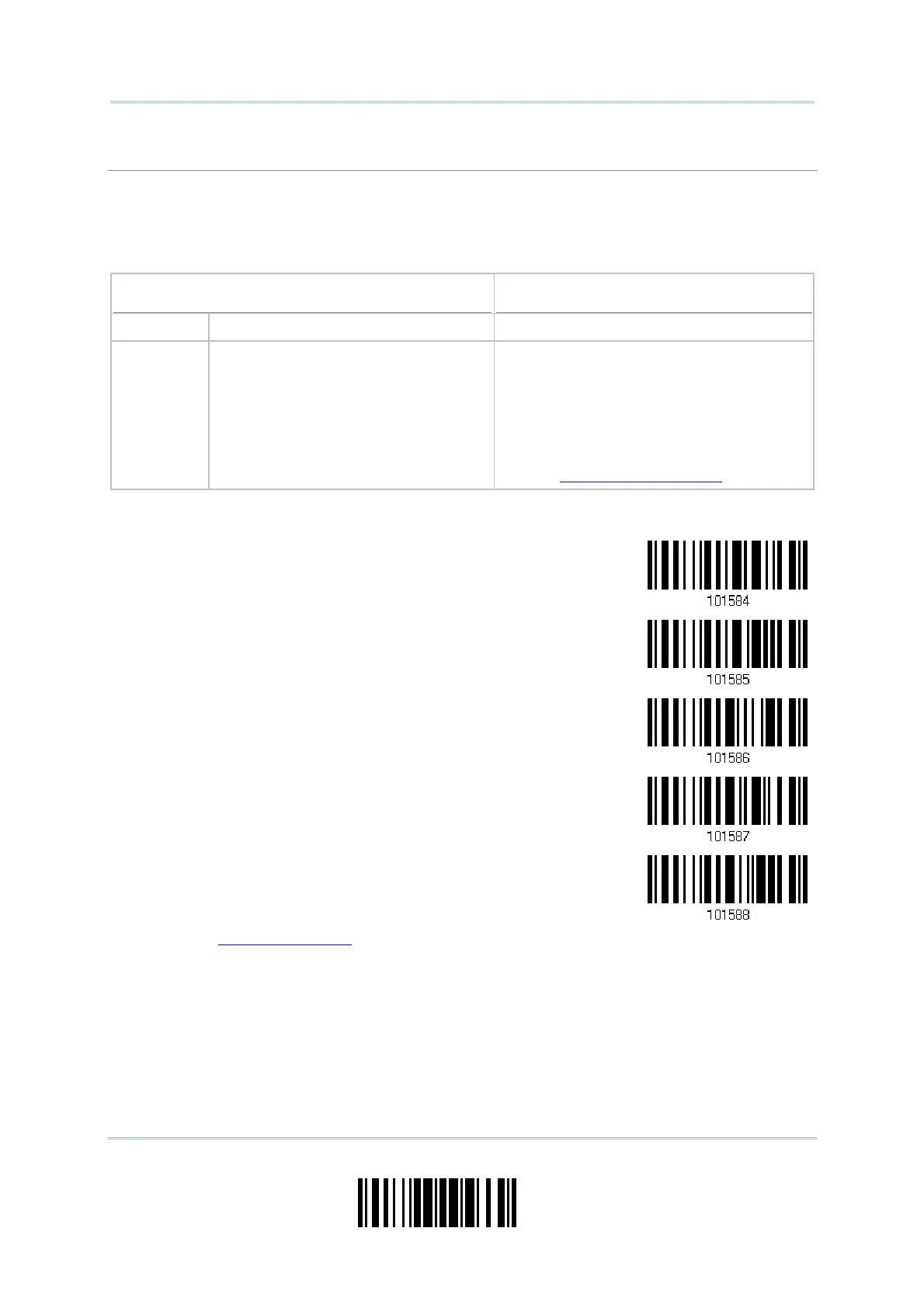
1) Read t he bar code below to specify an addit ional field, one at a tim e.
Additional Field 1…
Additional Field 2…
Additional Field 3…
Additional Field 4…
Additional Field 5…
2) Read t he “Hexadecim al Value” barcode on page 220 for the desired addit ional field.
3) Read t he “Validat e” barcode to com plet e this setting.



 To Next Page