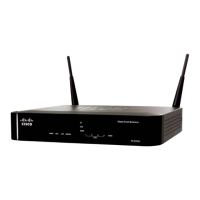
Viewing the RV220W Status
Viewing Port Statistics
Cisco RV220W Administration Guide 205
10
The Port Statistics page displays this information:
Port The name of the port.
Status The status of the port (enabled or disabled).
Operational Mode The bandwidth the port is operating at.
Packets The number of received/sent packets per second.
Bytes The number of received/sent bytes of information
per second.
Frames The number of received/sent frames per second.


 To Next Page
 Loading...