4-2 Media Handling and Storage
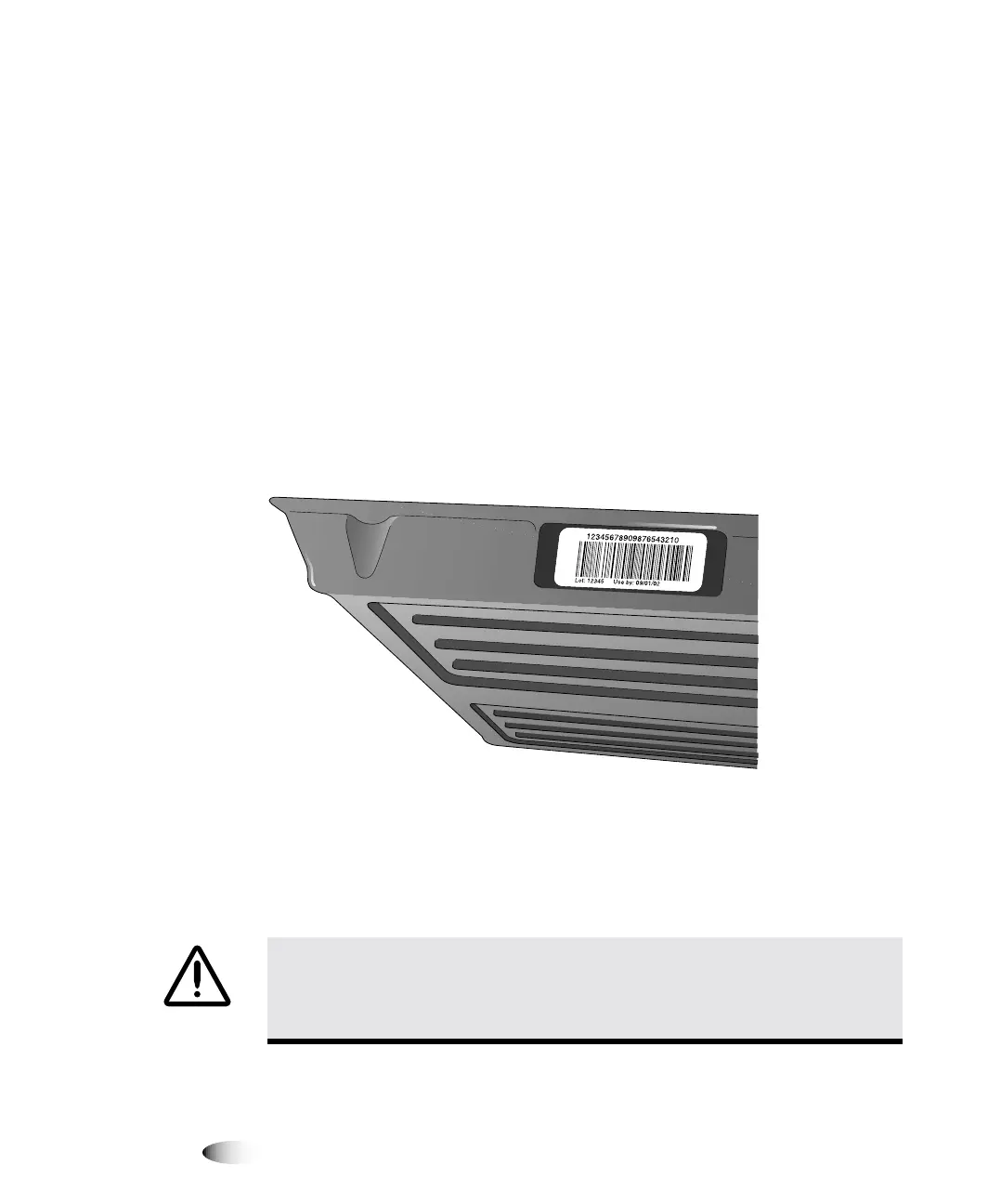
Each cassette contains a barcode that identifies the:
•
Media type and size
•
Number of sheets in a new cassette
•
Serial number
•
Sensitometry information
The barcode also allows the imager to track how many sheets
remain in the cassette (this count will be inaccurate if sheets have
been manually added or removed, or the cassette has been moved
to a different imager).
In addition to the barcode itself, the cassette’s lot number and “Use
by” date are printed on the barcode label.
All cassettes can be loaded into any of the imager’s three supply
slots. However, the logical way to load cassettes would be to insert
the smaller ones at the top and the larger ones at the bottom. This
ensures that you can readily see each cassette’s label and see
whether there are sheets in any of the receive trays.
CAUTION
Use only Codonics media. Do not use plain paper, office transparencies,
or other unapproved media as damage, improper operation, or malfunction may
result. For information about the approved Codonics media types and sizes, and how
to order cassettes, refer to “Ordering Media” on page 4-12.



 To Next Page