Horizon Imager User’s Manual 2-21
Setting Up the Imager
p~îáåÖ=íÜÉ=`çåÑáÖìê~íáçå=pÉííáåÖë=íç=
_~Åâìé=jÉÇá~
1.
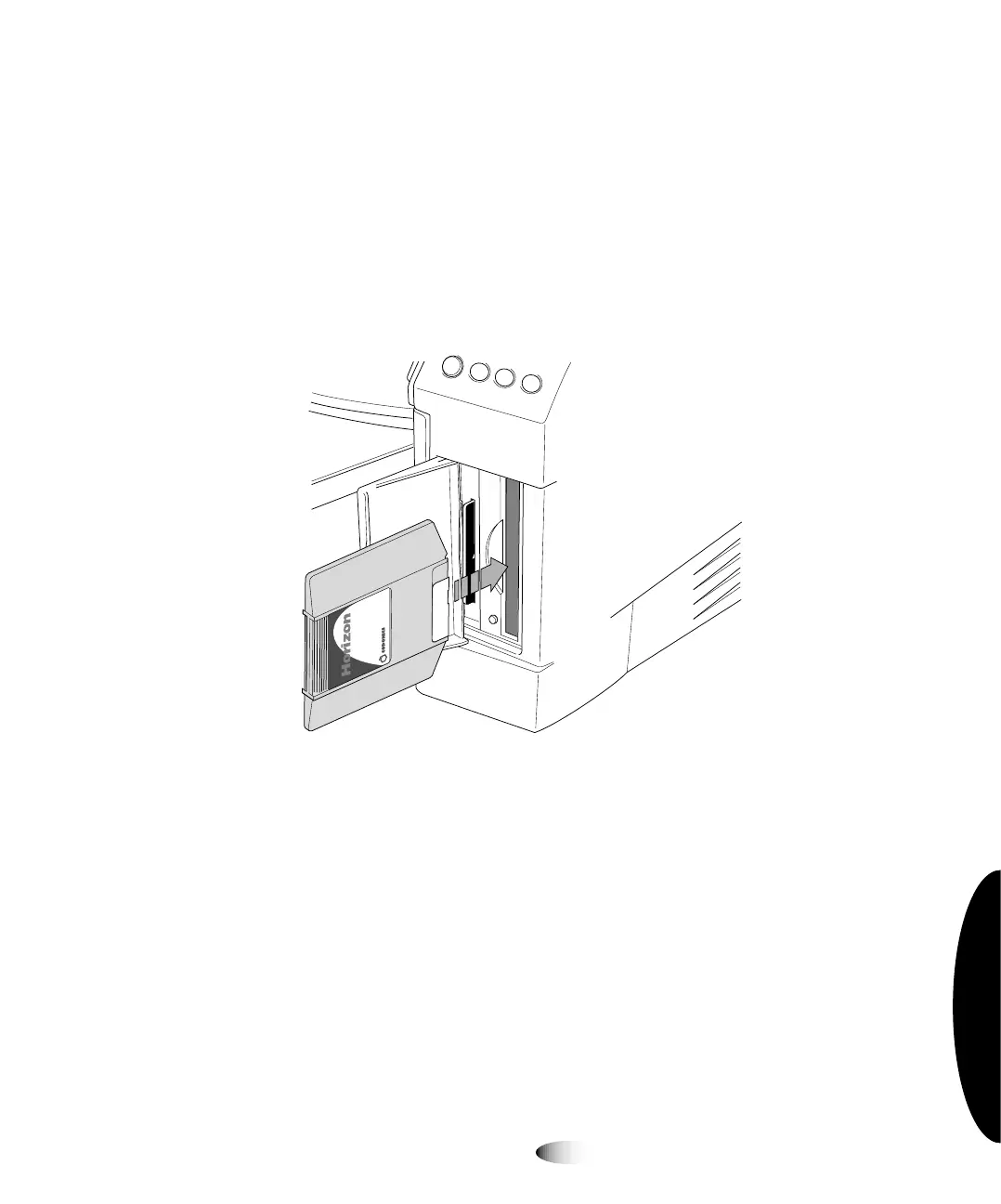
If your Horizon has a Zip drive:
-
Open the Smart Card panel door at the lower right front of
the imager.
-
Insert a 100-MB Zip disk into the Zip drive, with the label
side to the right, until it “clicks” into place.
8
To save
configuration
settings



 To Next Page