2-22 Setting Up the Imager
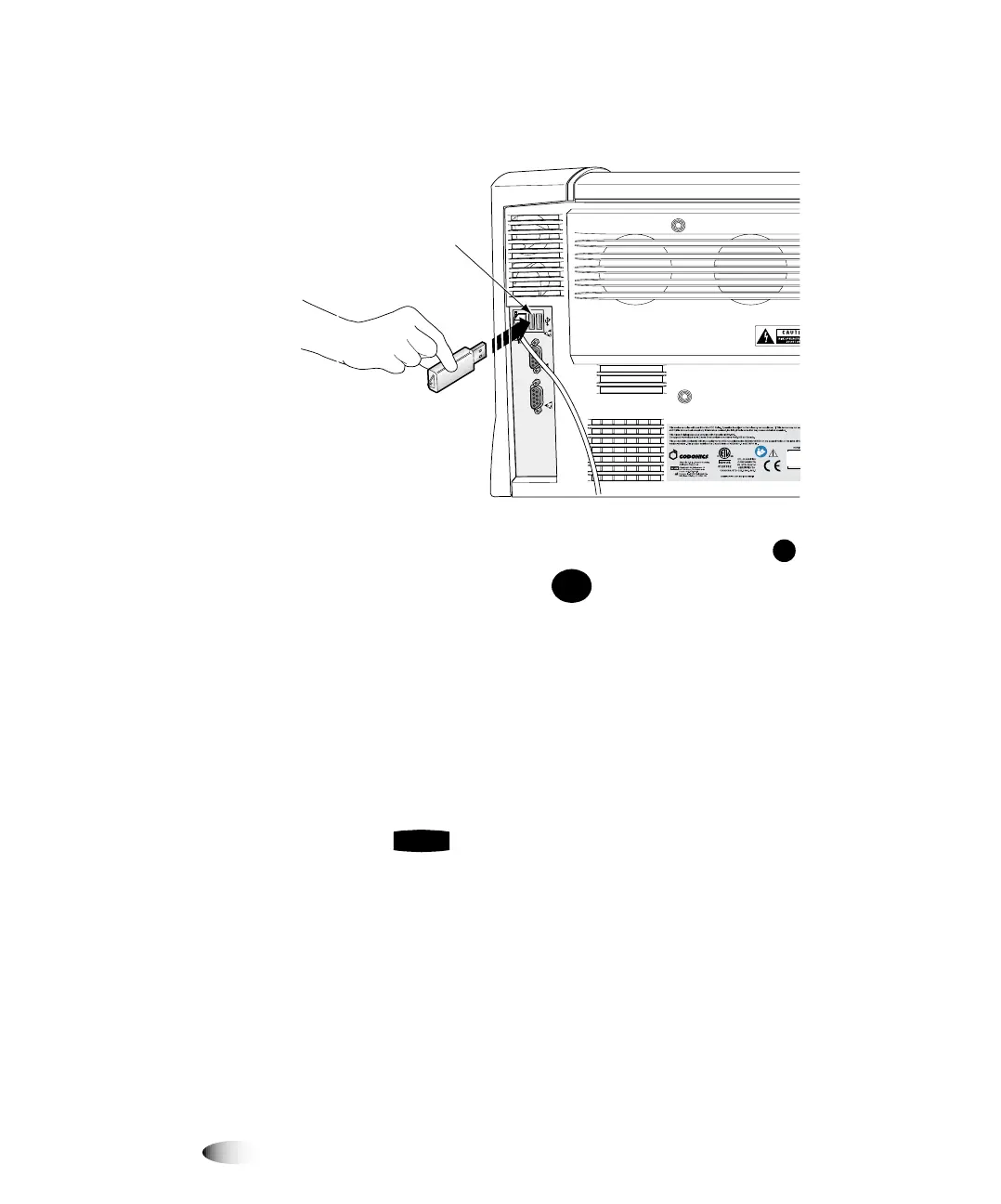
If your Horizon does not have a Zip drive,
insert a USB flash
drive into one of the USB ports on the rear panel of the imager.
2. At the imager’s control panel, press and hold the key, and
while holding it press the key.
The Main Menu with administrative options displays.
3. Select the following menu options:
Utilities
Save/Load Config
Save Config
A message prompts you to confirm that you want to save the
imager configuration to backup media.
4. Press the key to confirm the backup operation.
The configuration information is copied from the imager to the
backup media.
5. Label the fbackup media to indicate that the imager’s initial
configuration has been stored on it, and store the backup media
in a safe place.
C
O
N
S
O
L
E
U
PS
USB
connectors
MENU
ENTER



 To Next Page