Horizon Imager User’s Manual xxi
Preface
i~ëÉê=t~ê åáåÖ
The Horizon imager uses a laser to read barcode information on the
media cassettes. The laser module is a 650 – 670-nm device of
1.26 mW or less. As such it has been found to comply with the 21
CFR 1040.10 and 1040.11 and IEC 60825 laser standards as a low
power Class 1 device.
For safety reasons, the laser is turned on only for a short time when
a cassette is inserted. Still, one should use caution and never stare
at the laser beam, should avoid exposure to the laser, and should
never override any of the interlocks and safety mechanisms. These
measures are taken for your protection.
The laser apertures are marked with a single label, shown below.
There are three apertures that correspond to the three cassette
locations, one for each, on the same side of the Horizon imager as
this label.
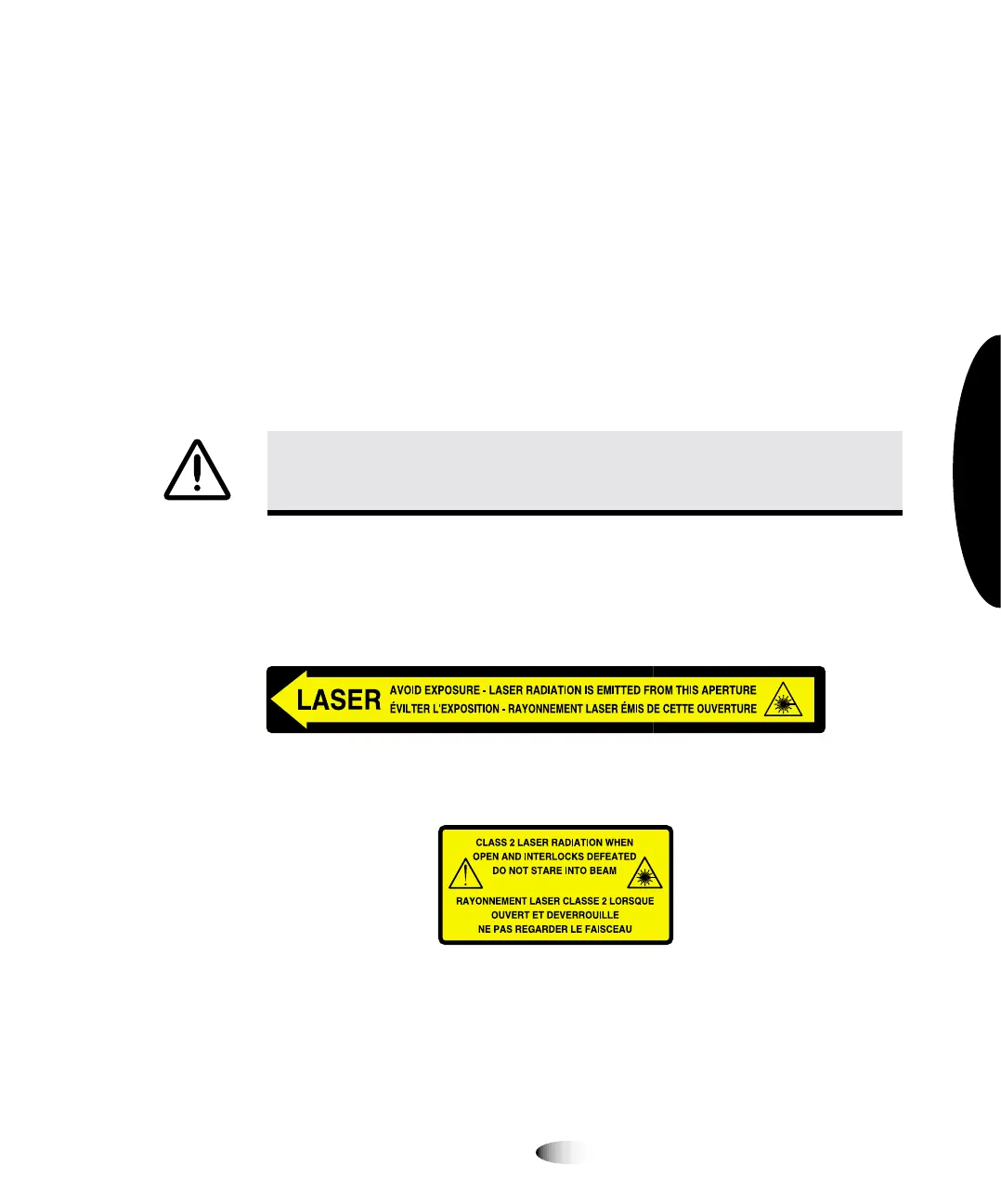
Safety interlocks are marked by the following label. They are
located on the same side of the Horizon imager as this label.
The locations of the two laser labels are shown in the figure on
page xvii.
WARNING Use of controls or adjustments to the performance of procedures
other than those specified in this manual may result in hazardous radiation
exposure.



 To Next Page