4-4 Media Handling and Storage
1. Press the key, and wait until the imager enters the Paused
state.
The
ONLINE
indicator turns off and the Status screen indicates
that the imager is paused.
If a sheet is currently being printed, the sheet will complete
printing before the imager enters the Paused state. While
paused, the imager can still receive and process jobs.
2. Remove the cassette if one is currently in the supply slot you
want to use—lift the cassette up slightly and slide it from the
supply slot.
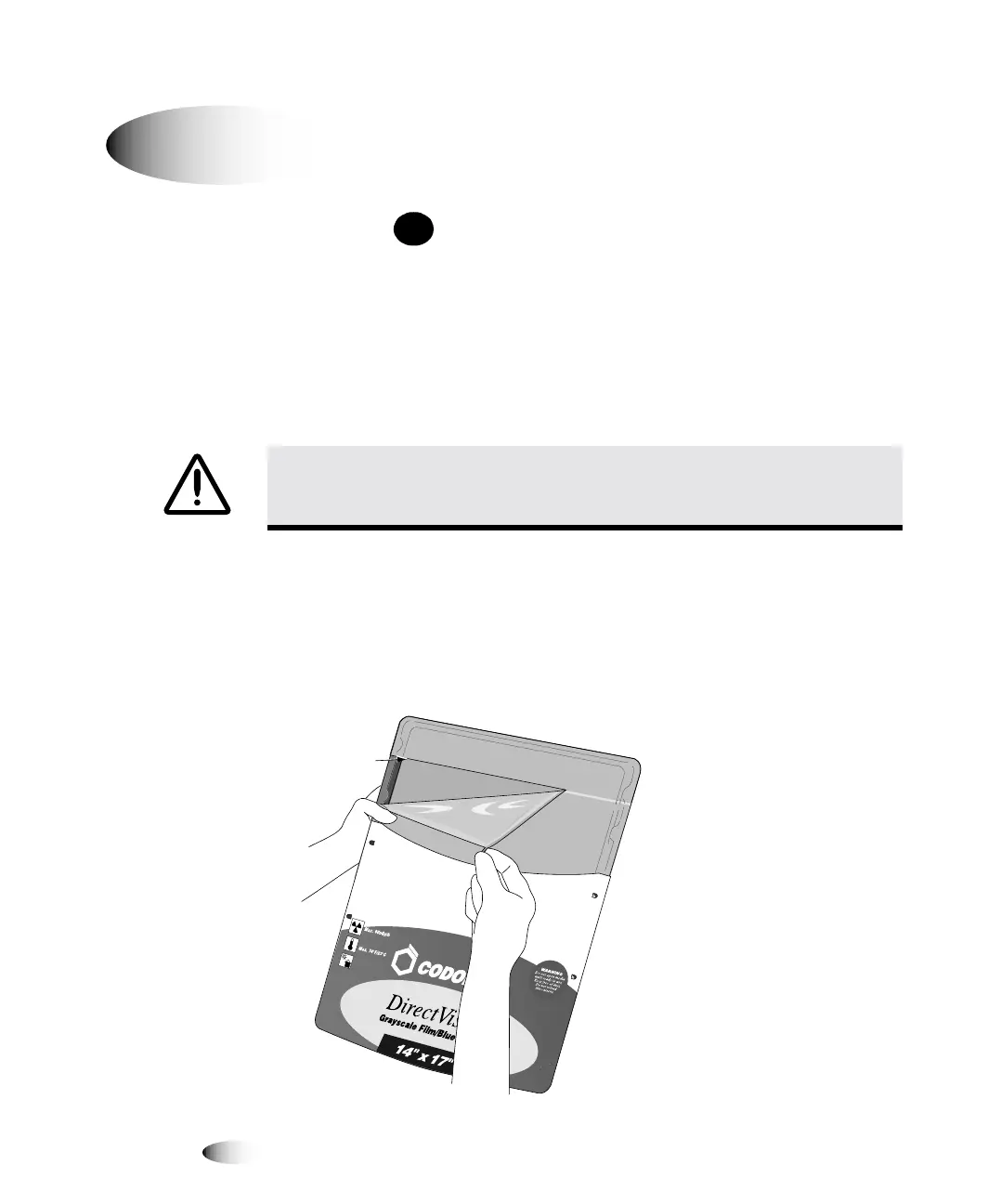
3. If inserting a new cassette, remove the clear wrapping from the
cassette. Use the pull strip to tear the clear wrapping.
fåëÉêíáåÖ=çê=`Ü~åÖáåÖ=`~ëëÉííÉë
CAUTION
Do not remove or insert a cassette while a sheet is being printed, or you
could affect the image quality of the printed sheet or cause a jam. Always pause the
imager first.
8
To change a
supply
cassette
PAUSE
Seam



 To Next Page