Horizon Imager User’s Manual 4-5
Media Handling and Storage
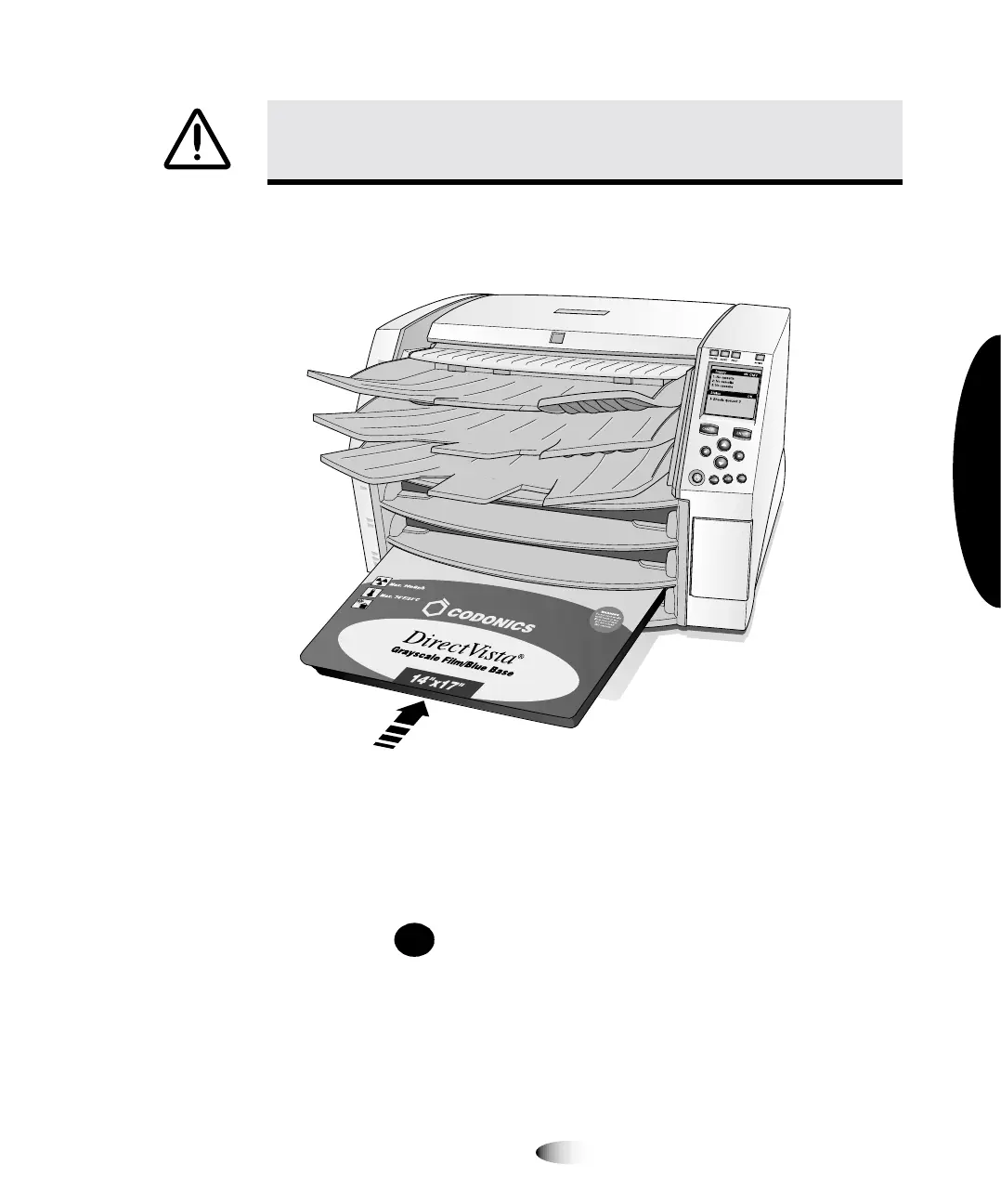
4. Insert the new cassette into the supply slot, with the cassette
label facing you and the barcode label to the left.
5. Slide the cassette into the supply slot until you feel the cassette
settle into the retaining detent.
NOTE:
Not all cassettes are the same length, so larger cassettes will extend out further than
shorter ones.
6. Press the key to resume printing.
CAUTION
Do not remove the printed cassette cover; it protects the media from dust
and other contaminants. Always hold and store the cassette with the open side up to
prevent the sheets from falling out.
3
PAUSE



 To Next Page