Horizon Imager User’s Manual A-1
Menu Hierarchy
=^
jÉåì=eáÉê~êÅÜó
This appendix includes the hierarchy of the menus displayed at the
control panel.
Note that administrative options—which are displayed by pressing
and holding the key, and while holding it pressing the
key—are shown in gray type.
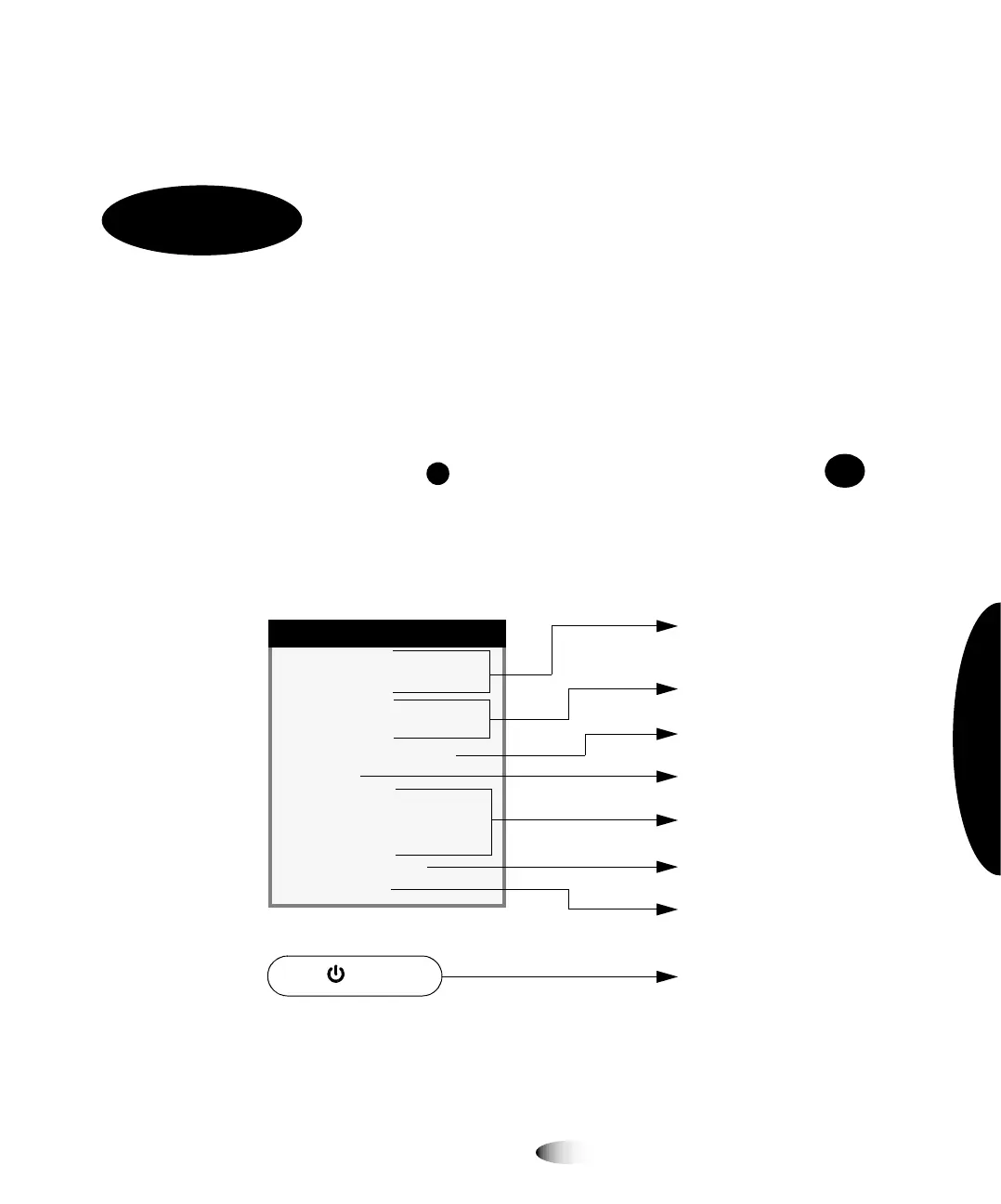
The Main Menu is shown below. Submenus are shown on
subsequent pages.
MENU
Menu
Default User Settings...
Default Media...
Open Top Cover...
Load/Remove Ribbon...
Custom Job Settings...
Utilities...
Test Prints...
Print From
USB Drive
...
Feature Management...
Network Settings...
Preferences...
Press (power) key
Go to page A-2
Go to page A-3
Go to page A-4 and page A-5
Go to page A-6 through
page A-9
Go to page A-10
Go to page A-11
Go to page A-12
Go to page A-2



 To Next Page