12-26 Troubleshooting
When a cassette is inserted into a supply slot, the Horizon imager
reads the barcode to determine which media is loaded. If the imager
cannot read the barcode, a barcode error message is displayed for
that supply cassette entry in the Status screen.
If barcode information printed on the cassette is valid but the
imager is just having trouble reading it, you can manually enter the
barcode information from the control panel to correct the error.
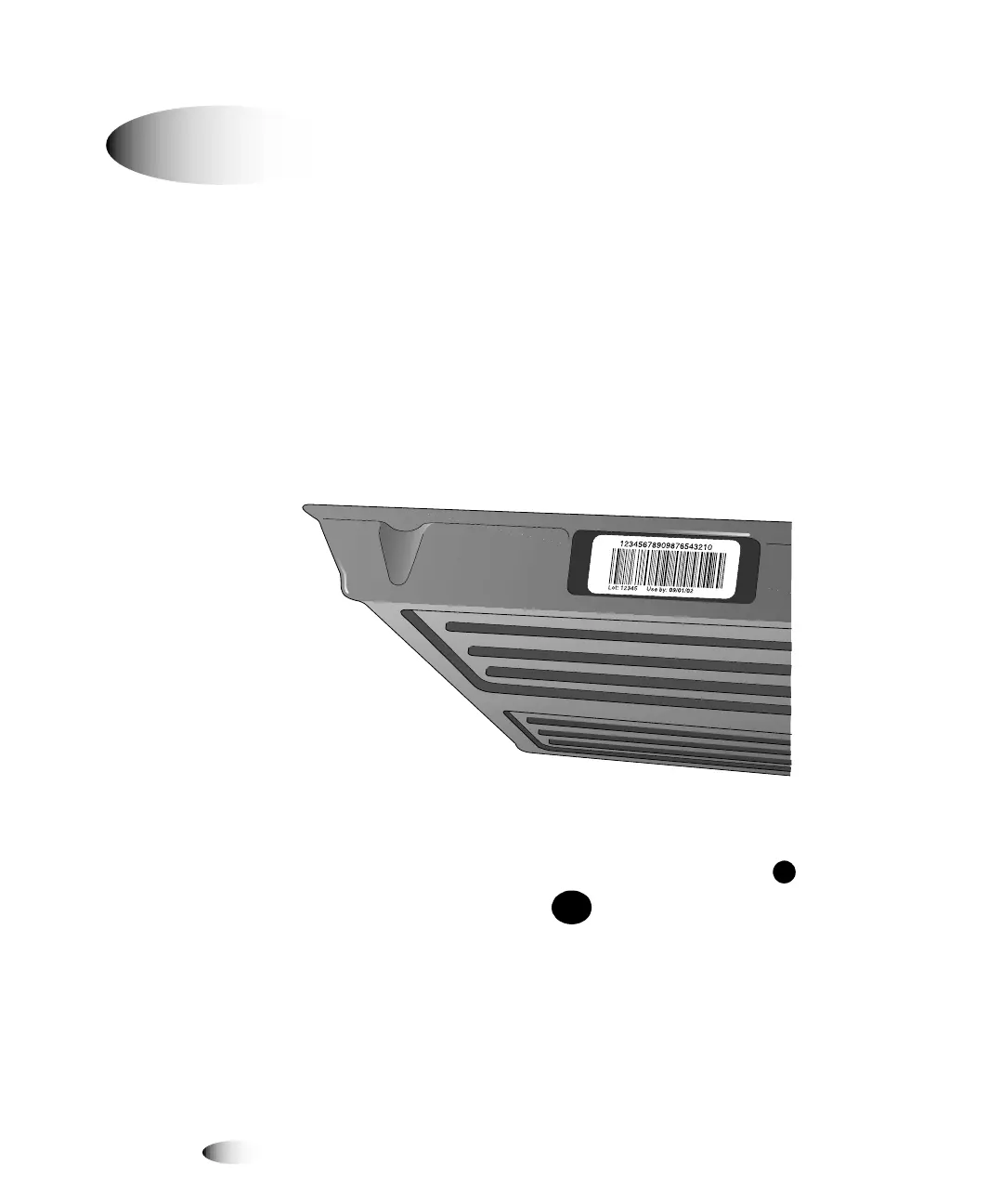
1. Locate the cassette’s barcode number, on the left side of the
cassette.
2. Record the cassette’s barcode number, then insert the cassette
into one of the supply slots.
3. At the imager’s control panel, press and hold the key, and
while holding it press the key.
The Main Menu with administrative options displays.
4. Select the following menu options:
Utilities
Enter Supply Barcode
j~åì~ääó=båíÉêáåÖ=~= `~ëëÉííÉ=_~êÅçÇÉ
8
To override a
cassette
barcode
MENU



 To Next Page