Horizon Imager User’s Manual 10-13
Preventive Maintenance
1. Press the key, and wait until the imager enters the Paused
state.
The Status screen should indicate that the imager is paused.
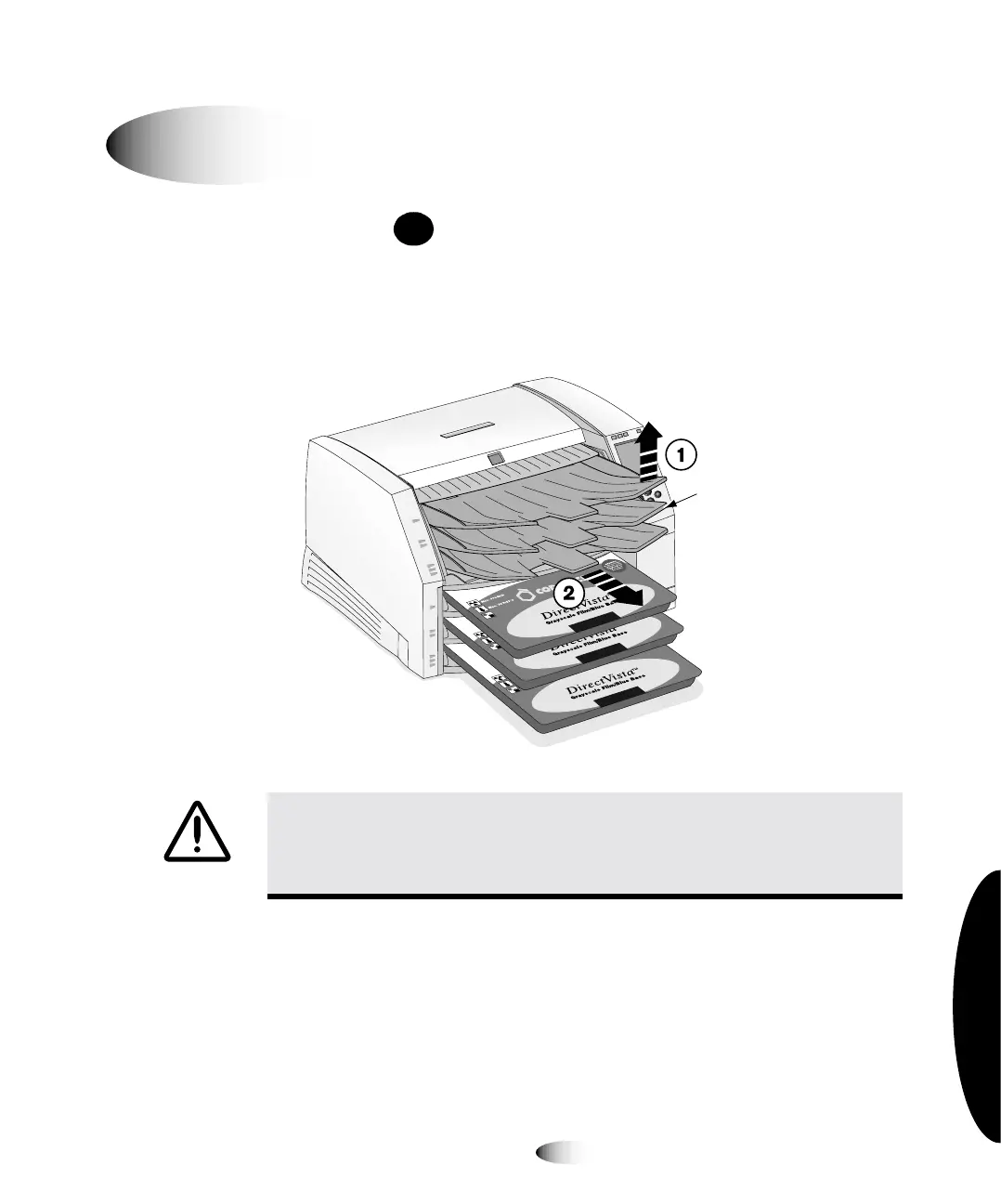
2. Remove the receive trays, as shown in the following figure.
`äÉ~åáåÖ=íÜÉ=máÅâ=qáêÉë
WARNING With the receive trays removed, touch only those internal
components that are colored green (refer to the figure on page xxxii). Remove
rings, ties, jewelry, and other items, and tie back hair, so that they do not fall into
or get caught in the imager.
8
To clean the
pick tires
PAUSE
14"x17"
A Size
8"x10"
Receive
trays



 To Next Page