10-8 Preventive Maintenance
1. Press the key.
The Main Menu displays.
2. Select the
Open Top Cover
menu option.
After selecting this option:
•
The imager pauses, first completing the sheet if one is
currently printing.
•
If a color ribbon is loaded, the ribbon supply spool inside
the imager rises.
•
After up to a minute to allow the thermal print head to cool,
the imager cover pops partially open.
•
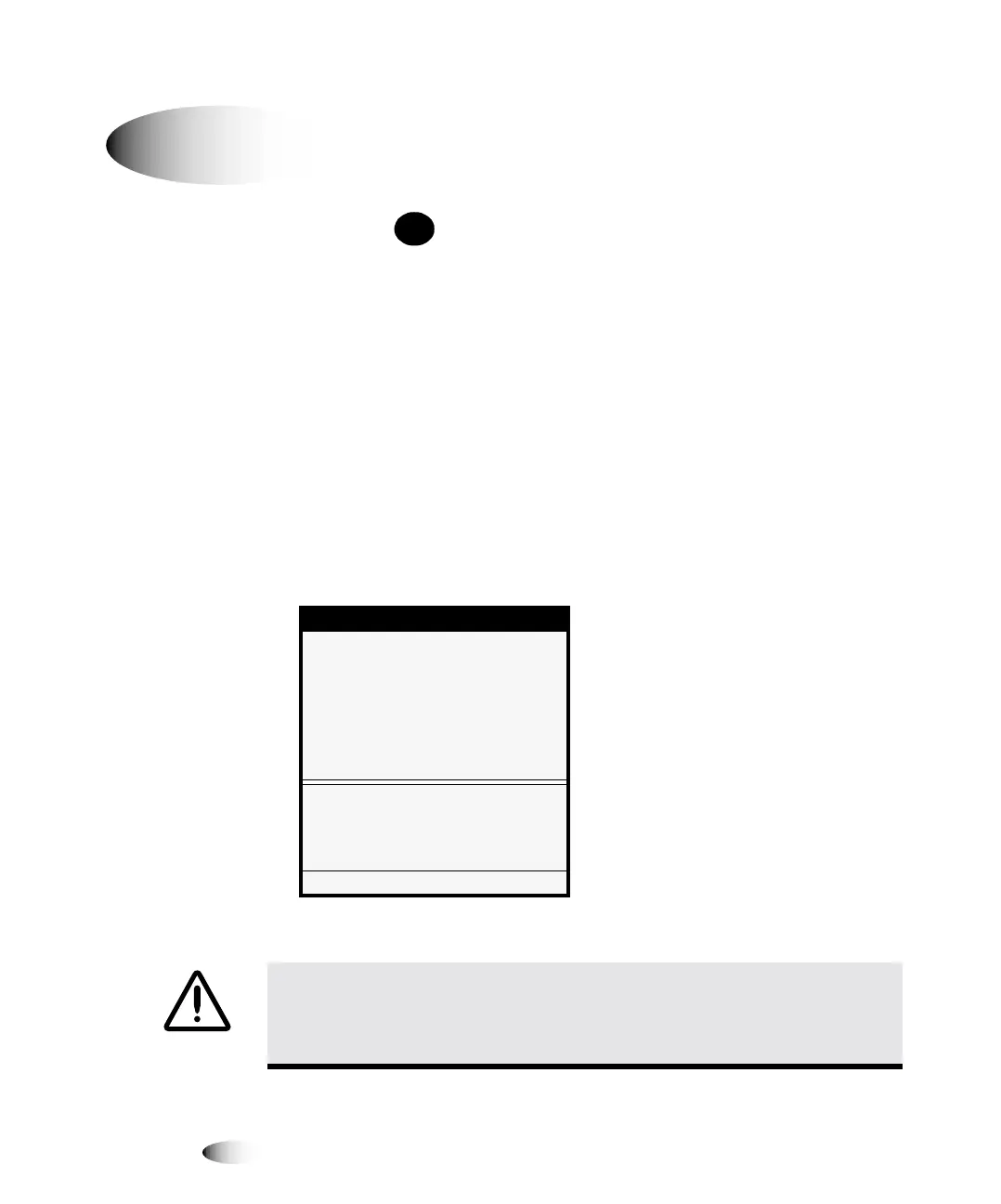
The Open Top Cover menu displays.
3. Open the top cover all the way.
`äÉ~åáåÖ=íÜÉ=mä~íÉå=~åÇ=açåçê=dìáÇÉ=
Menu
Open Top Cover
Move Ribbon Carriage...
Rotate Platen...
Move ribbon carriage for cleaning
or to change ribbon.
Press MENU to exit menus
WARNING With the imager cover open, touch only those internal components
that are colored green (refer to the figure on page xxxii). Remove rings, ties,
jewelry, and other items, and tie back hair, so that they do not fall into or get
caught in the imager.
8
To clean the
platen and
donor guide
ba
MENU



 To Next Page