Horizon Imager User’s Manual 10-9
Preventive Maintenance
If a color ribbon is loaded, go to step 4. Otherwise, go to step 7.
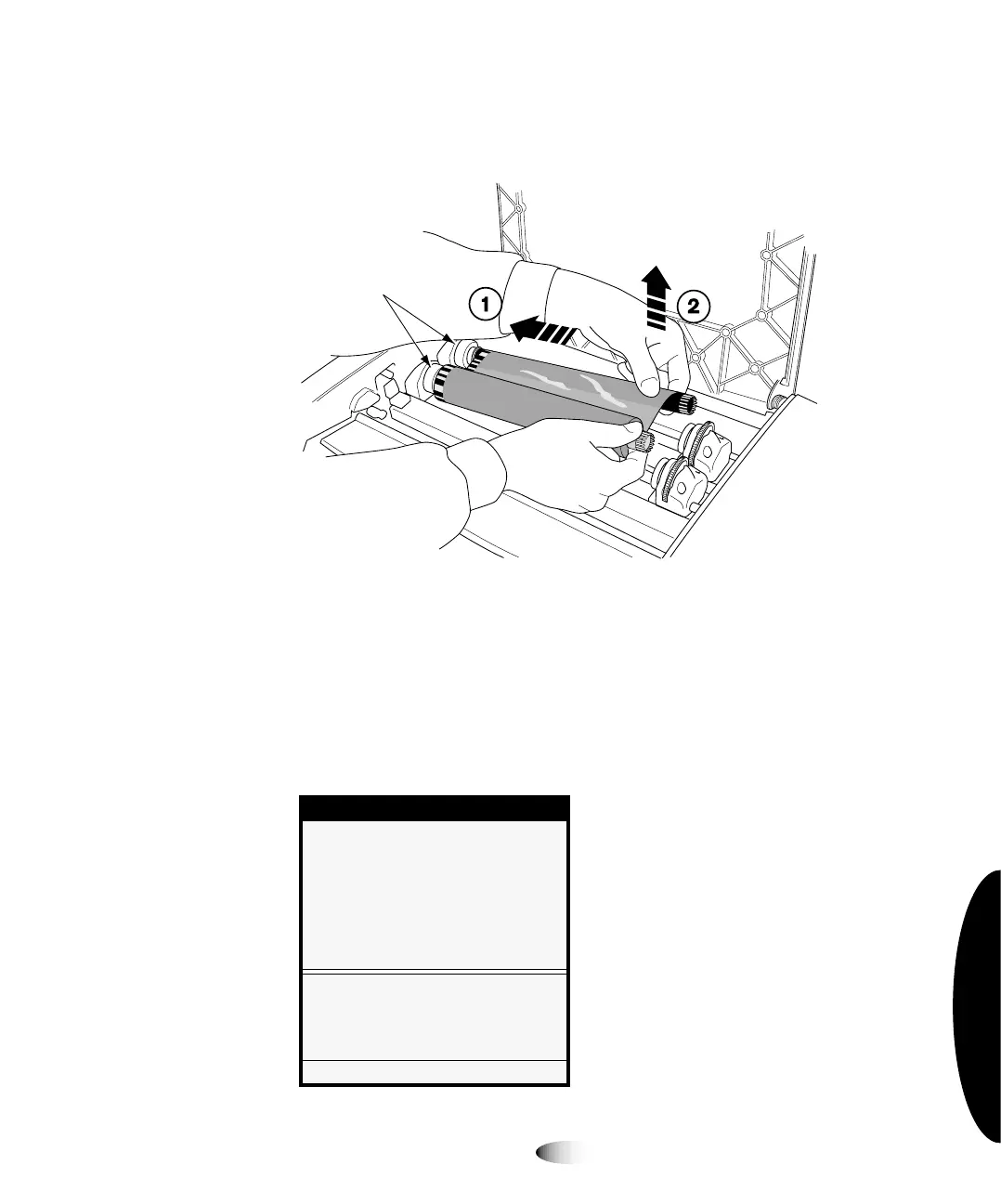
4. Remove the ribbon, as shown in the following figure.
NOTE:
Care should be taken with the ribbon to protect it from dust and dirt when it is not
loaded in the imager. Avoid resting it on a table; static charge will attract dust from the table
top.
5. From the Open Top Cover menu, select the
Move Ribbon
Carriage
option.
The Move Ribbon Carriage menu displays.
Menu
Open Top Cover
Move Ribbon Carriage
Moves carriage up...
Moves carriage down...
Move Ribbon Carriage
Caution: Watch fingers, hair and
loose clothing when moving.
Press MENU to exit menus
Spring-loaded
spindles
3



 To Next Page