Horizon Imager User’s Manual 12-13
Troubleshooting
`çäçê=oáÄÄçå=pí~íìë
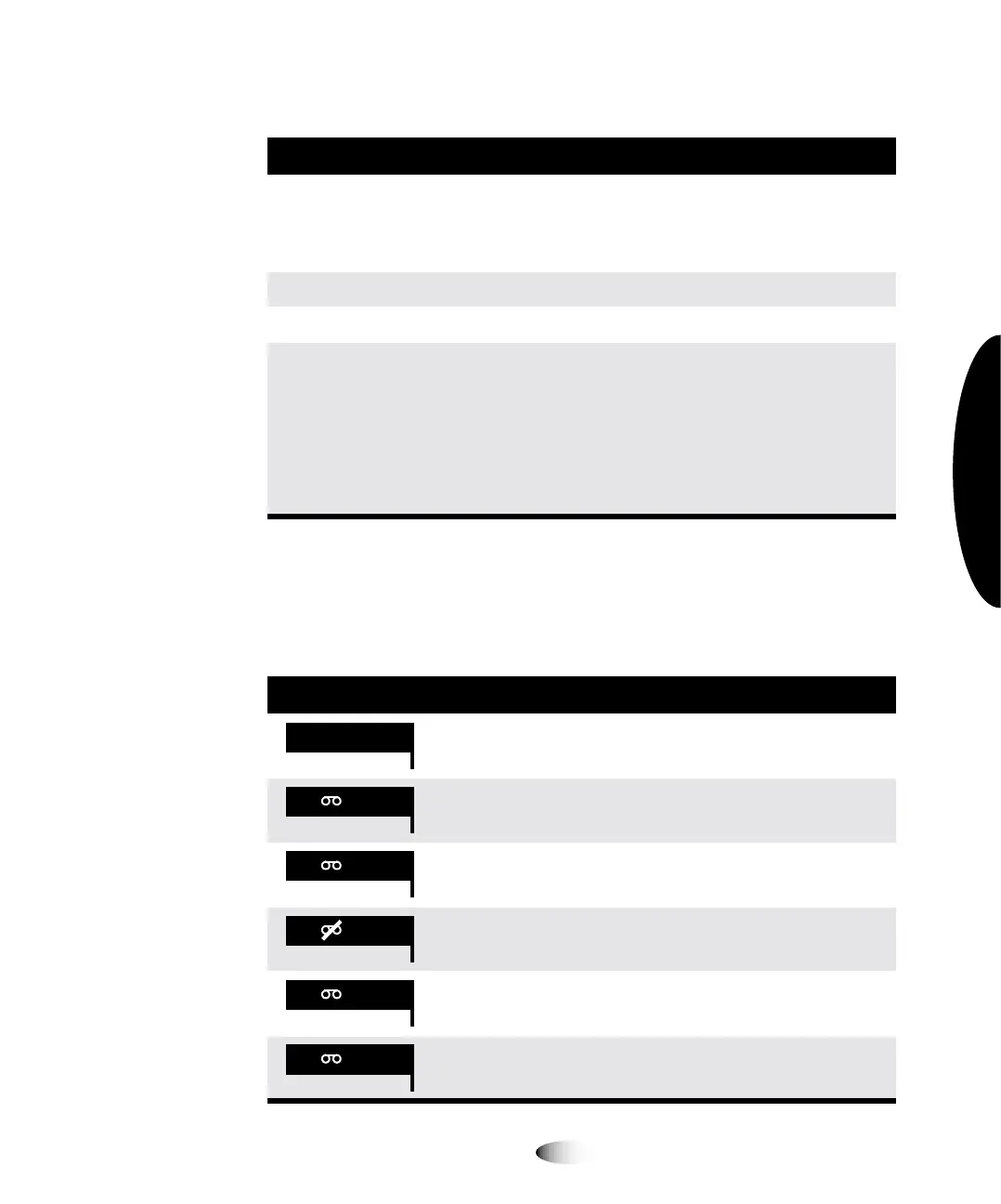
The following table lists the color ribbon status indications.
Media size, type,
and count
Indicates the type, size, and sheet count of the media cassette
inserted in the corresponding supply slot. For example,
14x17 DV Blue 53, indicating the cassette currently has 53
sheets of 14 x 17-in. DirectVista blue film.
No cassette No cassette is loaded in the supply slot.
Printing The imager is printing from the indicated cassette.
Unsupported media The media in a loaded supply cassette is not supported by the
imager (for example, ChromaVista color paper/white film is
loaded but that media option was not purchased with the
imager).
Also could mean that the imager software is out of date
(out-of-date software might not support a new media type,
even if the new media type’s feature key is enabled).
Table 12-7. Color Ribbon Status Indications
Indication Explanation
Blank; the imager supports only DirectVista grayscale media.
Ribbon loaded. Ribbon type indicated (for example, CMY for
cyan/magenta/yellow).
Ribbon loaded but the ribbon is spent.
Ribbon not loaded (and the imager does support ChromaVista
color media).
State of ribbon being determined.
Ribbon loaded but in an error condition.
Table 12-6. Cassette Status Messages
Message Explanation
CMY
OUT
WAIT
ERR



 To Next Page