Horizon Imager User’s Manual 12-19
Troubleshooting
`äÉ~êáåÖ=~=g~ã=Ñêçã=íÜÉ=mêáåíáåÖ=^êÉ~
NOTE:
When a jam occurs, the imager disengages all motors to allow you to safely pull out
the sheet.
1. Open the top cover (which has already been partially opened by
the imager).
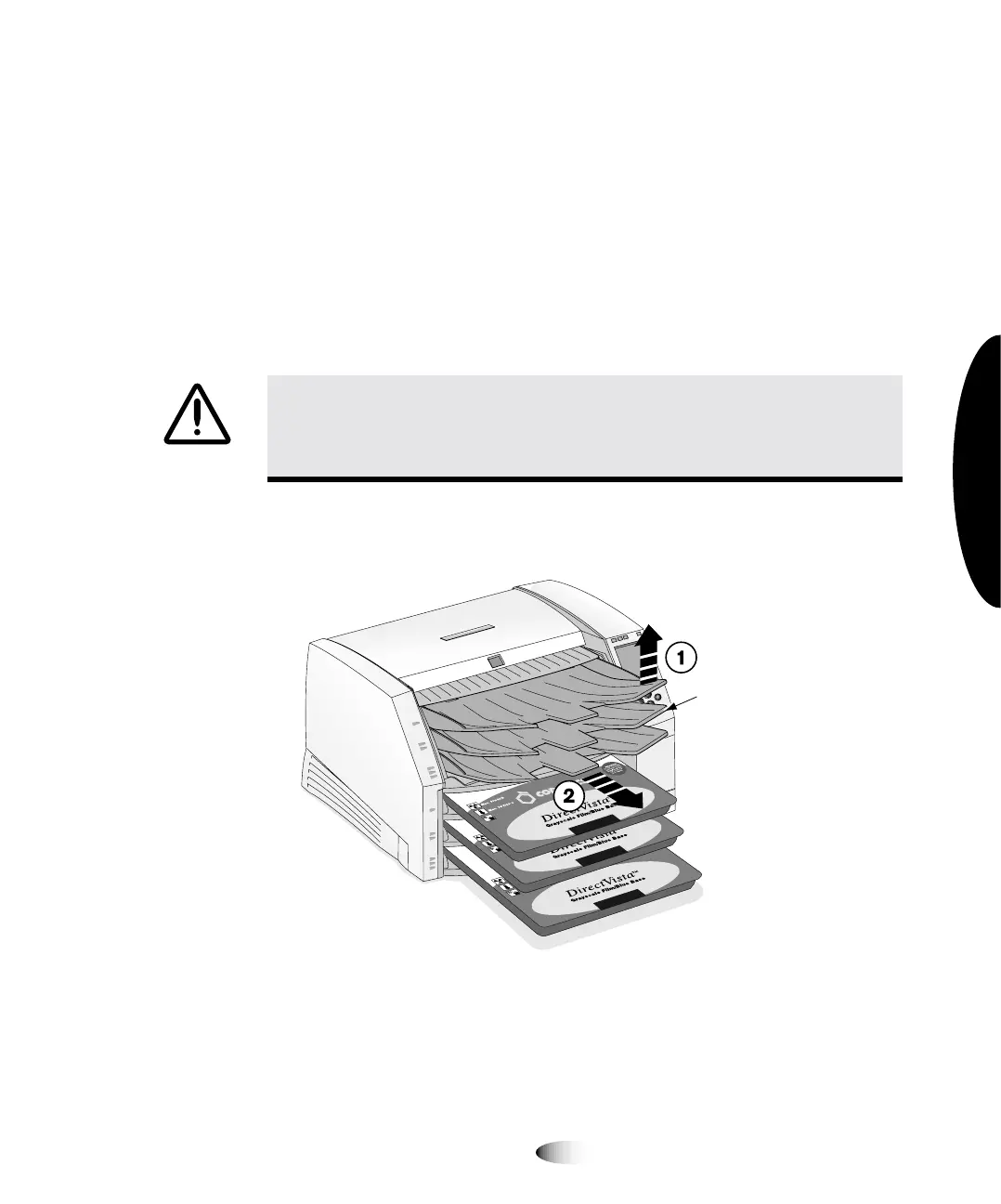
2. Remove the receive trays, as shown in the following figure.
WARNING With the top cover open, touch only those internal components that
are colored green (refer to the figure on page xxxii). Remove rings, ties, jewelry,
and other items, and tie back hair, so that they do not fall into or get caught in
the imager.
3
8
To clear a jam
indicated by
“Clear jam
from the
printing area
14"x17"
A Size
8"x10"
Receive
trays



 To Next Page