2-28 Setting Up the Imager
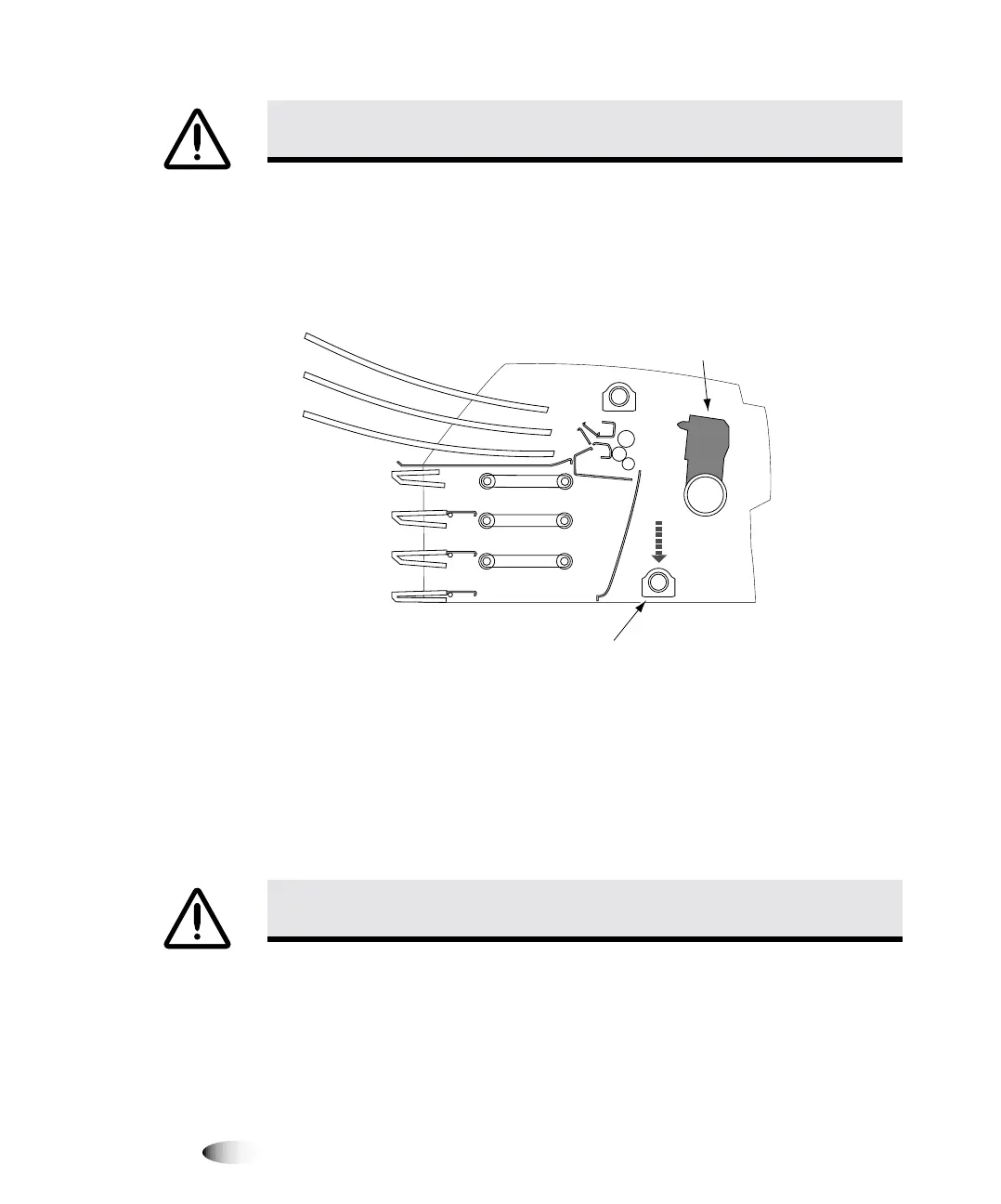
7. Look down into the imager just in front of the thermal print
head and make sure that the ribbon carriage is fully down to the
bottom of the imager. (The ribbon carriage should have lowered
during power off.)
Cross-Section View of Imager
NOTE:
If the ribbon carriage is not fully down, you can use the foam stabilizer to push it
down. The stabilizer is shown in the first panel of the repacking illustration on the box insert.
The ribbon carriage does not move easily, but it is safe to apply moderate pressure to force
it all the way down.
8. Replace the packing materials into the imager, close the top
cover, and repack the imager into its original box. Refer to the
box insert for illustrated instructions.
CAUTION
If the thermal print head is not parked, power on the imager, then repeat
steps 2 and 3 to properly power off the imager so that it does park.
CAUTION
Push the ribbon carriage down slowly. Forcing it down too quickly may
damage the carriage.
Ribbon carriage
at bottom of imager
Thermal
print head
3



 To Next Page