Horizon Imager User’s Manual 10-11
Preventive Maintenance
10. From the Open Top Cover menu, select the
Rotate Platen
option.
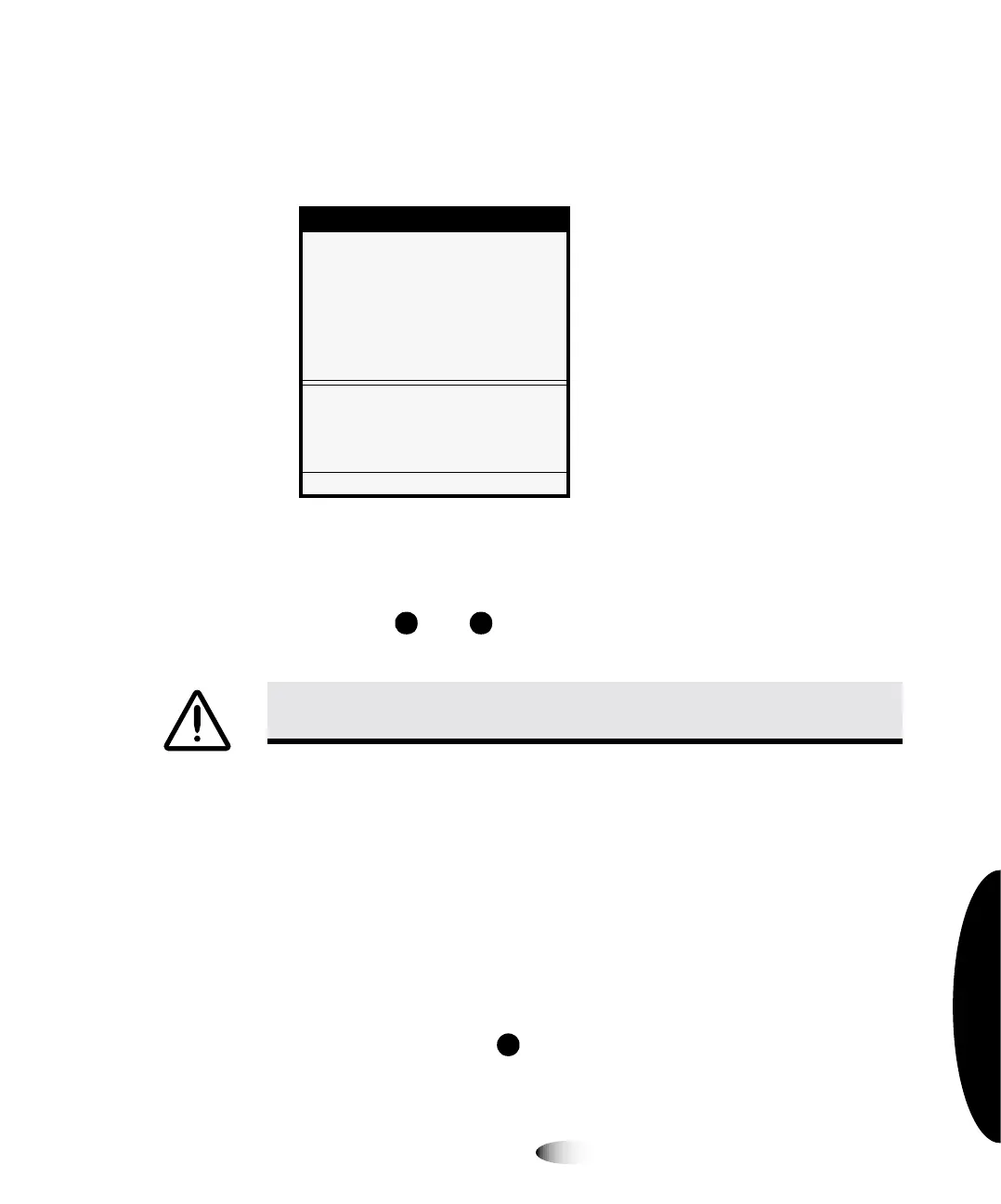
The Rotate Platen menu is displayed.
11. Using the platen roller cleaning wipe, rub the pad along the
entire length of the platen from end to end until all visible
contaminants are gone. Do not rub back and forth.
Press the and keys to rotate the platen so that you can
clean its entire surface.
12. Wait for the platen and donor guide bar to dry thoroughly.
If you need to reload the color ribbon, go to step 13. Otherwise
go to step 15.
TIP:
Cleaning the thermal print head and nosepiece while the top cover is open
If you want to clean the thermal print head and nosepiece while the top cover is already
open, refer to steps 7 through 10 in the procedure in “Cleaning Print Head and Nosepiece”
on page 10-3.
13. To reload the color ribbon, go to the Move Ribbon Carriage
menu and press the key to move the ribbon carriage up so
you can reload the ribbon.
Menu
Open Top Cover
Rotate Platen
Rotates platen forward.
Rotates platen back.
Rotate platen to access for
cleaning
Clean platen by alternately
rotating & wiping end to end.
Press MENU to exit menus
CAUTION
Use only the platen roller cleaning wipe when cleaning the platen. The
platen roller could be damaged if you use the print head cleaning wipe.
/



 To Next Page