Horizon Imager User’s Manual 2-3
Setting Up the Imager
1. Move the imager box close to the desired location.
2. Open the imager box and follow the instructions printed on the
box flap.
3. Carefully lift the imager from the box.
4. Position the imager at the desired location.
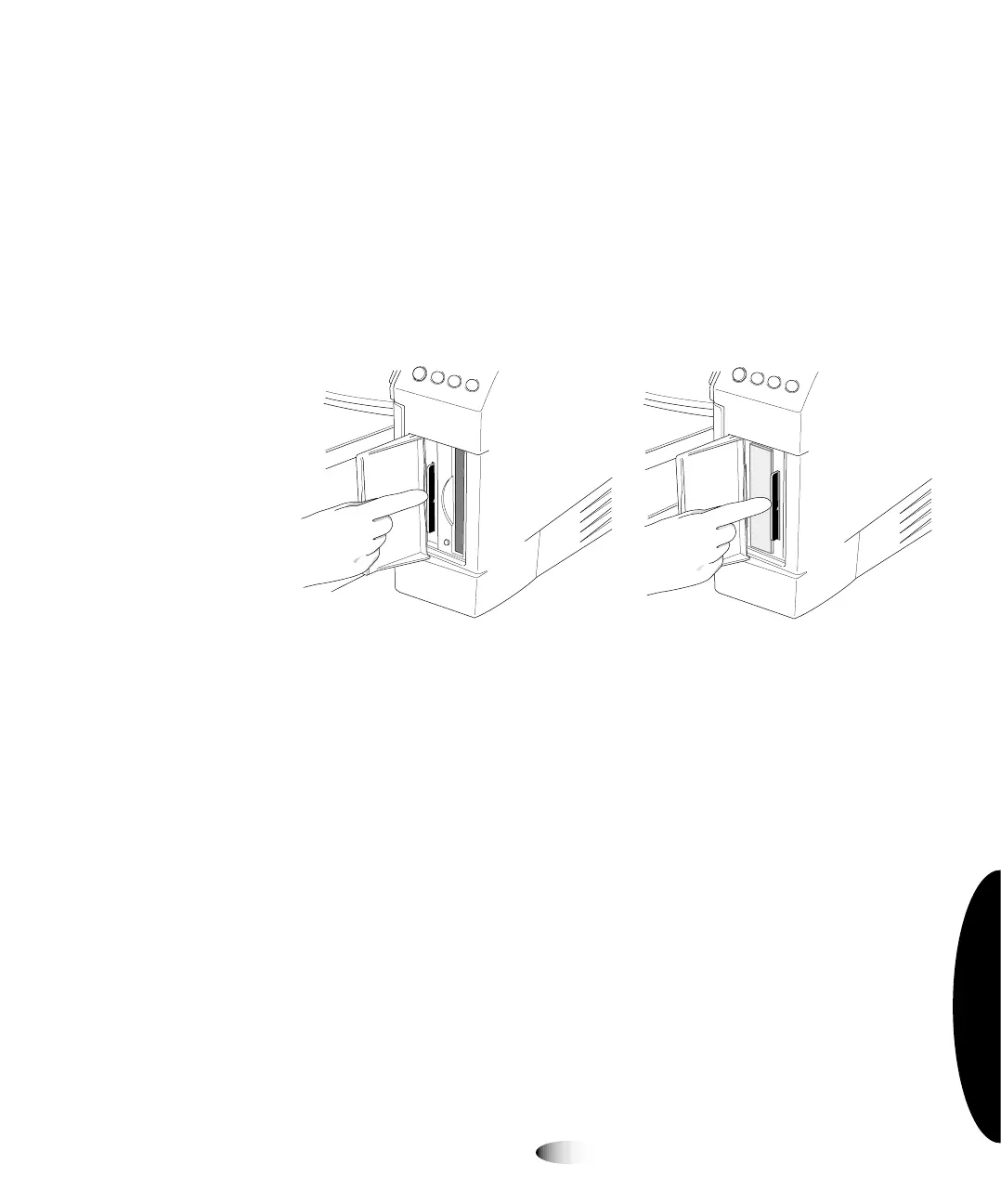
5. Open the Smart Card access door at the lower right front of the
imager and make sure that the Smart Card is fully seated in its
slot.
Smart Card in slot—Horizon Smart Card in slot—Horizon
with Zip drive with no Zip drive
8
To install the
image



 To Next Page