Horizon Imager User’s Manual 3-19
Basic Imager Operations
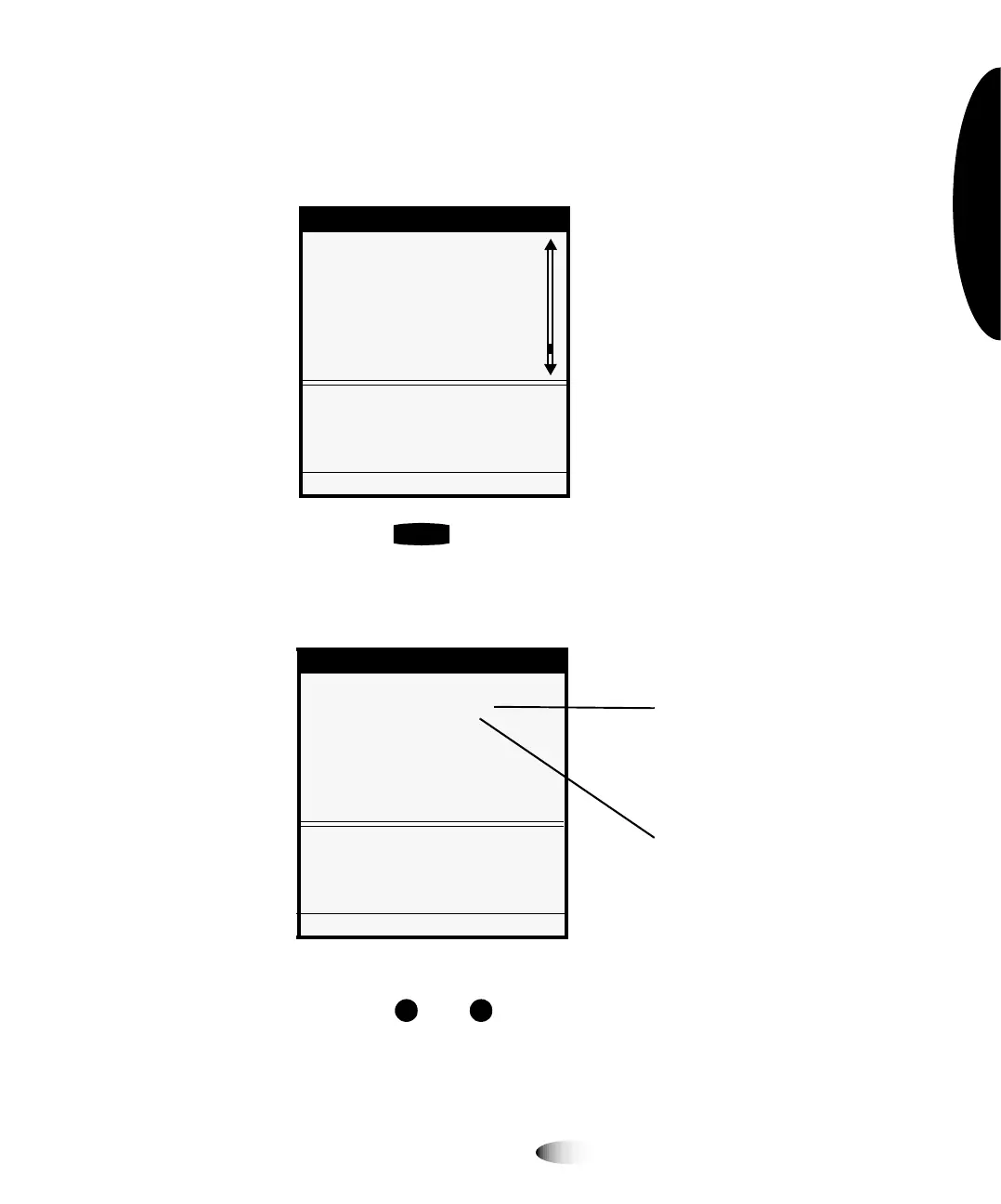
3. Point the selector arrow (
) to the menu option you want.
In this example, you would point the selector arrow to
Network
Settings
.
4. Press the key.
This selects the
Network Settings
menu option, and moves
down a level to the Network Settings submenu.
5. Press the and keys to select the menu option you want.
In this example, you would select
Addresses
.
Menu
Load/Remove Ribbon...
Custom Job Settings...
Utilities...
Test Prints...
Print From USB Drive...
Feature Management...
Network Settings...
Configure TCP/IP network
settings
Press MENU to exit menus
ENTER
Network Settings
Network Settings
Speed [Auto Sense]...
Addresses...
Reset Network Settings
Set network addresses of this
Imager.
Press MENU to exit menus
Submenu options are
indented under Network
Settings to show the menu
hierarchy (path)
Current values are
displayed in square
brackets



 To Next Page