©2025 Copeland LP.
026-1803 R13 Supervisor I&O User Guide C - 9
Below are examples of SMS addresses for those in the United States:
• T-Mobile: phonenumber@tmomail.net
• Virgin Mobile: phonenumber@vmobl.com
• Cingular: phonenumber@cingularme.com
• Sprint: phonenumber@messaging.sprintpcs.com
• Verizon: phonenumber@vtext.com
• Nextel: phonenumber@messaging.nextel.com
• U.S. Cellular: phonenumber@email.uscc.net
• Cricket: phonenumber@sms.cricketwireless.net
• Boost Mobile: phonenumber@smsmyboostmobile.com
• AT&T: phonenumber@txt.att.net
• phonenumber = your 10-digit phone number
Note: For those outside the United States, please contact your local service provider.
Note: The Contact Information fields can be left blank if the user will not be receiving Alarm Communications via email or SMS
(See Contact Information).
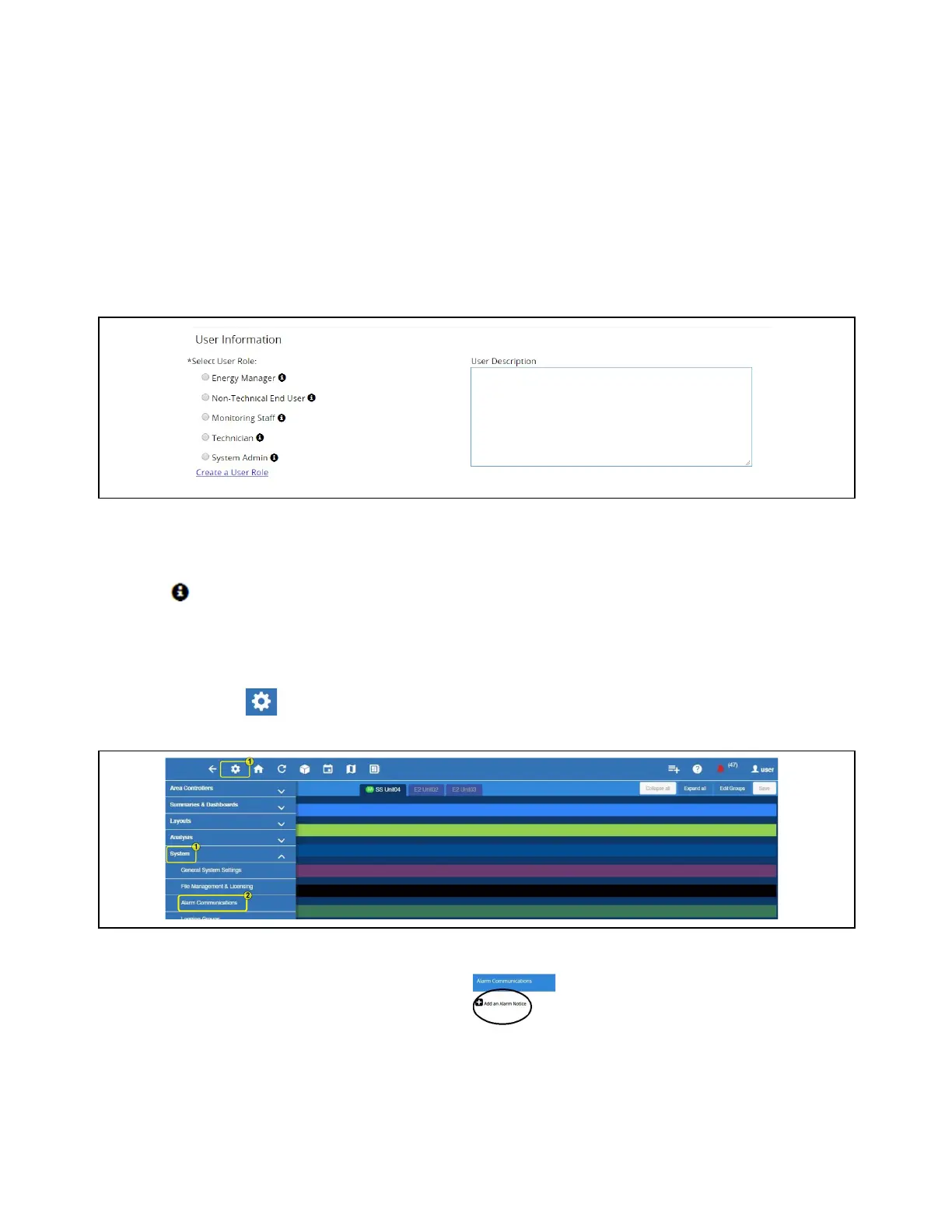
4. The User Information area allows the user’s login access level to be set. Depending on the selected role, the user can View,
Control, Configure, or Administer items listed in the action area for that role. To view more details about what each role can
do, click the icon next to the role name.
5. Click Save.
Alarm Communications
1. Click the Setup (gear) icon > System.
2. Select Alarm Communications.
3. Click Add an Alarm Notice to create a new Alarm Notice.
Note: It is assumed that role-based user access is already set up at this stage. Otherwise, role-based user access must be
configured (See ).
User Information and Rules
Alarm Communications



 To Next Page