©2025 Copeland LP.
026-1803 R13 Supervisor I&O User Guide E - 32
Re-connect
A Controller Reset May Be Required
Once all the controllers have been added, a reset for each controller may be required before they are visible on the
controller set up as the Annunciator.
Set Up the Annunciator
Once you have set up the controllers, decide which controller will be the Annunciator.
Note that when you click each tab, you will log into each controller. You are automatically logged off each controller as
you move from tab to tab.
Once the Peer Network is set up, only 1 browser is needed to switch between controllers. (Chrome is recommended).
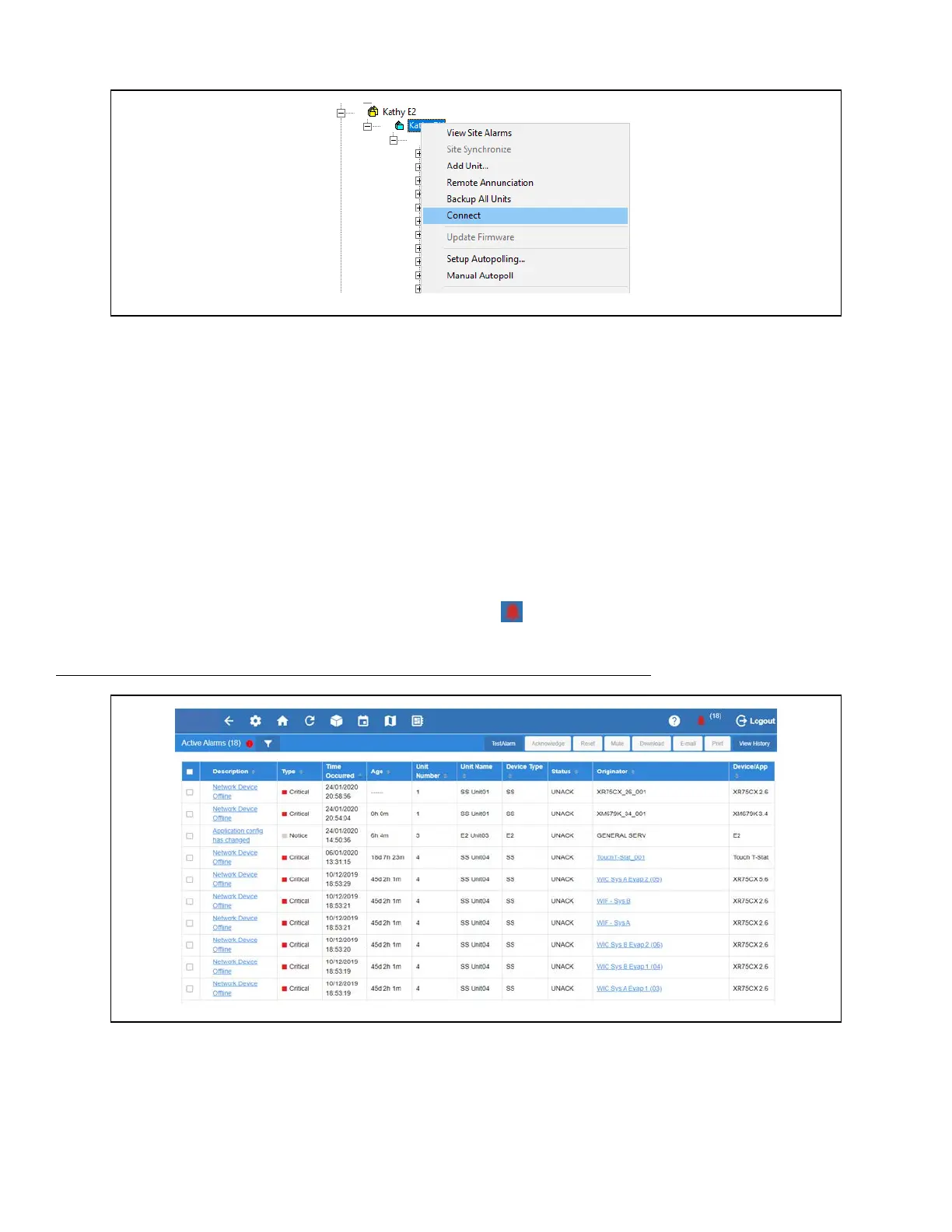
To see the alarms for all controllers on the network, click the Alarm bell and the Active Alarms screen will open. From this
screen you can view all alarms across the Peer Network.
Refer to the Unit Number and Unit Name columns to locate alarms for the controllers
:
Click Connect
Active Alarms Screen



 To Next Page