©2025 Copeland LP.
026-1803 R13 Supervisor I&O User Guide G - 3
Uploading Setpoint Files to Supervisory Controller
1. Copy the set point file to a USB thumb drive.
2. Plug the USB thumb drive into the Supervisory Controller.
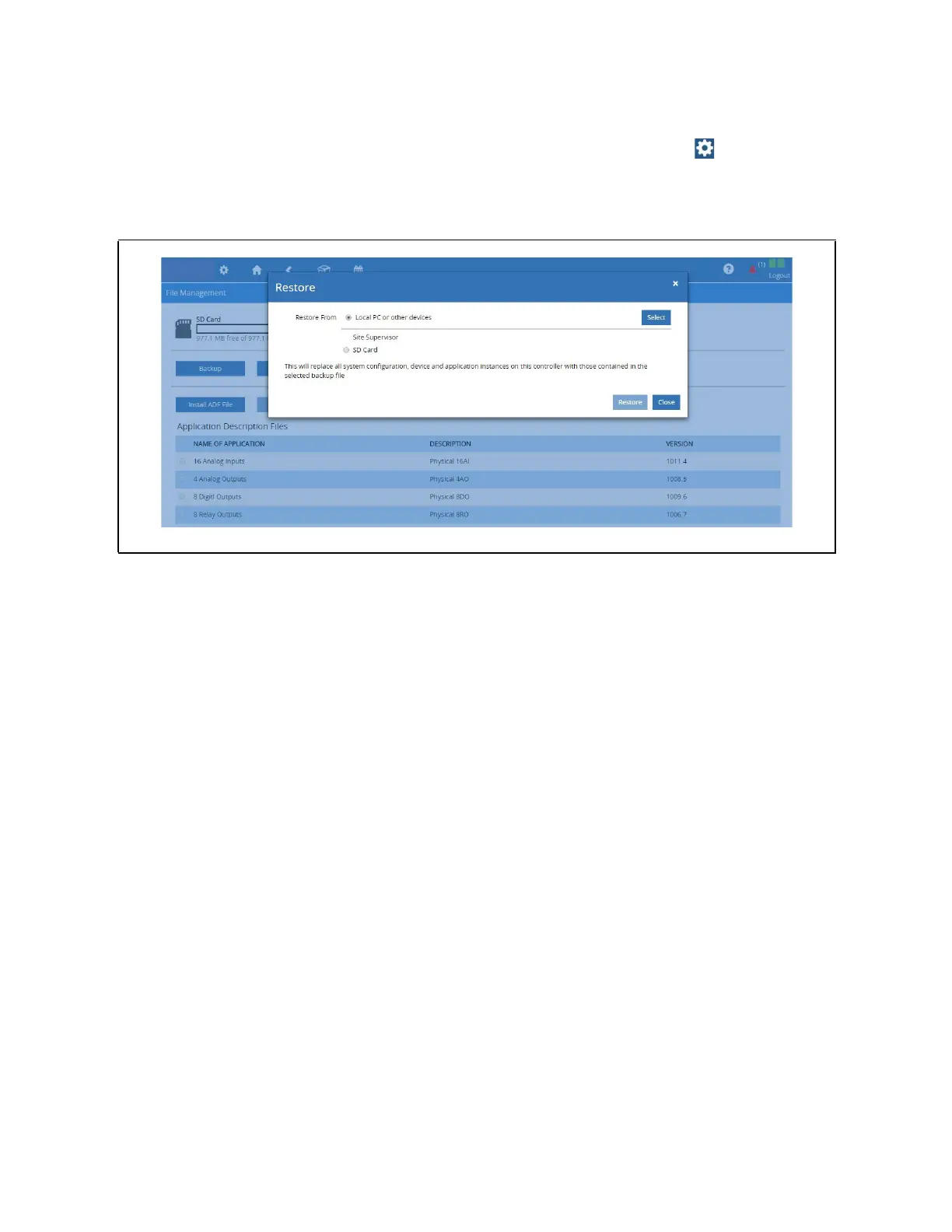
3. Login and select Configure System > File Management & Licensing from the Main menu .
4. Select Restore then select the USB.
5. Click the radial button for the setpoint file.
6. Select Restore.
Upload Setpoint File to the Supervisory Controller



 To Next Page