Chapter 4 Parameters
4-89
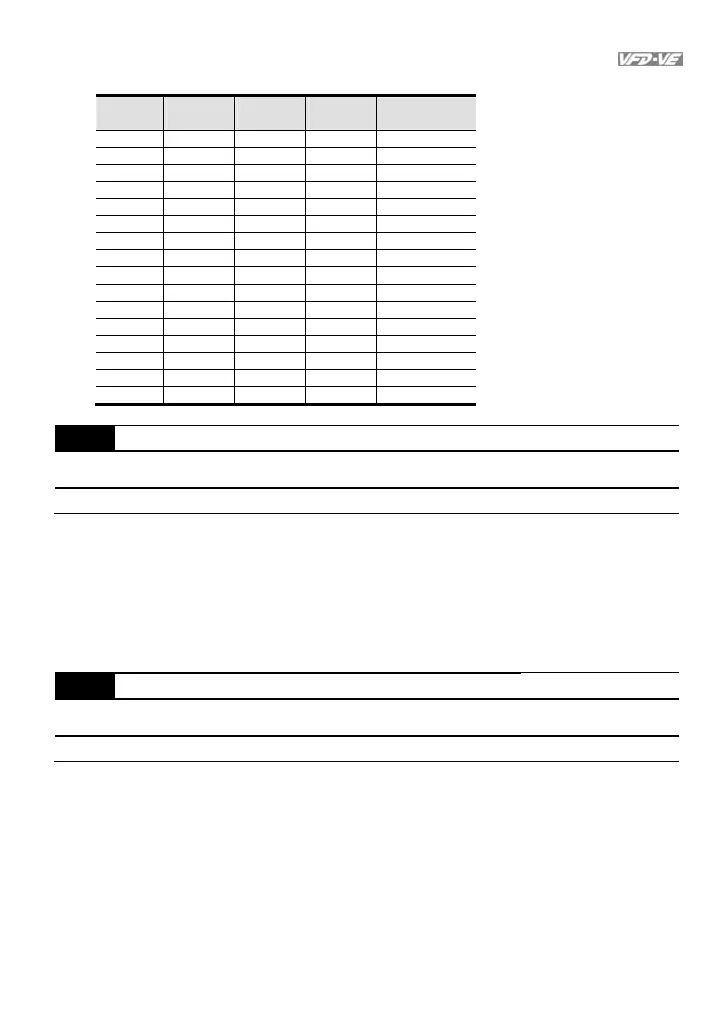
Bit setting
bit3
MO2
bit2
MO1
bit1
RA
bit0
MRA
Pr02-15
0 0 0 0 0
0 0 0 1 1
0 0 1 0 2
0 0 1 1 3
0 1 0 0 4
0 1 0 1 5
0 1 1 0 6
0 1 1 1 7
1 0 0 0 8
1 0 0 1 9
1 0 1 0 10
1 0 1 1 11
1 1 0 0 12
1 1 0 1 13
1 1 1 0 14
1 1 1 1 15
02-16 Terminal Count Value Unit:1
Control
mode
VF VFPG SVC FOCPG TQCPG
Factory setting: 0
Settings 0 ~ 65535
The counter trigger can be set by the multi-function terminal MI6 (set Pr.02-06 to 23).
Upon completion of counting, the specified output terminal will be activated (Pr.02-11 to
Pr.02-14 is set to 17).
When the display shows c5555, the drive has counted 5,555 times. If display shows
c5555, it means that real counter value is between 55,550 to 55,559.
02-17 Preliminary Count Value Unit:1
Control
mode
VF VFPG SVC FOCPG TQCPG
Factory setting: 0
Settings 0 ~ 65535
When the counter value reaches this value, the corresponding multi-function output
terminal will be activated, provided one of Pr. 02-11 to 02-14 set to 18 (Preliminary
Count Value Setting). This parameter can be used for the end of the counting to make
the drive runs from the low speed to stop.



 To Next Page