Chapter 3 Digital Keypad Operation and Start Up
3-11
Pr.05-03
Rated Speed of Motor 1
(rpm)
0~65535
NOTE: It is used to set the rated speed of the motor and needs to set according to the
value indicated on the motor nameplate.
Pr.05-04
Number of Motor
Poles 1
2~20
NOTE: it is used to set the number of motor poles (must be an even number).
Check if the motor and load can be separated. If yes, please set by the following steps. If not,
please jump to step 2 for static test of the motor auto tuning.
If the above steps are normal, please trial run in low speed and check if the motor runs
steadily without abnormal noise and vibration. If yes, please stop running and check if the
wiring is correct or contact the motor supplier.
After ensure that the output current displayed on the digital keypad is within 20~50% of the
motor rated current when trial run in low speed, please go to step 2. If the output current is
out of the range, please check the motor wiring, parameter settings or contact the motor
supplier.
3.3.2.2 Step 2
Motor tuning
Make sure that Pr.00-00 (identity code of the AC motor drive) corresponds to the nameplate
of the AC motor drive.
Check if the motor and load can be disconnected.
If yes: set Pr.05-00 to 1 (rolling test)
If not: it needs to input value into Pr.05-05 and set Pr.05-00 to 2 (static test)
Motor auto tuning
Pr.05-00
Motor Auto Tuning
0: No function
1: Rolling test
2: Static Test
3: Reserved
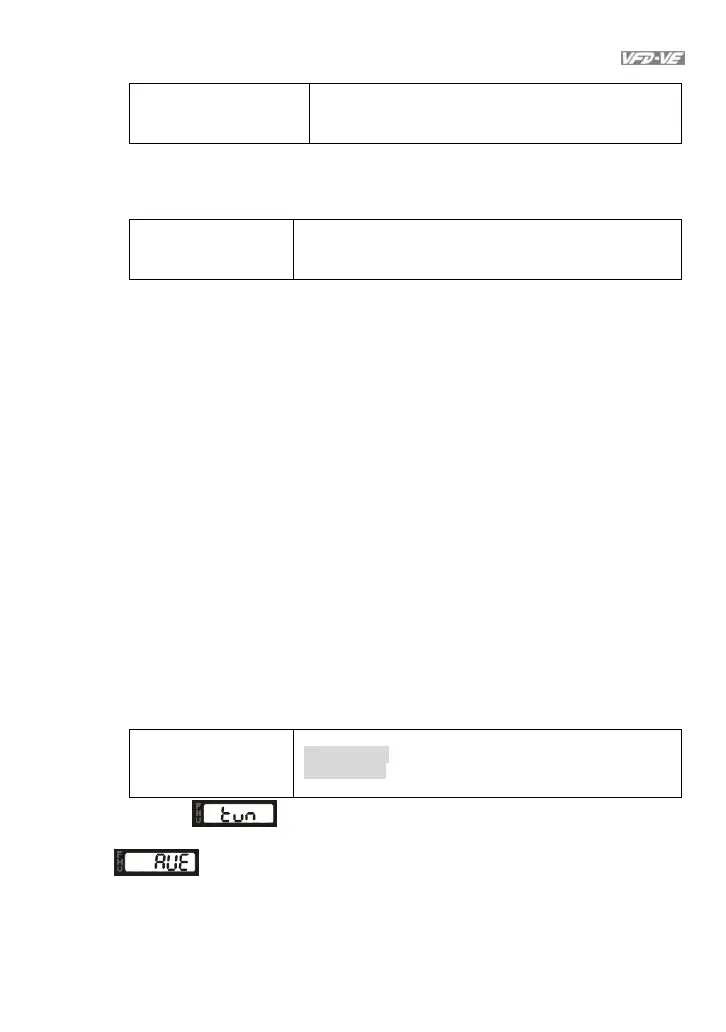
It will display on the digital keypad until the tuning is finished. Then the motor
will stop automatically and save the value into Pr.05-06~Pr.05-09. If it displays
, please check if the wiring and parameters settings are correct.



 To Next Page