EasyManua.ls Logo

Delta VFD-VE - 3.2 Tuning Operations; 3.2.1 Flow Chart

Delta VFD-VE
315 pages
Print Icon
To Next Page IconTo Next Page
To Previous Page IconTo Previous Page
Loading...
Chapter 3 Digital Keypad Operation and Start Up
3-7
3.2 Tuning Operations
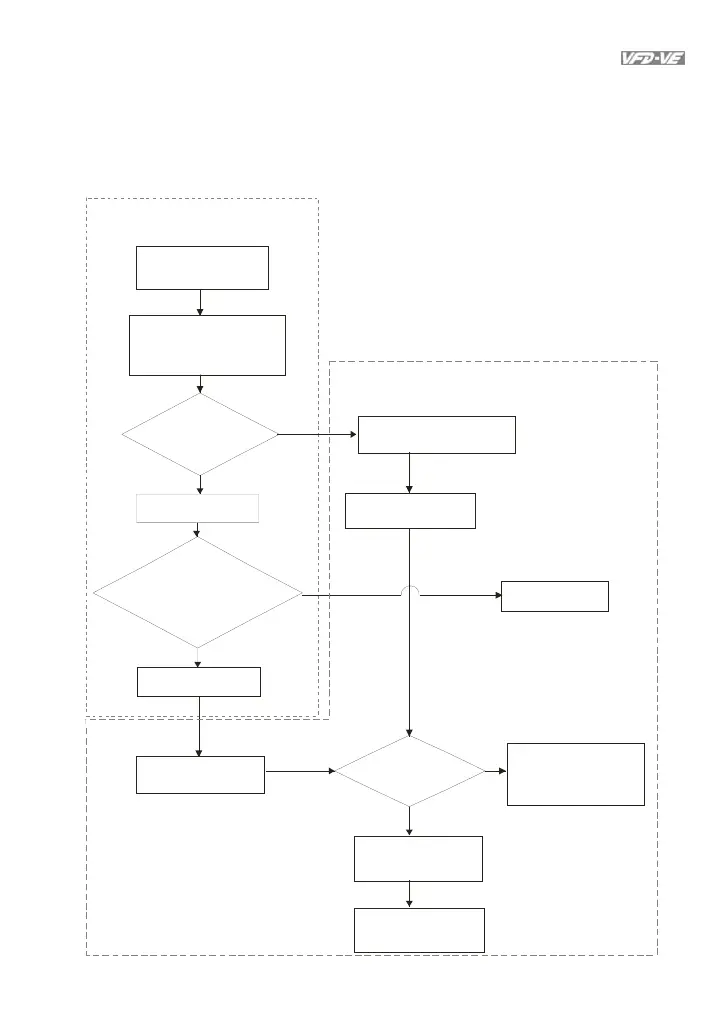
3.2.1 Flow Chart
Take motor 1 as exampl
e
Step 1
Basic parameters settings
Reset all parameters
to factory setting
Pr.00-02
Set t in g t h e related
information of IM motor
Pr.01-00~01-02
Pr.05-01~05-04
If the motor and
load can be
separated
NO
YES
run in low speed
NO
YES
Check if output current
is within (20~50%) of
rated current
Stop running
Motor auto tuning
Pr.05-00=1
Step 2 Motor tuning
No-load current of motor
Pr.05- 05
Motor auto tuning
Pr.05-00=2
Please contact
motor supplier
If it displays "tun"
during trial run
NO
YES
Check if the value
has been written
into Pr.05-05~05-09
The motor tuning is
finished after motor
is stopped.
If it displays "AUE",
please check the
wiring and parameter
settings.

Table of Contents

Related product manuals