Patch 89
Range Patching
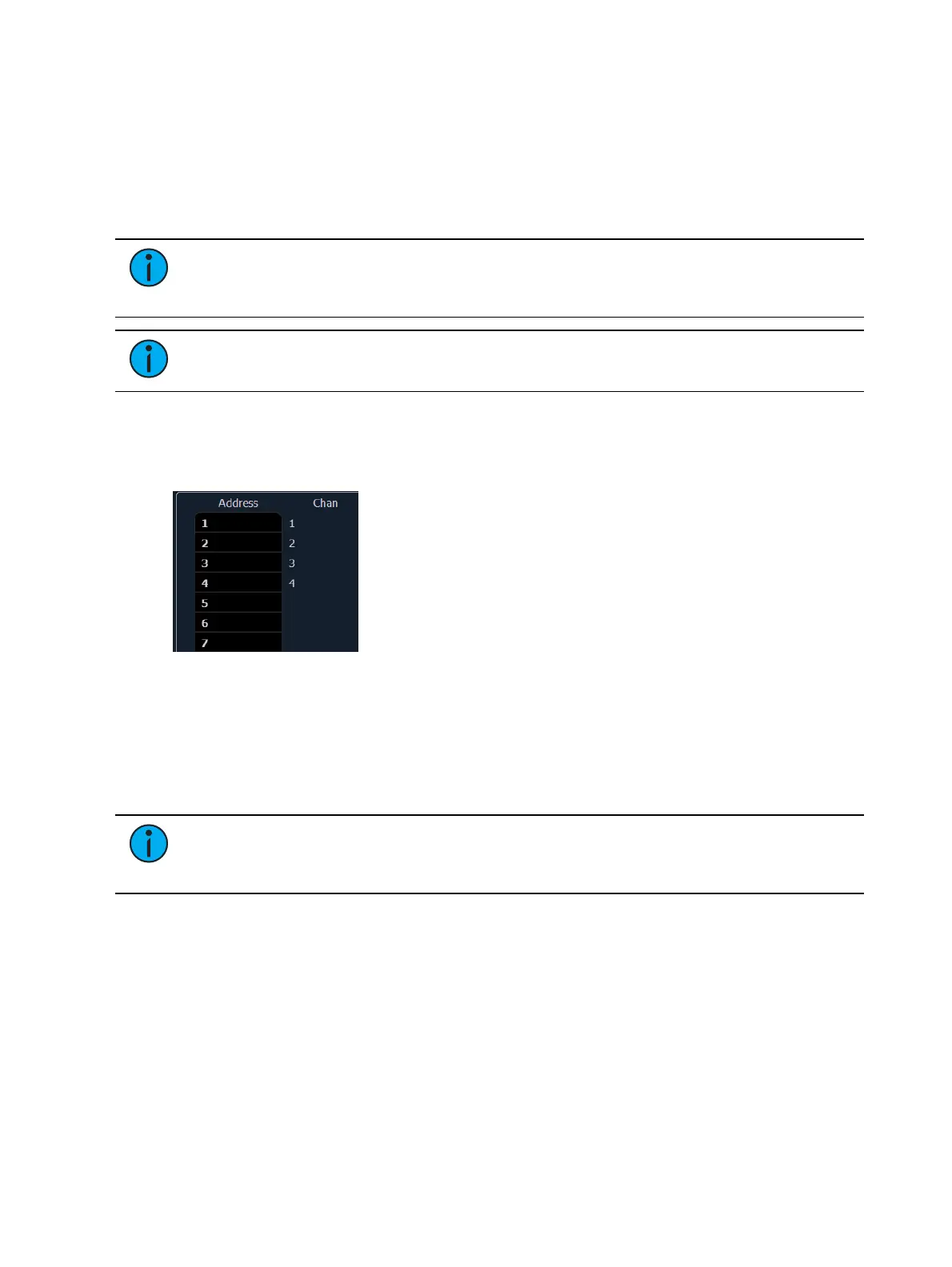
Range patching using the [Thru] key allows you to quickly patch a group of channels. [1][Thru]
[2][0] [At] [1] [0] [Enter] patches channels 1 through 20 to addresses 10 through 29.
You can also use the [+] and [-] keys. [1] [+] [4] [+] [8] [At] [1] [Enter] patches channel 1 to
address 1, channel 4 to 2, and channel 8 to 3. The [Group] key can also be used if groups have
been created.
Note: Range patching only works with channels. If you try to range patch addresses,
parts for the channel will be created. See Creating multipart and compound channels
(on page93).
Note: If you try to patch a channel or address that exceeds the console's range, an
error message will display on the command line.
Patching By Address
Pressing [Format] while in the patch display will toggle the mode between patch by channel and
patch by address.
[2] [0] [At] [1] [Enter] patches address 20 to channel 1. Pressing [At] will post channel to the
command line while patching by address.
Additional examples of patch by address:
[5] [At] [1][0][0] [Enter] - patches address 5 to channel 100.
[2][0][3] [At] [1][2] [Enter] - patches address 203 to channel 12.
Note: If, at any point, you try to patch an address that is already in use, Element will
post an advisory to indicate this, preventing you from duplicating addresses in your
patch.
Using Output Address vs Port/ Offset
The output address is the DMX or network DMX (often called EDMX) address. Examples of
output addresses are 510, 1, and 1024.
Port/ offset refers to the DMX universe or port and the offset of the address. For example, since
a single DMX port can transmit 512 addresses (known as a “universe”), the port/ offset for
address 515 would look like 2/3 because address 515 is the 3rd address of universe 2.
An example of patching by port/ offset in patch by address mode is [2][/][1][0] [At] [2][0] [Enter],
which patches universe 2 address 10, or 522, to channel 20.
[At] [/] [n] [Enter] can be used to patch an address on the same universe that was last used.



 To Next Page