Managing Show Files 75
Start - The first in a range of components.
End - The last in a range of components.
Target - The desired location of the components in the new show file (for ranges, this will
be the location in the new show of the first component in the range, the others will follow
in order).
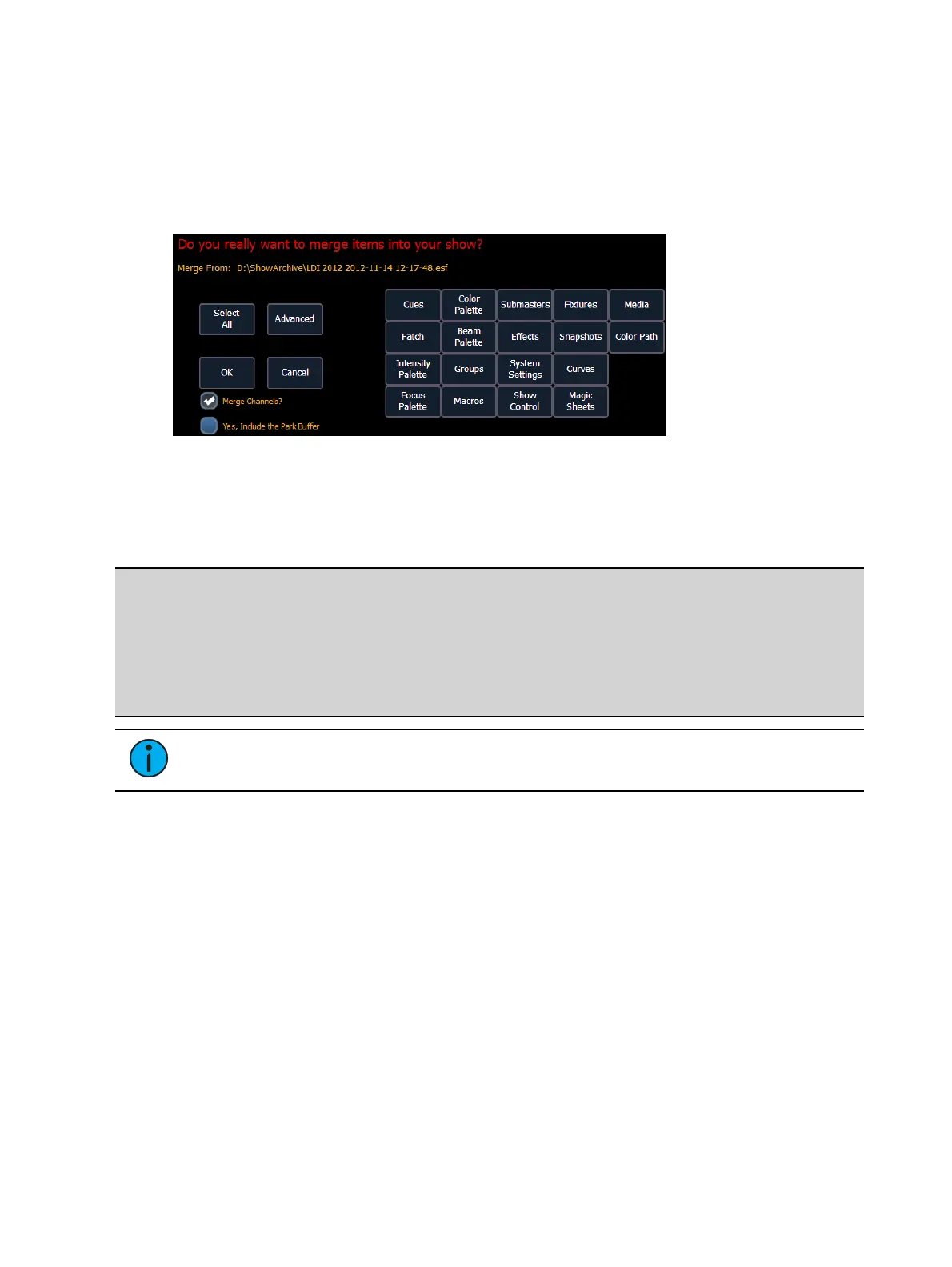
Partial Show File Channel Merge
When Merge Channels is selected, channels from cues, submasters, groups, and other channel
targets will be added to any existing channel targets of that same type.
With Merge Channels not selected, those channels will override any existing channels in the
channel targets of the same type.
Example:
In a show file 1, group 1 has channels 1 through 5. In show file 2, group 1 had channels
6 through 10. With Merge Channels and Groups selected for the merge, show file 2's
group 1 will merge with show file 1's group 1. Group 1 will then have channels 1
through 10. If Merge Channels was not selected, group 1 would just have channels 6
through 10.
Note: It is important to remember that if the same channels exist in both show files,
the data merging in will override the existing data for those channels.
Printing a Show File
Element provides you with the ability to save a show file or aspects from a show file to a PDF file
for printing. Element has three locations to save the PDF files including the Show File Archive,
the File Server (if connected), or a USB device (if connected). Saving the PDF file to a USB (F:)
device, allows you to then print the PDF from a personal computer. Printing directly from
Element is not supported.
In Setup, you can select the page orientation and paper size for these PDF files, see
PDF Settings
(on page146)
for more information.
To save a PDF of an Eos Family show file, navigate within the browser to: File> Print> and press
[Select].



 To Next Page