338 Eos Family v2.9.0 Operations Manual
About Snapshots
Snapshots are record targets that store the current state of the Element external monitor
configuration. These can then be recalled to instantly reset the displays to the state stored in the
snapshot. You can choose which parts of the displays you wish to store as a part of the snapshot.
When you record a snapshot, aspects of the Element user-interface, based on user-preference,
are stored so that you can recall them in the future. This allows you to bring the console back to
a desired state quickly.
Snapshots contents are global. They can be stored and recalled on any control interface, other
than Net3 RFRs. When recorded, they store the relevant settings of the device initiating the
record. When recalled, they recall only the controls that are appropriate on the device the
snapshot is recalled.
Note: Snapshots that store the faders do not include the active cue in a fader. They
only include pending cues and fader attributes.
Snapshots of just a single monitor can also be recorded. See
Single Monitor Snapshots (on
page34)
for more information.
Recording Snapshots
To store the current state of the console, record a snapshot.
[Record] {Snapshot} [1]
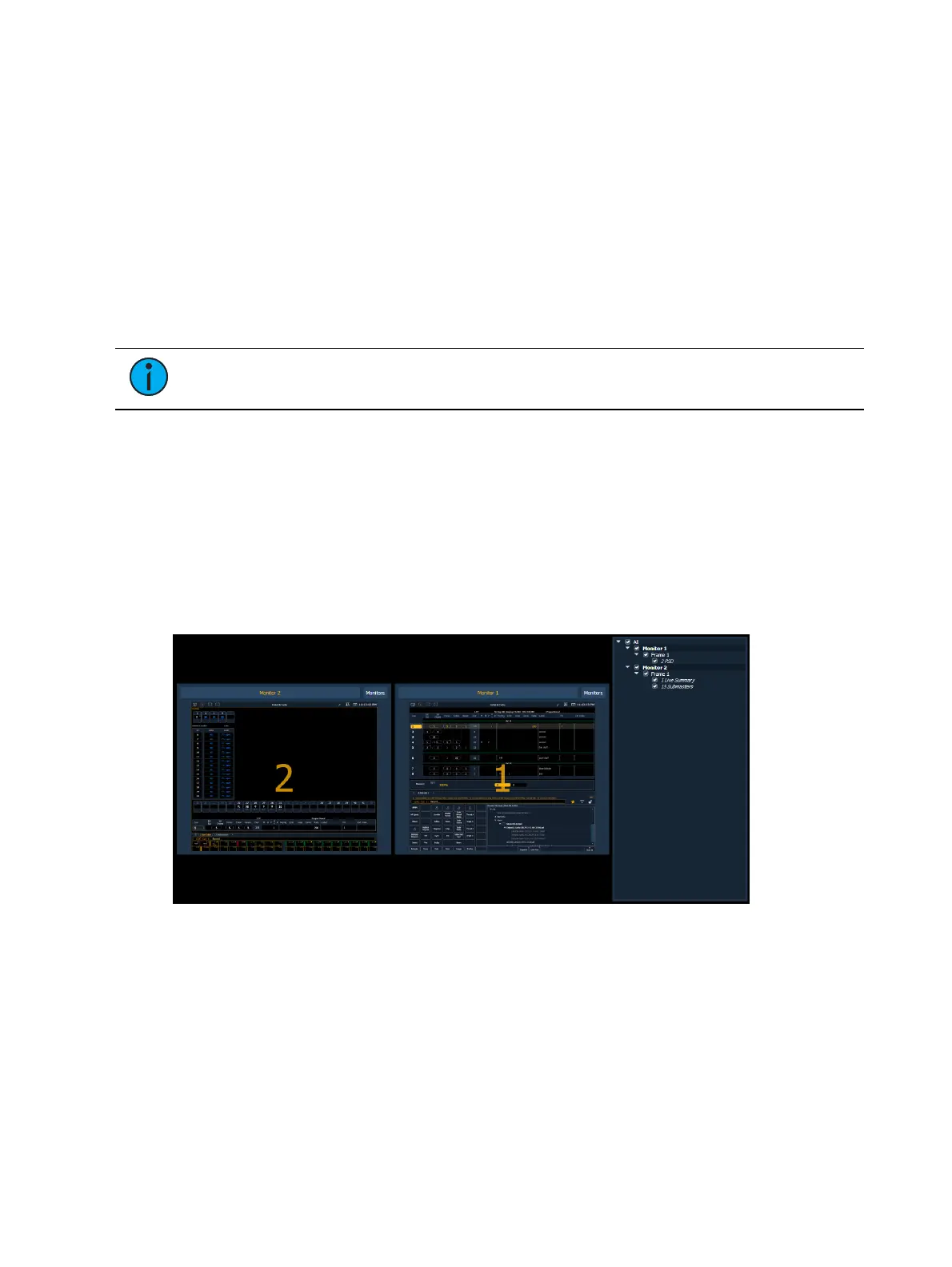
When recording a snapshot, you will see a preview of all of the displays as they will be recorded
in the snapshot. You can choose to select/ deselect various components, monitors, frames, etc
from your snapshot.
From the snapshot menu, the following options are available:
Visible Workspaces - includes only the visible workspaces.
All Workspaces - include all workspaces, including those not visible at the time of
recording.
You can choose to include or exclude monitors, frames, and tabs in the area below the snapshot
menu by checking or unchecking in the list.



 To Next Page