370 Eos Family v2.9.0 Operations Manual
Those options include:
Disable Keyboard Input - disables input from the facepanel and an external keyboard.
Fader and macro buttons will still work.
Lock Fader Page - locks the fader page to the currently displayed one.
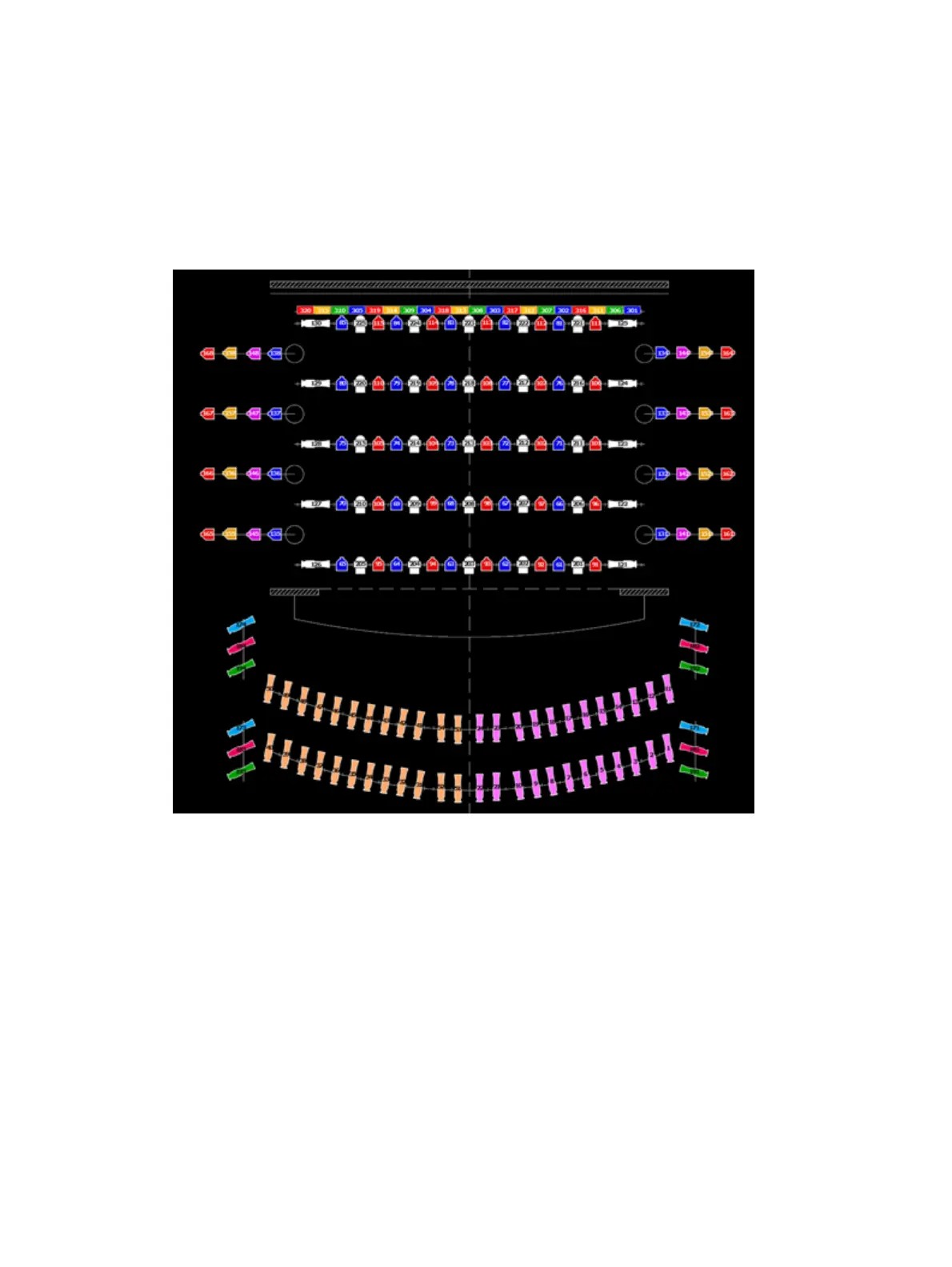
Examples of Magic Sheets
The following are examples of magic sheets created using the magic sheets feature. These
examples use a variety of objects provided in the software along with user-generated images.



 To Next Page