350 Eos Family v2.9.0 Operations Manual
About Magic Sheets
Magic Sheets are user created interactive displays that offer customizable views for displaying
data and programming. Magic Sheets are comprised of objects that are tied to show data, such
as channels and palettes.
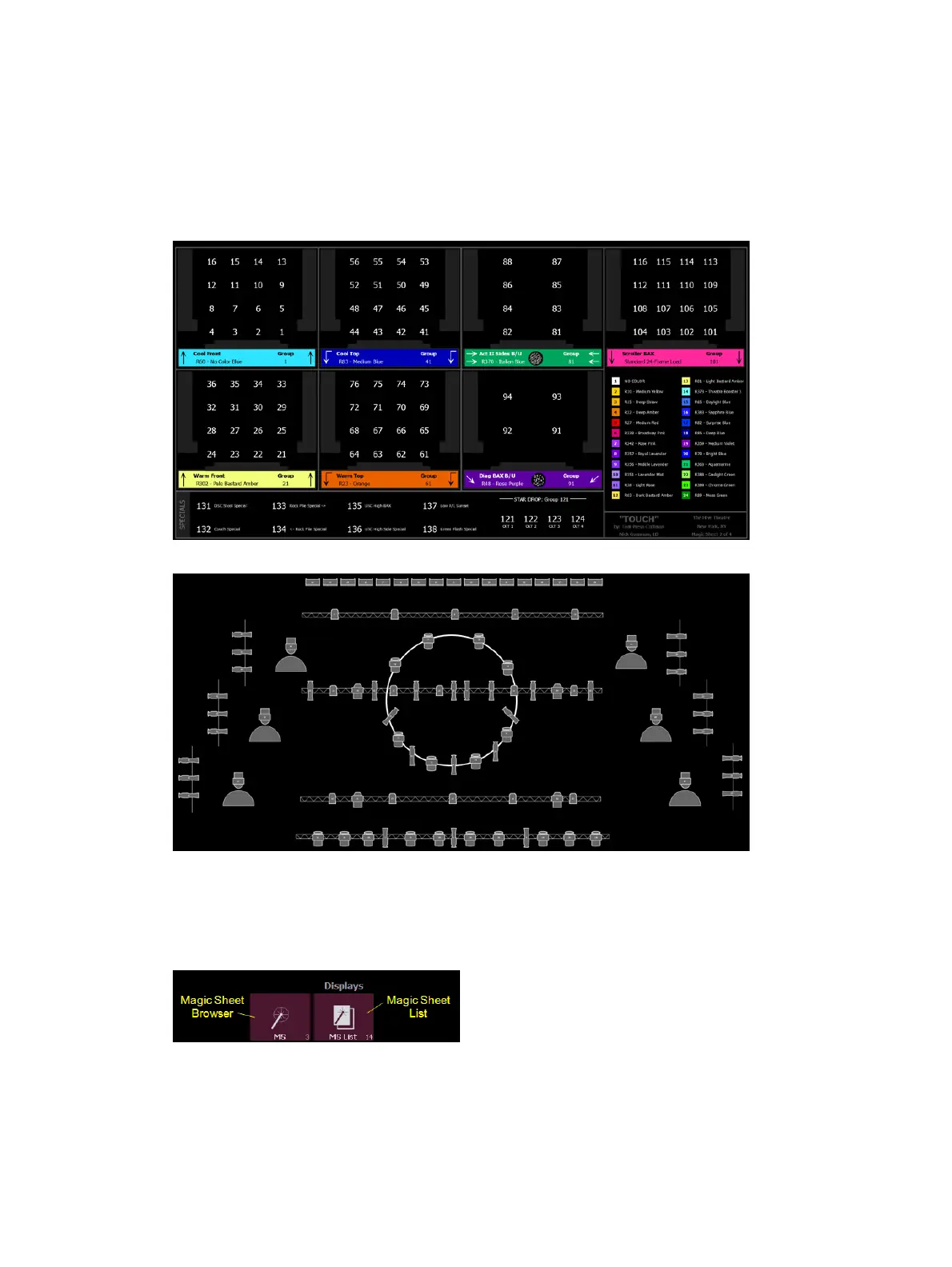
The following are two examples of magic sheets. For additional examples, see
Examples of
Magic Sheets (on page370)
.
Magic Sheet Browser
Open the magic sheet browser by pressing [Tab] [3], or by selecting the magic sheet browser
icon from the home screen.
If no magic sheets exist in the show file, the magic sheet browser will be blank except for the
New Magic Sheet icon. Click on the icon to open the magic sheet editor.



 To Next Page