302 Eos Family v2.9.0 Operations Manual
Button Options
The following options are available for global effect buttons:
Bump - plays back the effect at 100% of the recorded level. It will continue to do so until
released.
Freeze - halts all effect activity on the fader.
Start Stop Effect -starts the effect while ignoring dwell times. Will stop effects if any are
running.
Button Disabled - no action is assigned to the button.
Macro - allows you to assign a macro as a button action.
Delaying Effects
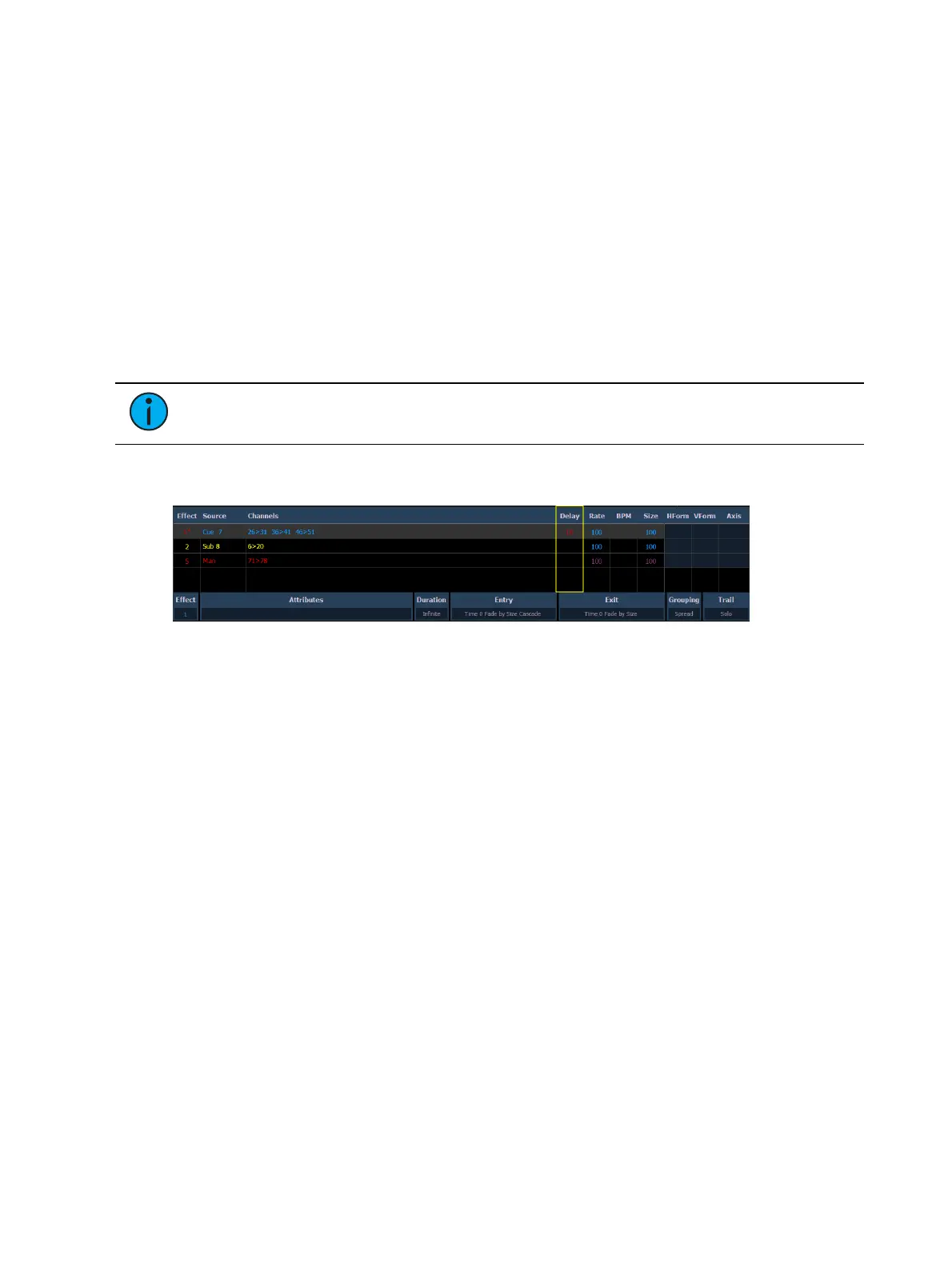
A delay can be placed on an effect in a cue or submaster by using the syntax [Effect] [n] [Delay]
[n] [Enter]. [Effect] [n] [Delay] [Enter] removes the delay.
Note: If an effect delay is set in live, the cue or submaster must be recorded to
include the delay.
The Effect Status display has a delay column to show when a delay has been applied to an
effect. When an effect is in delay mode, the column will display the countdown for the delay.
When an effect is delayed, a “*” will display by the effect number in the playback status display
FX column.



 To Next Page