Creating and Using Effects 281
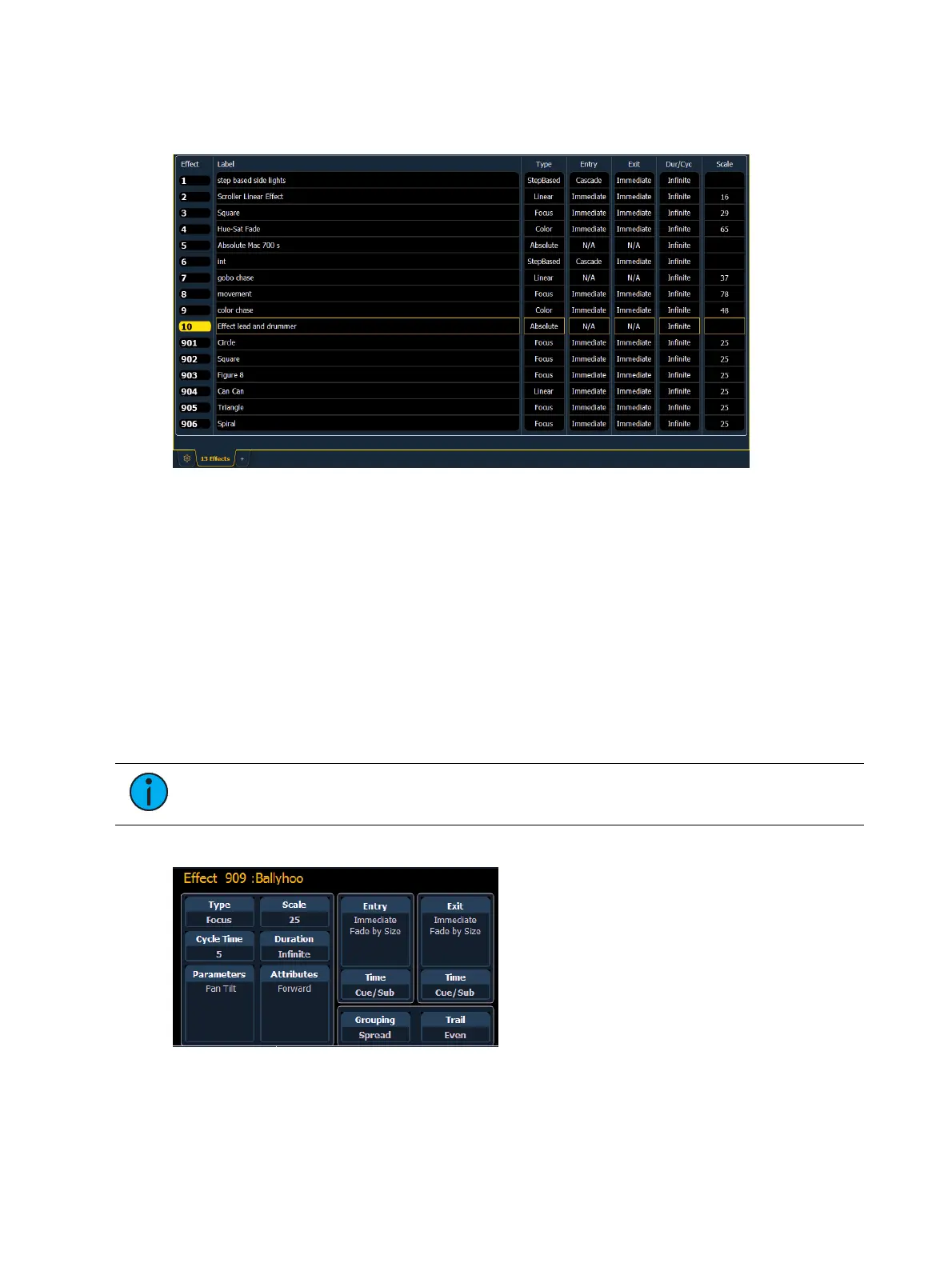
To navigate this list use the navigation keys as described in
Display Control and Navigation (on
page30)
or select the effect number you wish to work with. Notice that when you select the
effect list, the CIA changes to display the information for the currently selected effect.
Effect List Navigation
Using the [Next]/ [Last] keys will only move between effects in the effect list display. To
navigate the effect editor, you will need to use the page arrow keys.
You can use [Page t] or [Page u] when in the effect list display to begin navigating in the
effect editor. This only works for step or absolute effects. You can press [Escape] to return focus
to the effect list display.
Effects Editor
When viewing the effect list, the selected effect is displayed in the CIA. The effect
properties/attributes are shown in categorized buttons in the CIA. To change any
property/attribute, press the corresponding button and enter data as required.
Note: Some effect properties, such as rate and size, can only be modified in the
Effect Status Display and in the Effect Channel Display.
The properties display of the effects editor is shown below and definitions of properties follow:



 To Next Page