282 Eos Family v2.9.0 Operations Manual
Type
Defines the effect type: step-based, absolute, or relative (linear, focus, or color). To change the
type, press {Type} and then press the desired effect type in the buttons to the left.
<Effect> [1] {Type} {Step based} [Enter]
Scale
Applies only to relative effects. This modifies the amount the pattern is offset from the current
parameter values. The scale is expressed as a percentage increase or decrease (25 = 25% of the
programmed value).
{Scale} [3] [0] [Enter]
Cycle Time
Provides a cumulative time to complete one full iteration of an effect. In relative effects, the
cycle time determines the length of time required for one channel to complete the cycle.
In absolute and step-based effects, the cycle time determines the time required to complete one
full iteration of the effect. In these effect types, modifying the cycle time changes the timing
values proportionally within the effect itself.
To change the cycle time, press {Cycle Time} and then enter the desired time (in minutes and
seconds) from the keypad, followed by [Enter].
Duration/Cycle
This determines the length of time an effect will run. To specify, press {Duration/Cycle} and then
choose the desired method from the buttons that appear to the left. The options are:
{Infinite} - for step and absolute effects, the effect will run until the channel is provided a
new instruction or the effect is stopped,. Relative effects with an infinite duration will run
until a stop flag is applied.
{Duration} - the effect will run for a set amount of time given in minutes and seconds.
Enter the time from the keypad.
{Num cycles} - the effect will run for a set number of iterations. Enter the number using the
keypad.
{Duration/Cycles} {Num Cycles} [1] [0] [Enter]
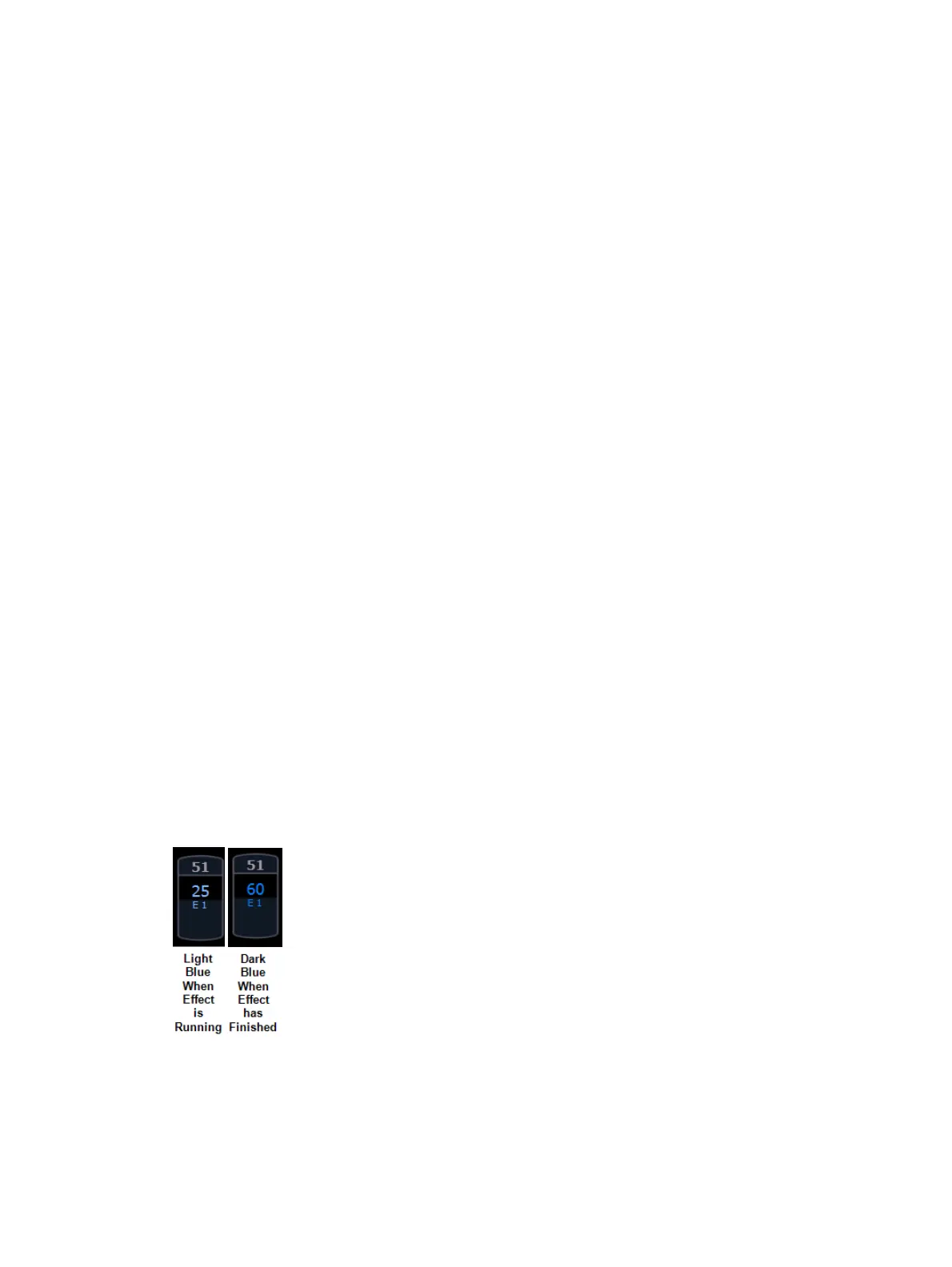
When an effect with duration is running in a cue, the effect will display in light blue while it is
running and dark blue when it has finished. This is only displayed in the Live Summary View.



 To Next Page