Eos Configuration Utility 411
Fixture library update files are distributed as a .zip file, which can be installed on Eos Family
consoles, ETCnomad PC, and ETCnomad Mac devices.
Updating with a .zip file
1. Select the desired .zip file from the Software Update window.
2. You will be asked to confirm that you want to install the selected file. Click {Yes} to
continue or click {No} or {Cancel} to return to the Software Update window.
3. A window will open showing the progress of extracting the .zip file. The installer will then
launch after the file has been extracted.
Network Settings
The following options are available in this display :
Local Area Connection
Enable Remote Startup/ Shutdown
Network Interface Delay
Ping
Output Protocols
Interface Protocols
DHCP Service
Update Service (TFTP)
Time Service (SNTP)
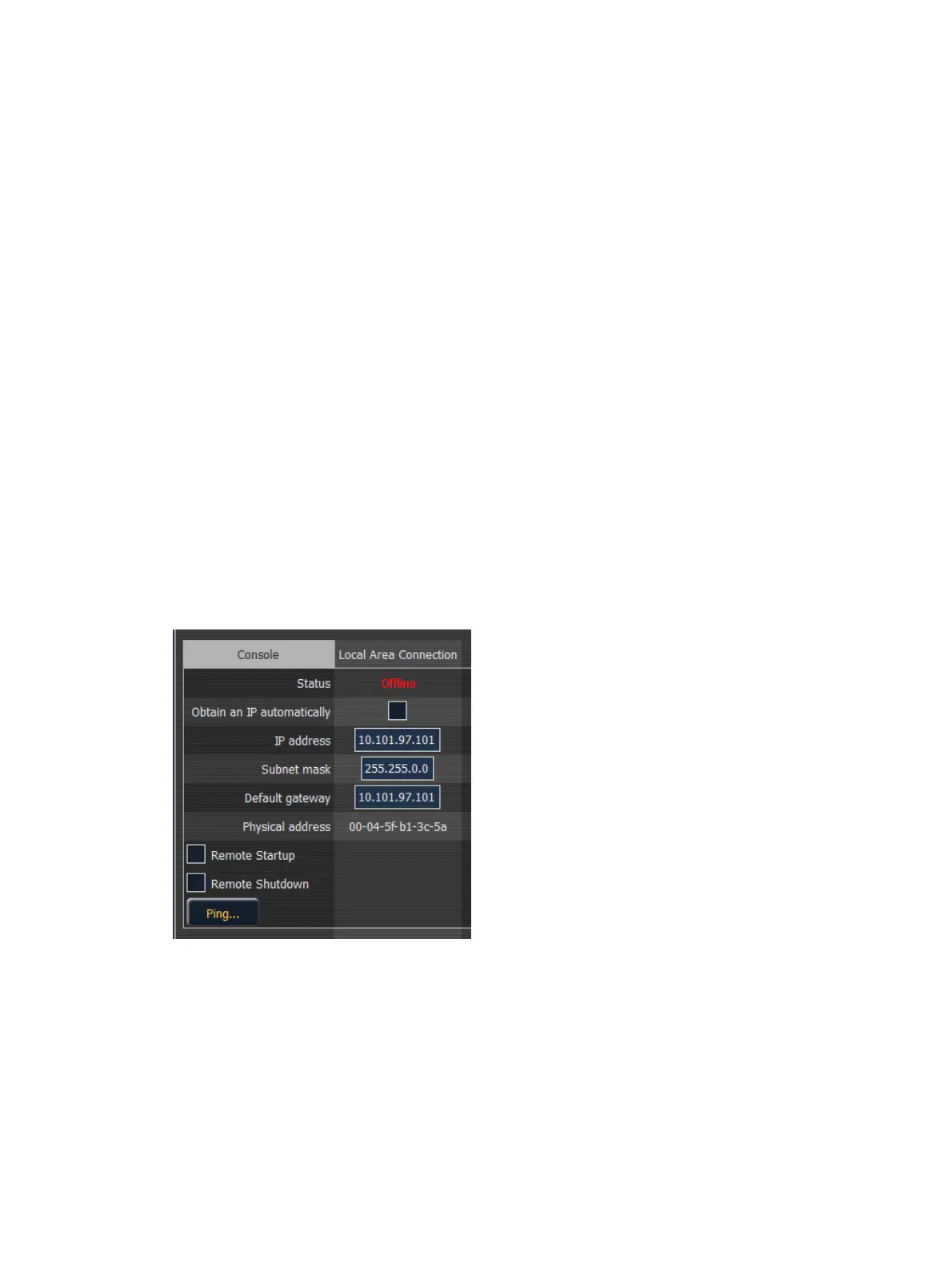
Local Area Connection
These are the settings that determine the method to get an IP address and/or the actual IP
address information that Element uses for network communication.
Status
This reports if the port is “Online” (configured, connected to a network and operational). It
reports as “Offline” if any one of the above conditions is not true.



 To Next Page