Managing Show Files 77
Note: In the {Advanced} view, you can use the [Thru] key to jump to the End column.
To deselect all show aspects, press the {Reset} button and all buttons will return to black
(deselected).
To return to the main print screen, press the {Return} button. To stop the show file from being
saved to a PDF file and return to the browser, press the {Cancel} button. If you are ready to save
the file, press the {Ok} button. You will be prompted to name the file.
The PDF will have the show name, date and time it was created, and date and times for when
the show file was last saved. It also gives the Eos Family software version information. If multiple
aspects were selected to save to the file, there will be hyperlinks at the top of the PDF so you
can quickly jump to a section.
Note: If you have cues selected, cue notes and scenes will display along with
additional cue information.
Saving the Current Show File
To save the current show data, navigate within the browser to: File>Save> and press [Select]. A
green "Success" message should appear when the file has finished saving. If a red "Failed"
error appears, attempt to save to a different location, or exit and/or restart Eos as soon as
possible.
The Show File Archive is the default storage location for show files when they are saved. The
new time stamp located beneath the show file name on the CIA indicates that the show file has
been saved.
All previous saves are stored in the Show File Archive with the time stamp following the file
name.
Show File Indicator
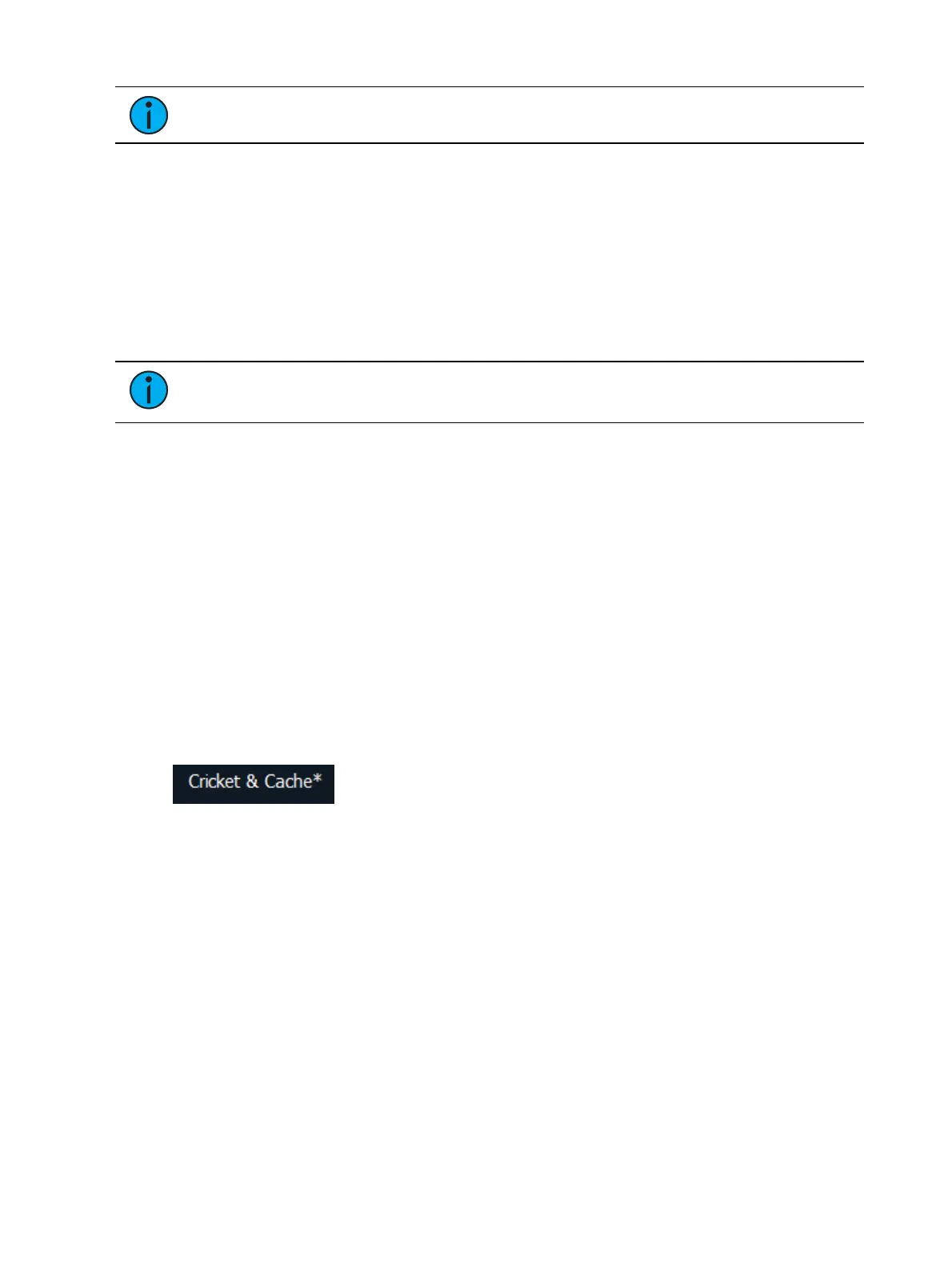
An asterisk (*) will display beside the show file name to indicate when a show file has been
modified but not saved.
Save Show File Warning
If there is unsaved data in the current show file, a save warning will display when you attempt to
open a new or existing show file.



 To Next Page