Using Magic Sheets 369
Position - shows the position of the object on the magic sheet. Position can be manually
entered here.
Size - shows the size of the object. Size can be manually entered here.
Rotation - shows the rotation of the object. Rotation can be manually entered here.
Items - refers to the number of objects selected for editing. Multiple objects can be edited
at the same time.
Editing Objects on the Magic Sheet
In addition to using the editing tools, objects can be manipulated on the magic sheet using a
touchscreen or a mouse. For selection methods for multiple objects, see
Navigating a Magic
Sheet (on page353)
.
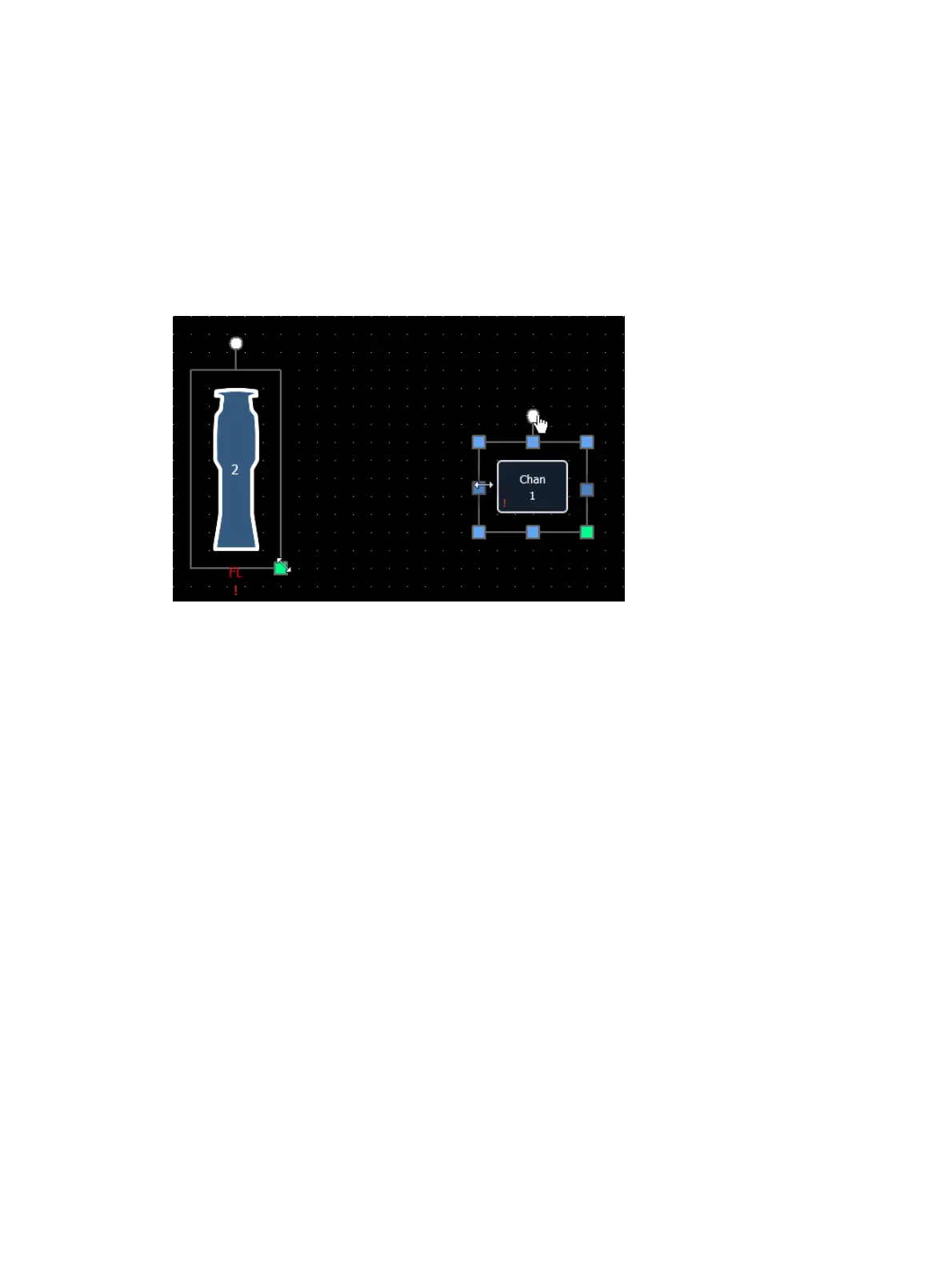
The blue handles are used to resize objects without keeping the object's aspect ratio.
The green handles are used to resize an object while preserving the aspect ratio.
The white handles are used to rotate the object.
Limited Expand Mode
Limited Expand Mode allows for a magic sheet to be viewed fullscreen. To enter into this mode,
you can either select it from the magic sheet display tools (
Display Tools (on page352)
) or you
can use [Shift] & [Displays]. [Shift] & [Displays] is also used for exiting this mode.
While in this mode, the monitor with the magic sheet will not display a tab number, command
line, or status bar. These will all be hidden. If there were other tabs open on that monitor, they
will close when the magic sheet goes into limited expand mode. If tabs 1 or 2 are open, they will
move to a different monitor.
The monitor will display a three dot heartbeat indicator in the top right hand corner. The
indicator will move between three dots to show that your console is operating as expected.
The following indicator colors will be used for multi-console activity:
Yellow - system is operating as expected.
Red - master or backup has gone offline.
Green - master or backup has reconnected.
Magic sheets are not editable in this mode, but the magic sheet browser is accessible. On a
touchscreen, you can access the magic sheet browser by tapping with three fingers.
In the magic sheet display tools, there are two additional options that are available whenever
you go into limited expand mode.



 To Next Page